2.Replacement and Adjustment
53
2. Replacement and Adjustment
Exterior Parts
Front Cover
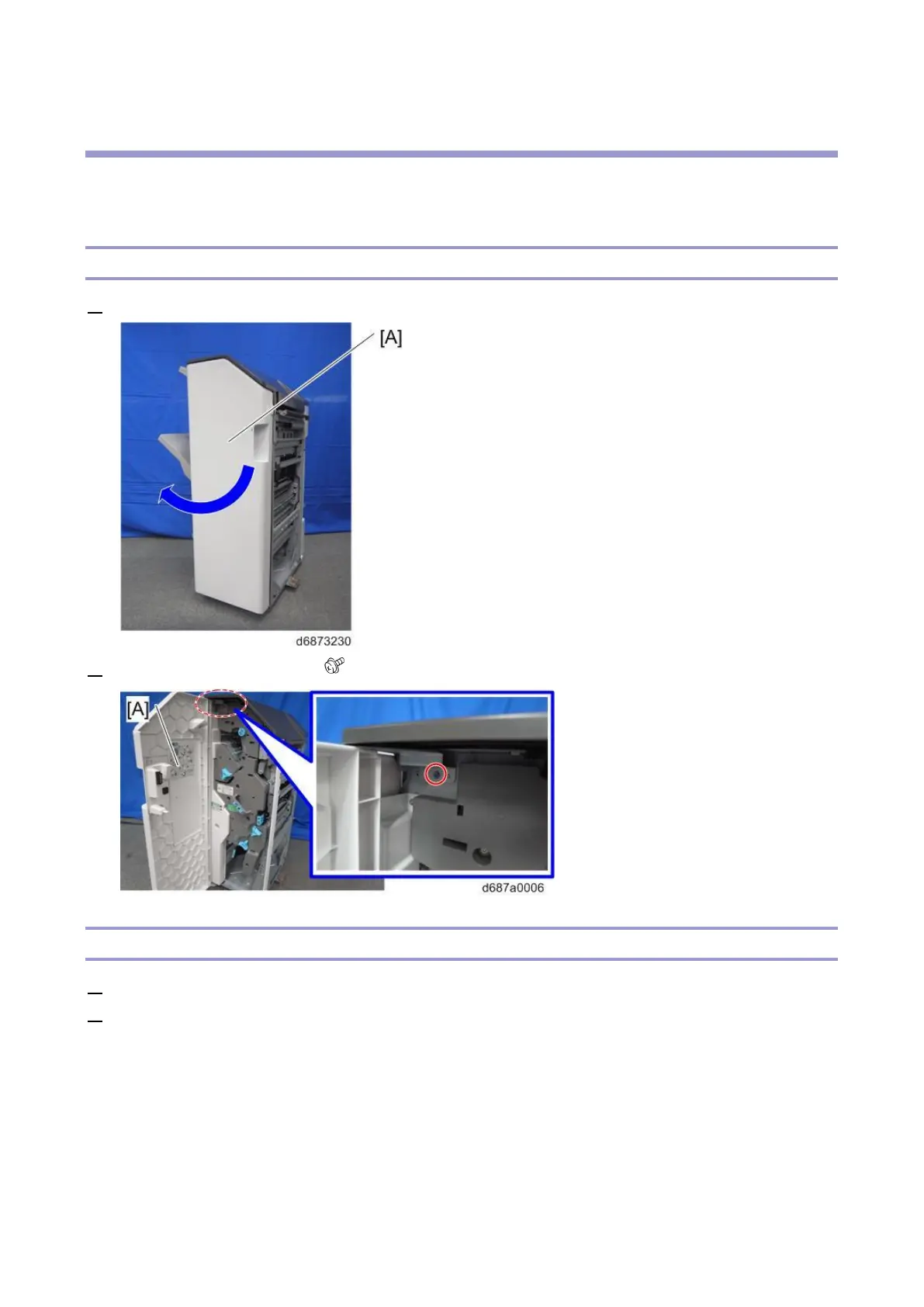
1. Open the front cover [A].
2. Remove the front cover [A] ( ×1).
Inner Cover
1. Open the front cover.
2. Remove the three knobs [A] [B], and [C] (hook×1 for each).
• To remove the knob [B] and [C], use a flathead screwdriver to release the hooks.



 To Next Page