2.Replacement and Adjustment
62
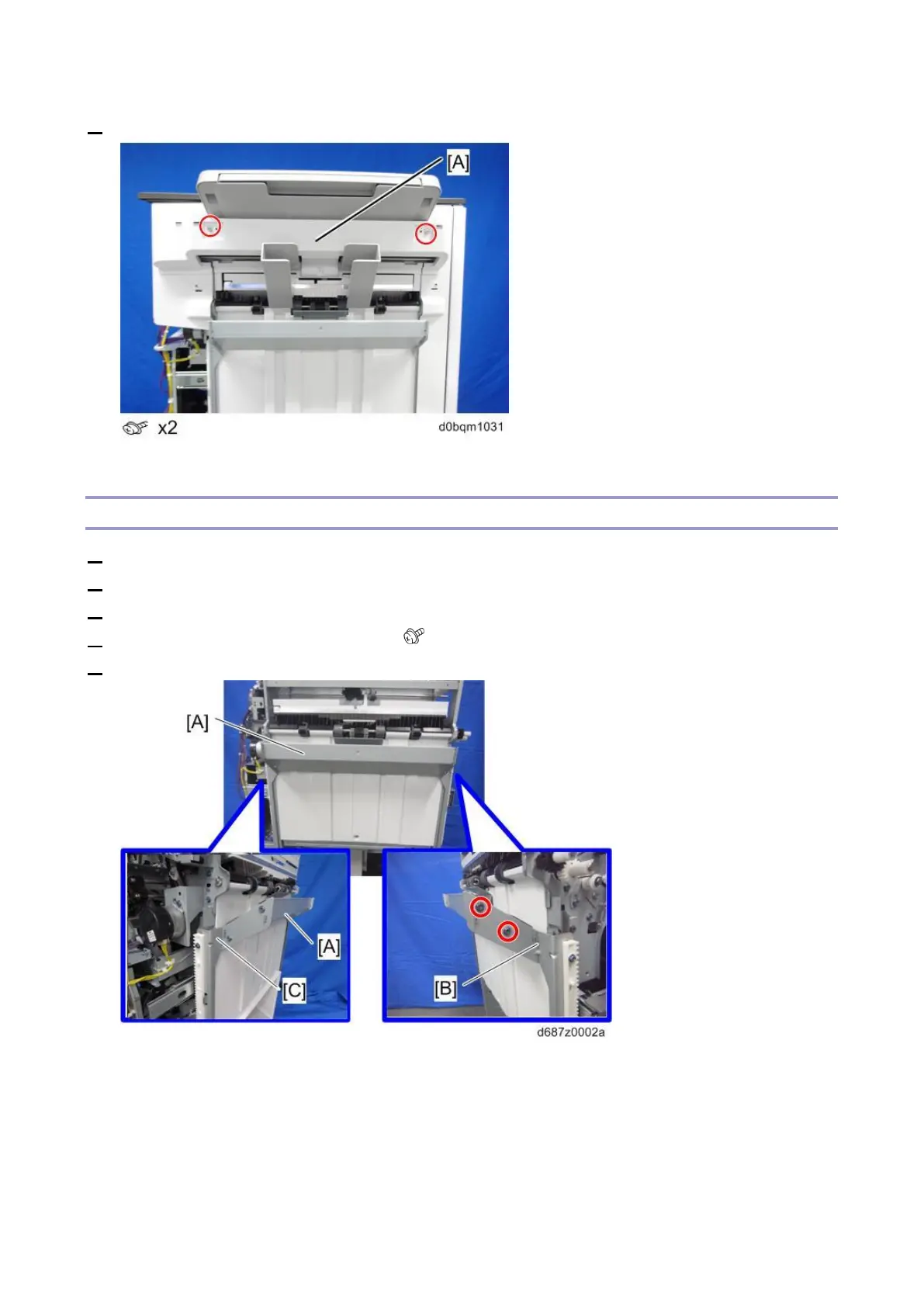
3. Remove the upper left cover [A].
Left Center Cover
1. Remove the front left cover (Front Left Cover).
2. Remove the rear cover (Rear Cover).
3. Remove the shift tray (Shift Tray).
4. Remove the shift tray front bracket [B] ( ×2).
5. Remove the shift tray bracket [A] with the shift tray rear bracket [C].



 To Next Page