2.Replacement and Adjustment
61
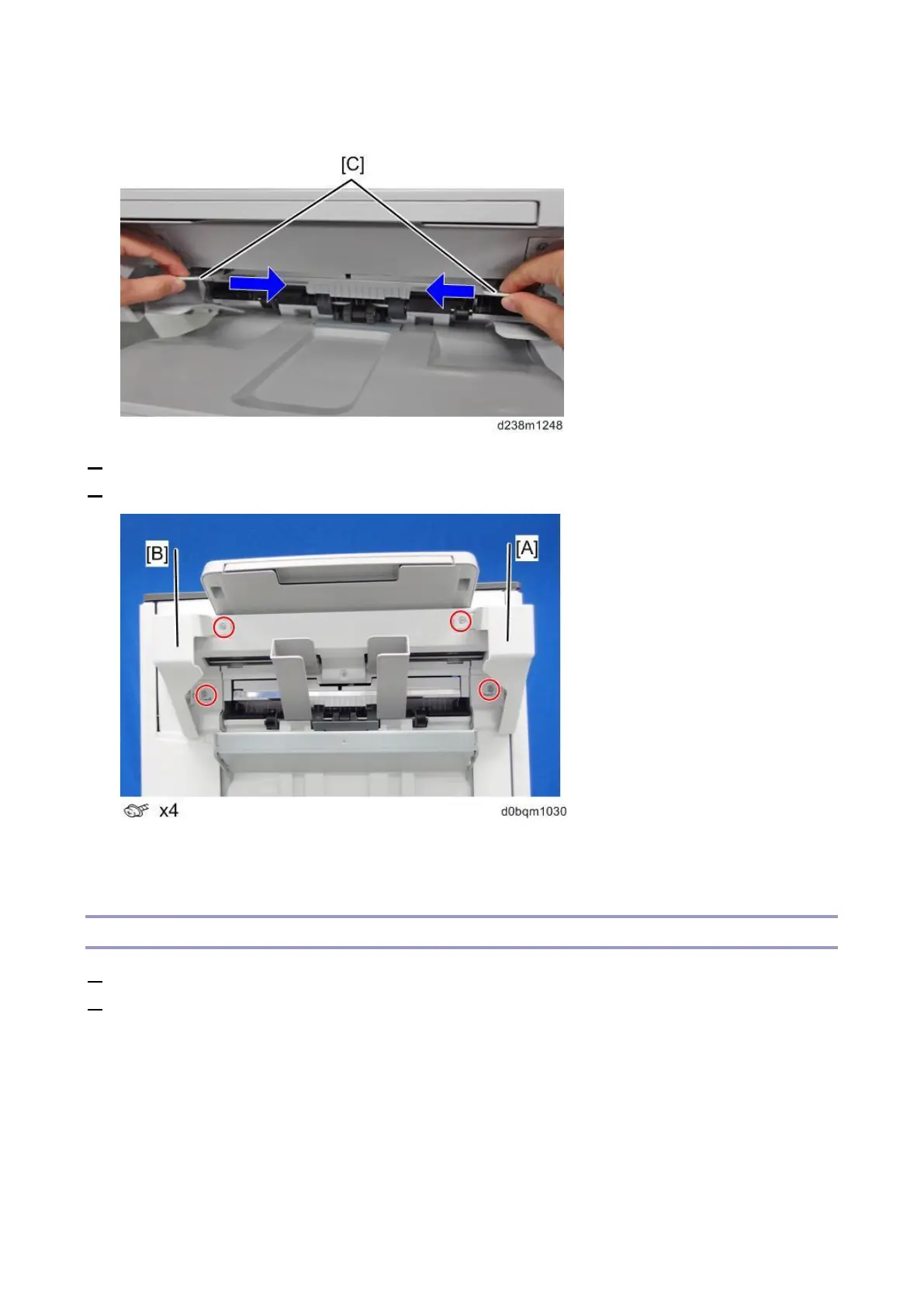
on the sides and move them inward.
3. Remove the paper exit guide cover (front) [A].
4. Remove the paper exit guide cover (rear) [B].
Upper Left Cover
1. Remove the rear cover (Rear Cover)
2. Remove the paper exit guide covers (Paper Exit Guide Covers (Front and Rear)).



 To Next Page