1.Detailed Descriptions
43
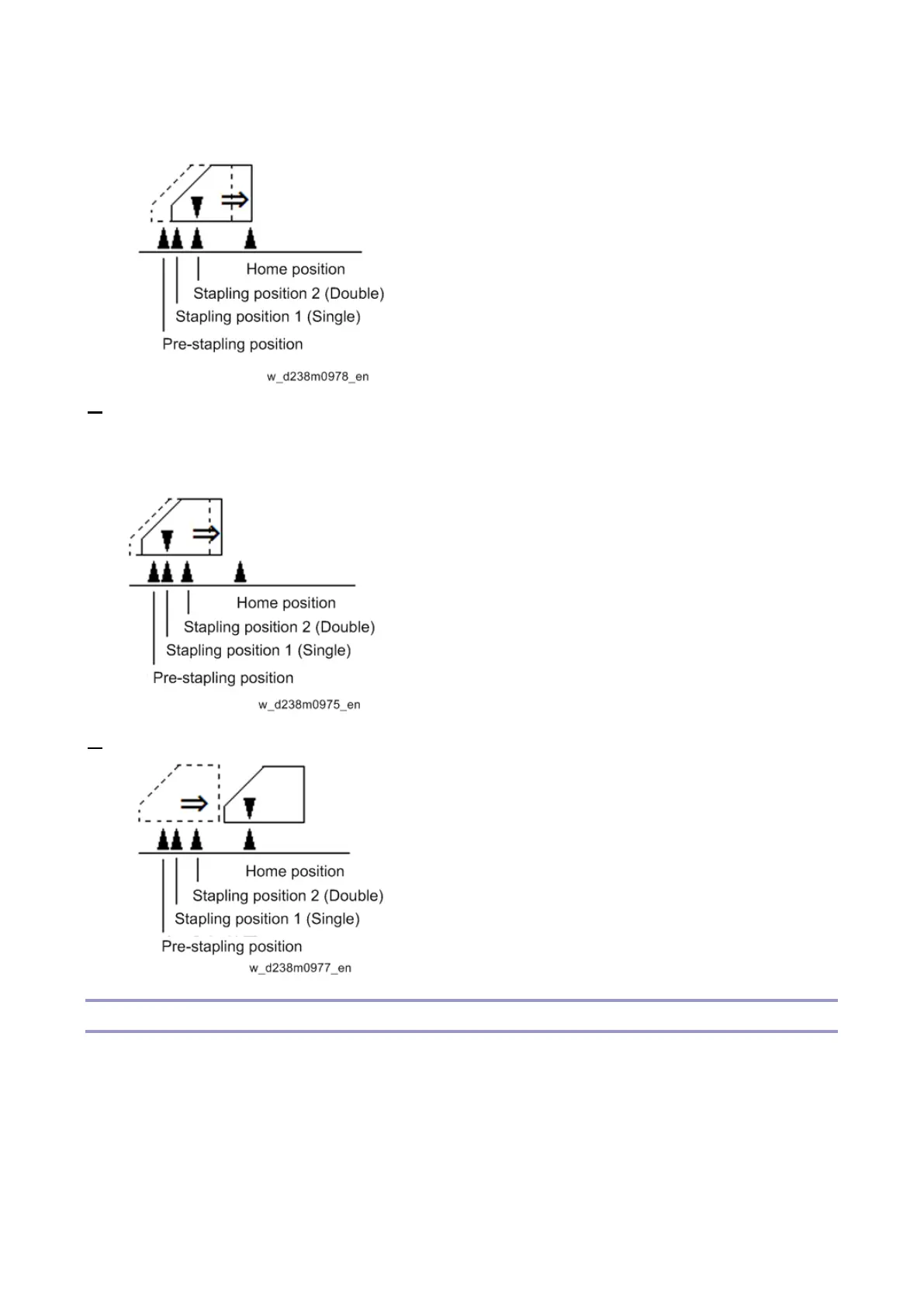
(Stapling Position 2)
5. When stapling multiple copies, the stapleless stapler unit moves towards the front by 6.4 mm from
the pre-stapling position after the paper is delivered.
When stapling multiple copies, Steps 3 to 5 are repeated.
6. The stapler returns to the home position after completing the job.
SP6-160-004 (Replacement Mode for Service)
It is easier to access the following parts for replacement after running SP-6-160-004.
• Positioning Roller [A]
The paper exit guide plate moves upwards and the positioning roller pops up in front for easier
access.
• Reverse Roller [B]
The paper exit guide plate moves upwards and the reverse roller can be accessed.



 To Next Page