Troubleshooting
Check & Error Display
102
A-02
A master has not been correctly
wrapped around the Print Drum
(Cylinder).
BCaution:
• The Print Drum (Cylinder) is equipped with
many metallic components. Touch the Print
Drum (Cylinder) only when necessary. These
components may cut your fingers.
• When turning the Print Drum (Cylinder) with
hand, do not grab the handle on the rear side
of the Print Drum (Cylinder). Be careful that
your fingers will not be caught and hurt.
• When turning the Print Drum (Cylinder) with
hand, hold the edge of the Print Drum
(Cylinder). If you push on the master, your
fingers may be smudged with ink.
• The Clamp Plate opens while the Clamp Plate
Release Lever is pressed. Be careful that your
fingers will not be caught and hurt.
• The seperated master is covered with ink. Be
careful that the master will not contact with
other objects.
A-04
A master has not been sent to the
Master Disposal Box.
1) Pull out the Print Drum (Cylinder) and
remove the master on the drum (cylinder).
)p.94
2) Set the Print Drum (Cylinder) again.
3) Press the key.
A-16
An unnecessary master remains on
the Print Drum (Cylinder).
1) Perform actions 1) through 5) provided for
error No. “A-02”. )p.101
2) Perform the master-making operation again.
J-04
A paper jam has occurred around
the Print Drum (Cylinder).
1) Pull out the Print Drum (Cylinder).
)p.94
2) If you find jammed paper, remove it.
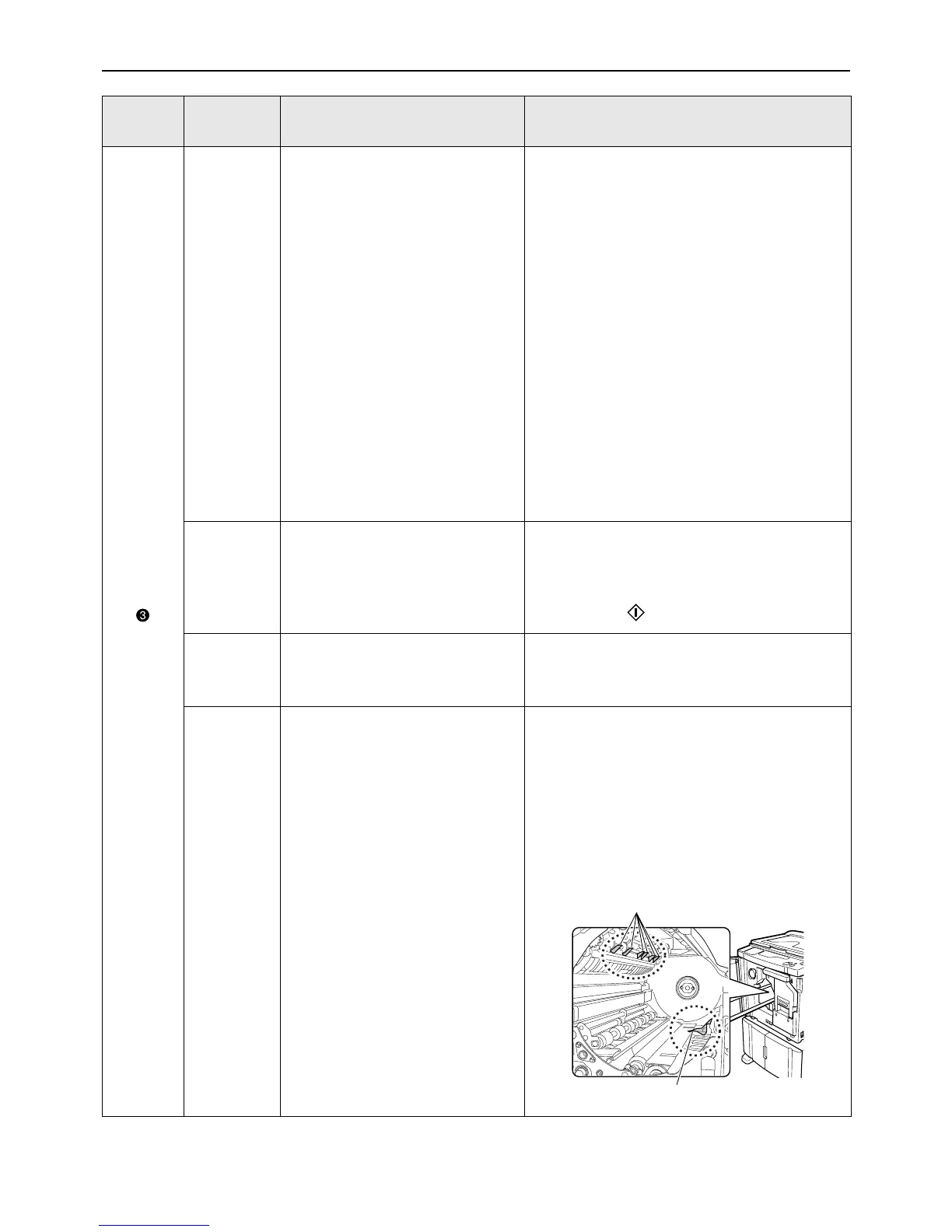
BCaution:
• When putting your hand into the machine to
remove paper, do not touch the paper
separation hook and paper ejection hook. The
sharp tips of the hooks can hurt your hand.
Location
No.
Error No. Cause Action
Separation Hook
Ejection Hook



 To Next Page