Advanced Features
Automatic Sorting into Groups [Program]
54
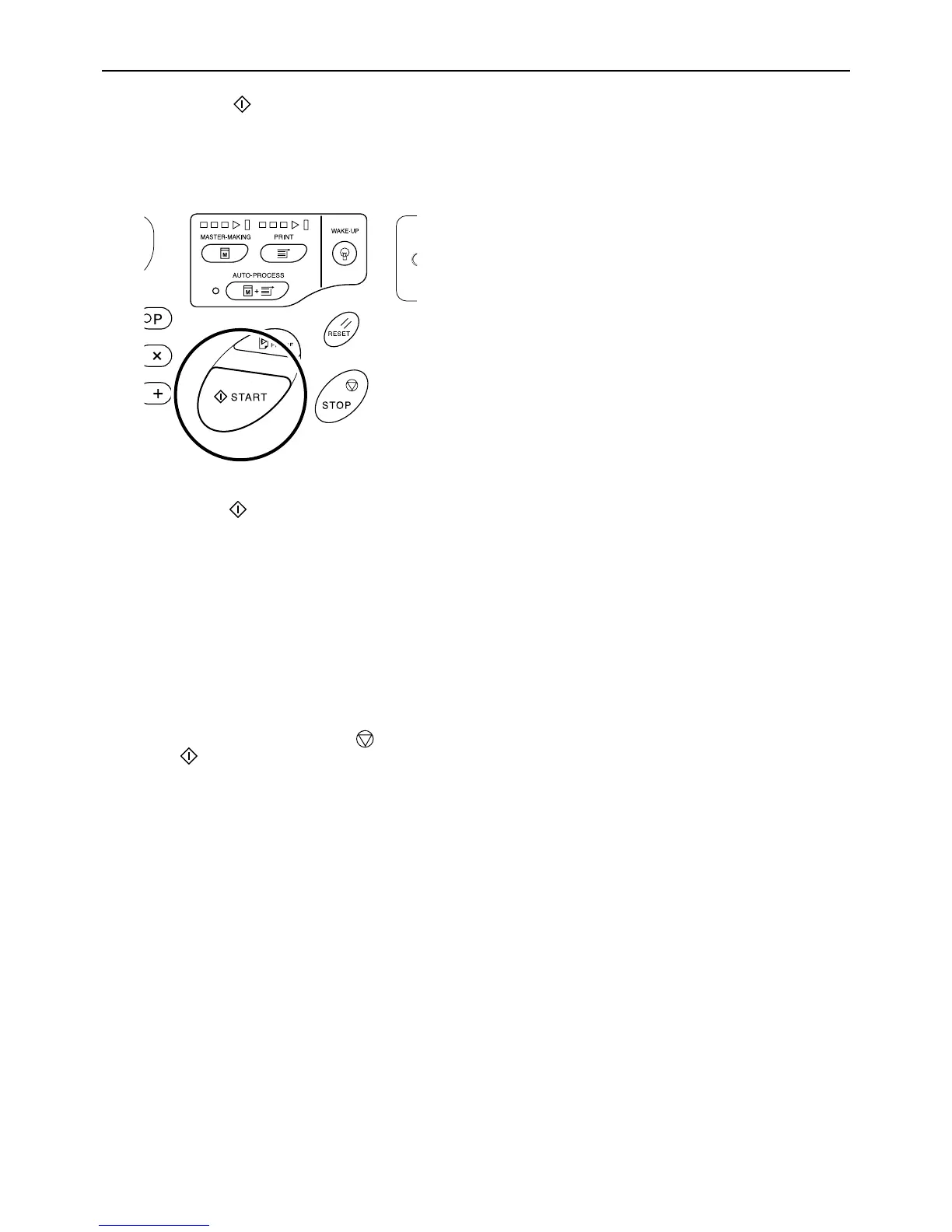
9 Press the key.
A proof copy is printed.
Check the print result; and if necessary adjust the
print position and other items.
10 Press the key again.
Printing is started with the last programed group.
Important!:
• When printing is finished for all groups, the pro-
gramed content is cleared. However, it is not
cleared when “Auto-Process” has been set to “ON”.
Note:
• Printing is stopped each time a routine for one
set is finished. If you do not use the Job Sepa-
rator (option), remove printed copies from the
Paper Recceiving Tray or put separation paper.
• To interrupt printing, press the key. Press
the key to resume printing.



 To Next Page