INFORMATION ABOUT THE USE
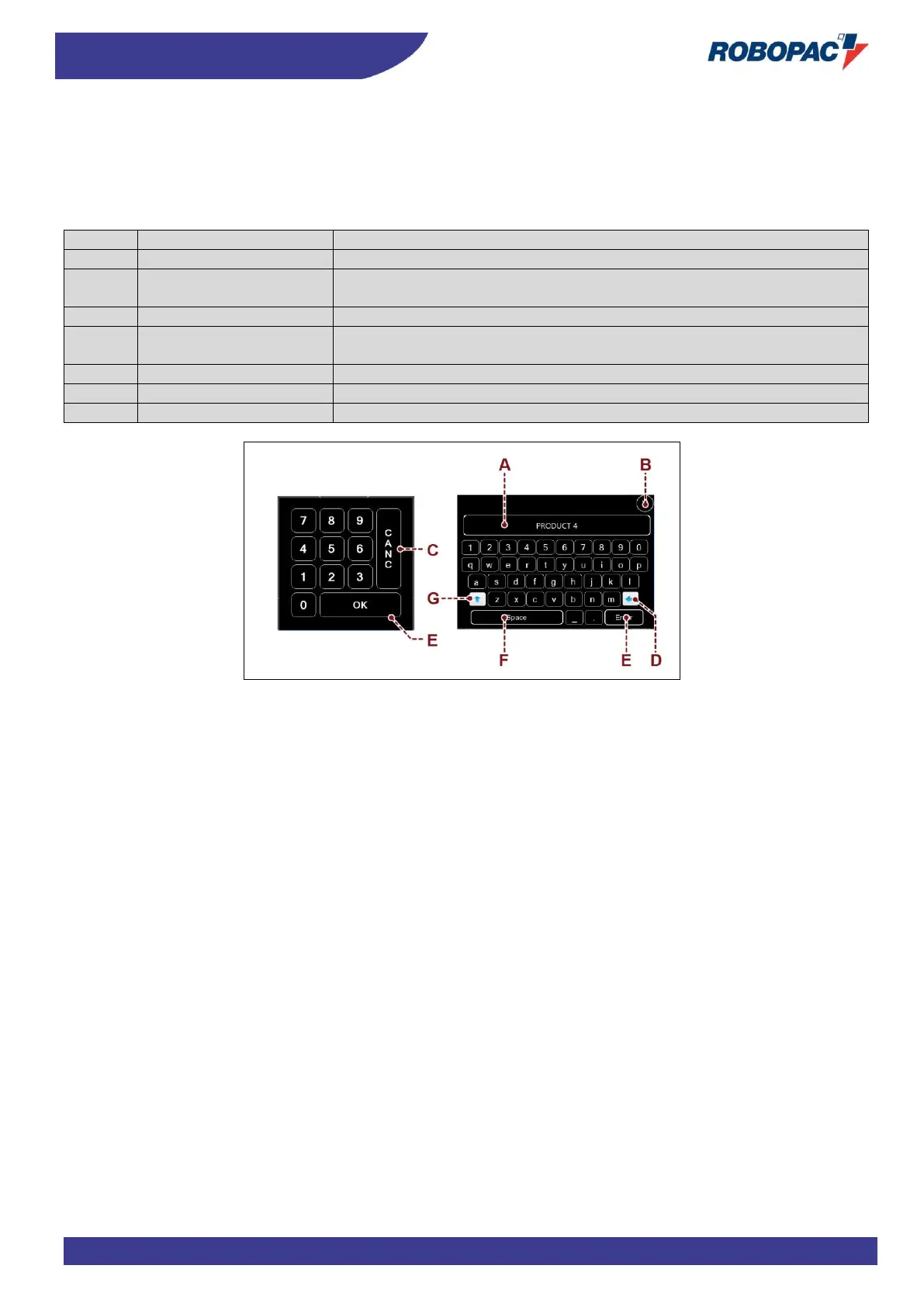
6.3.1. NUMERICAL AND ALPHANUMERICAL KEYBOARD
Some values, displayed in the areas of each single page, can be properly programmed.
The keyboard is displayed each time that an editable or programmable area is pressed.
After entering the characters (numerical or alphabetical), press the button to confirm.
The new value will appear in the selected area.
Description of the function
The area displays the numerical and alphabetical characters entered
Activating the control will close the page and the values entered will not be
saved.
Activating the control will delete the selected character
Activating the control will delete one character at a time (starting from the
last one on the right).
Activating the control will save the value or the text entered
Activating the control will perform the functions of the “space bar”
Command activation performs the function of upper/lower case



 To Next Page