6.13. "SERVICE” SCREEN
The page is reserved to the Manufacturer’s Assistance Service only, to perform diagnostics and basic programming. It
can only be accessed using a password provided by the service department.
6.14. NEW RECIPE PROGRAMMING
Proceed as follows.
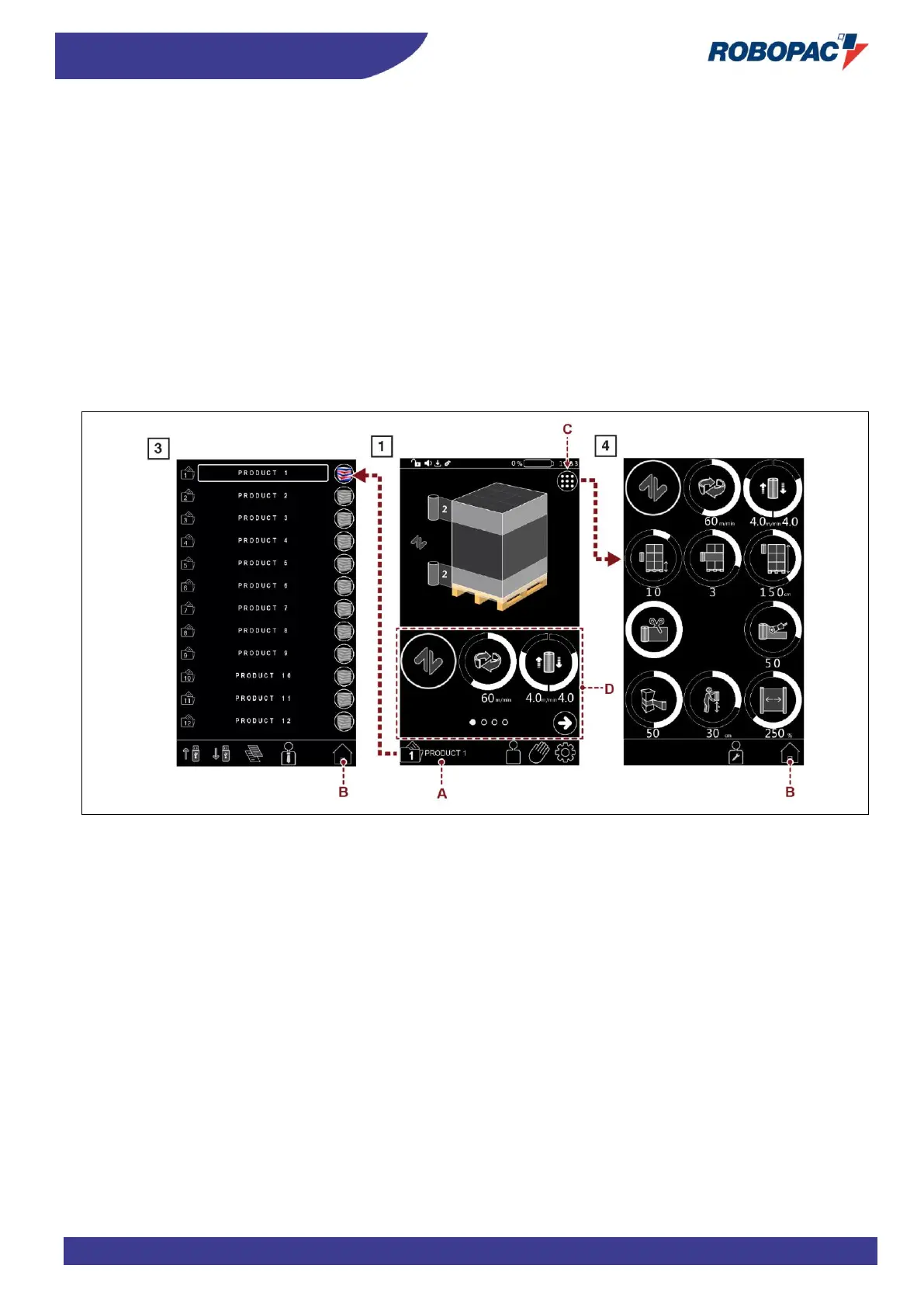
1. Display the “home” page 1.
2. Press the button (A) to display the “recipes” 3 page.
3. Select the concerned recipe.
4. Set the recipe name.
5. Press the button (B) to display the “home” page 1.
6. Press the button (C) to display the “wrapping cycle” page 4 or select in zone (D) the parameters to be set.
7. Set the recipe parameters.



 To Next Page