6.3.2. PROGRAMMING WINDOW
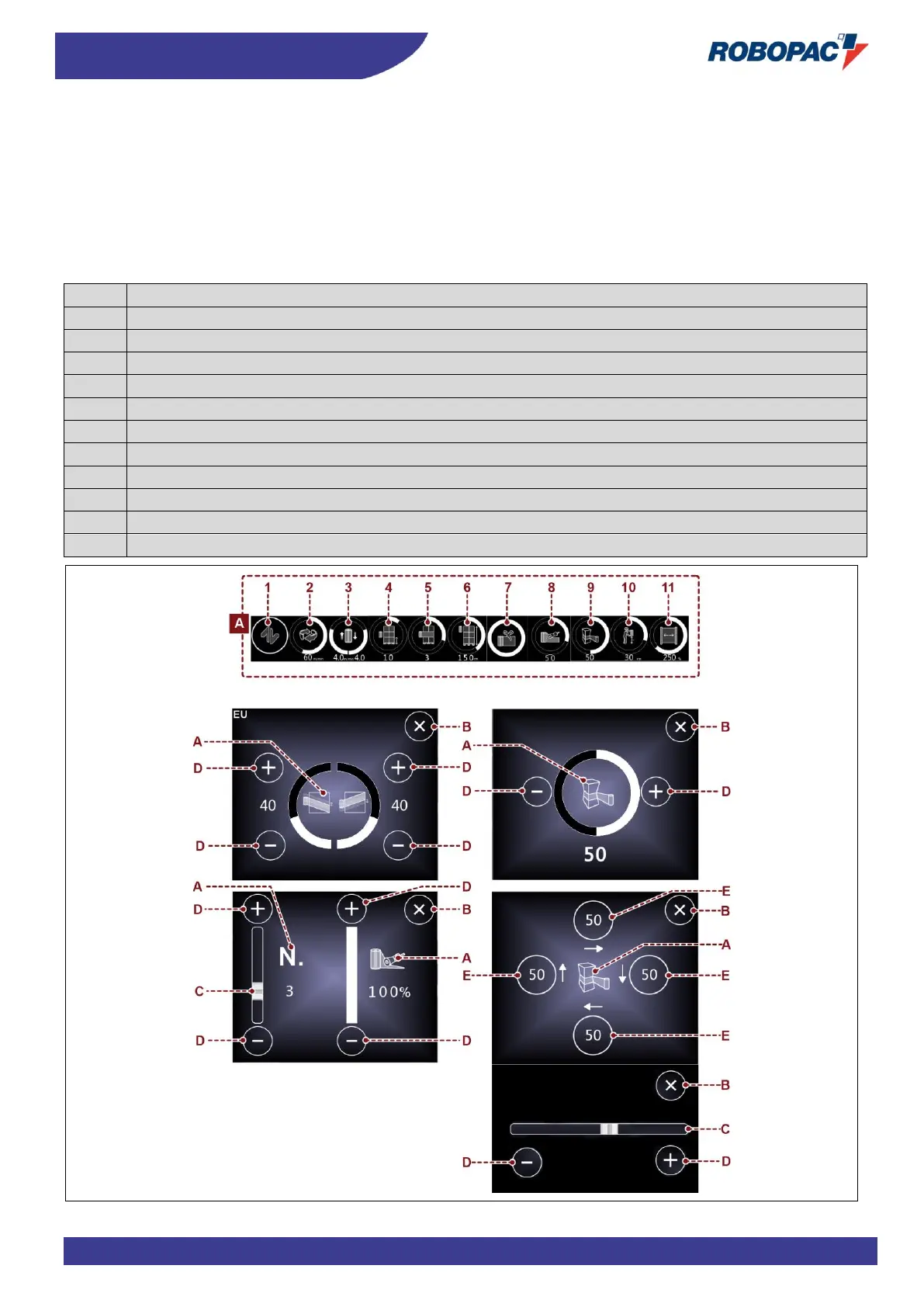
The window is displayed each time that an editable or programmable area is pressed.
A) Area: it displays the icon corresponding to the concerned parameter to be programmed.
The figure shows a typical example of window and the table includes the description of the icons.
B) Button: it is used to close the programming window.
C) Bar: it is used to (quickly) increase or decrease the value displayed in the area (E).
D) Buttons: they are used to increase or decrease (one unit at a time) the value displayed in the area (E).
E) Area: it displays the programmed parameter value.



 To Next Page