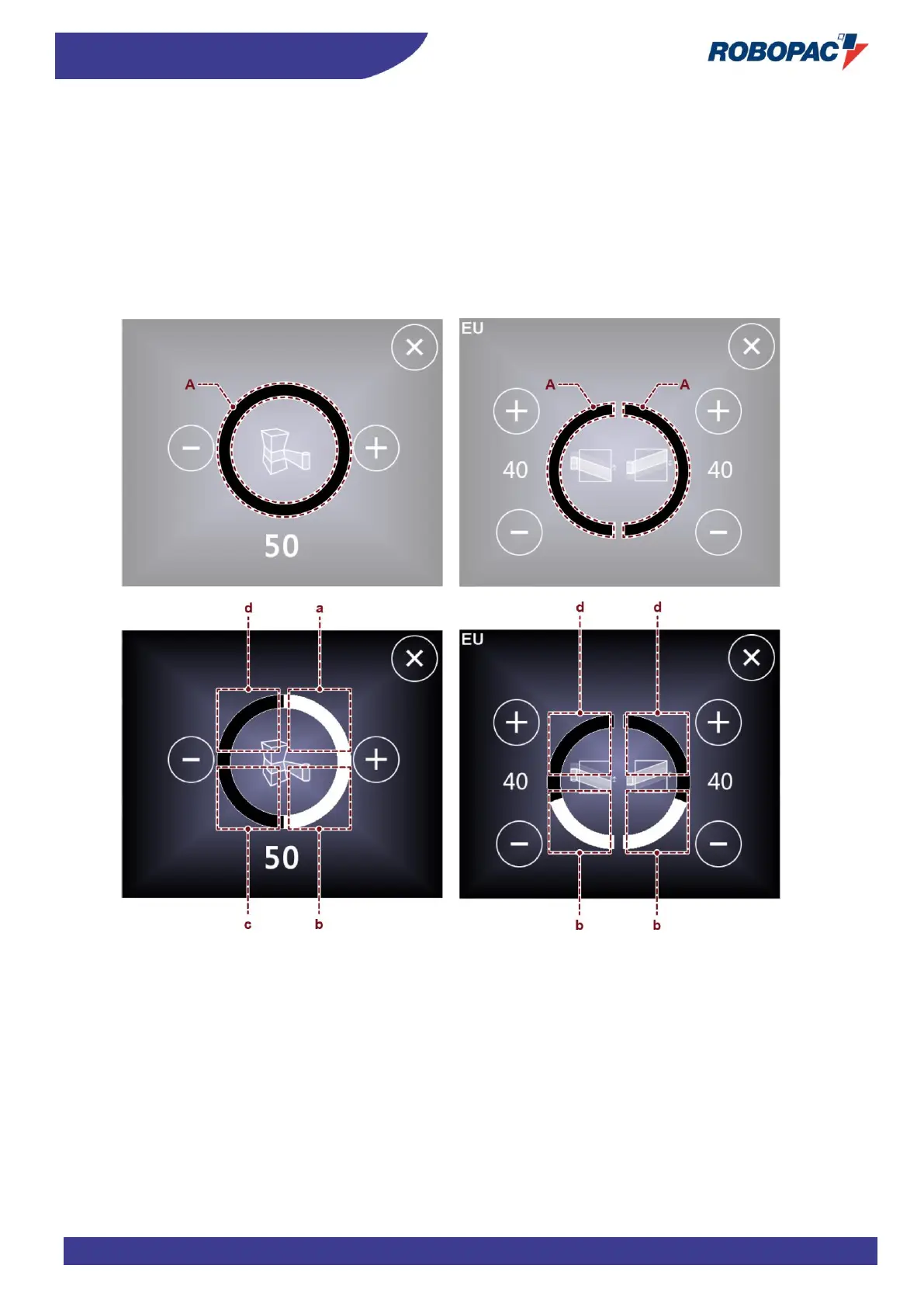
PROGRESSIVE ADJUSTMENT OF VALUES
The percentage value of the selected parameter can be changed in steps of 25% or 50% depending on which parameter
has been chosen.
To select the parameter as a percentage, correctly press on the section (A) of the circle or semicircle.
Areas are divided as follows:
a) Press on the area to set the value to 25%.
b) Press on the area to set the value to 50%.
c) Press on the area to set the value to 75%.
d) Press on the area to set the value to 100%.



 To Next Page