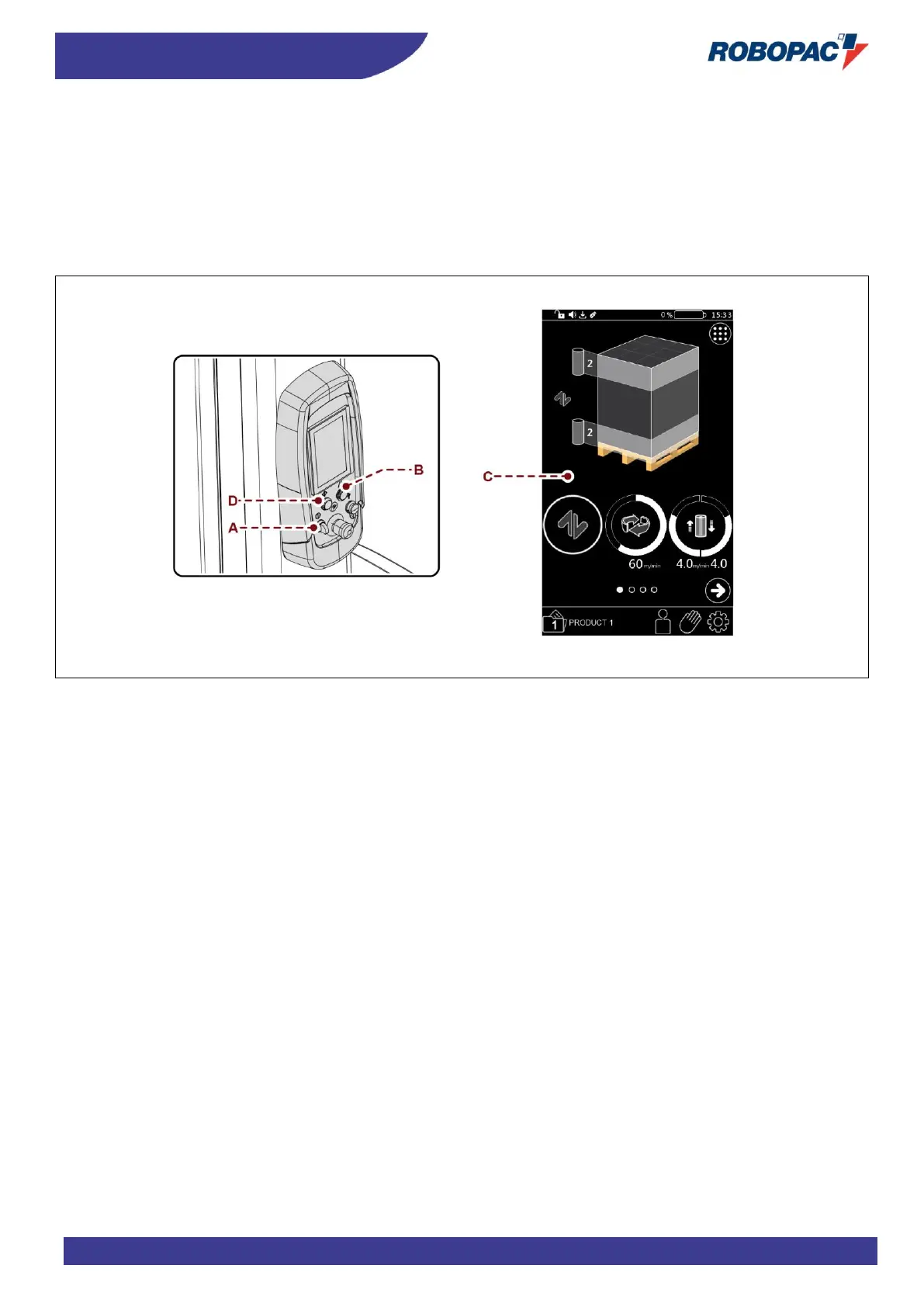
6.3.3. USING THE PANEL
Proceed as follows.
1. Press the button (A) to enable the power supply of controls.
2. Press the “Reset” button (B).
3. When machine is ready, the main page is displayed (C).
4. If you need to select a different function than the one already active, press the relevant icon on the touch screen.
5. Press the "START" button (D) to turn the machine on.



 To Next Page