Installing the AP
7441 Physical Installation
Ruckus Wireless Indoor AP 100.2.0 User Guide, 800-70892-001 Rev A 105
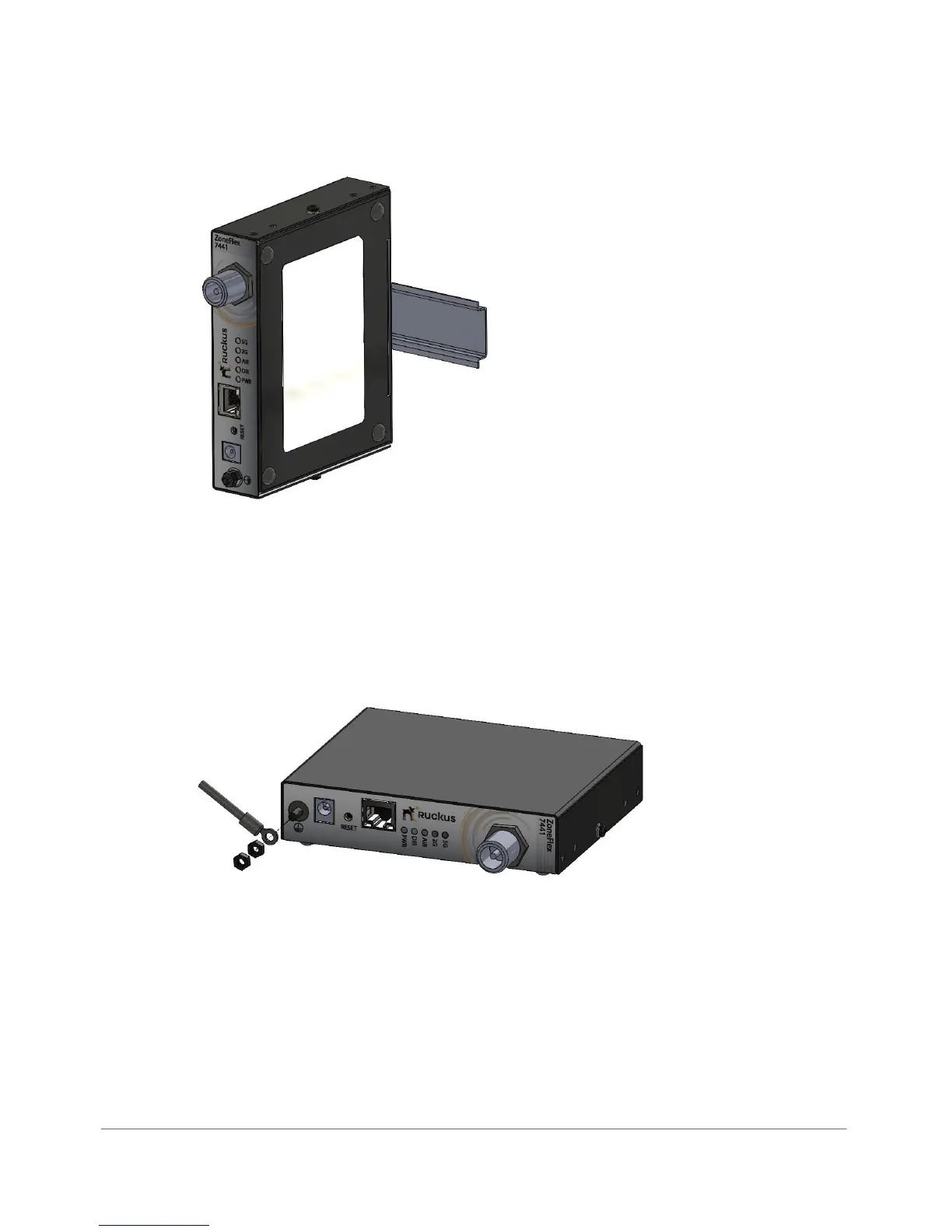
Figure 50. 7441 DIN rail mounting
Grounding the AP
1 Attach ground wire to the AP using the included terminal ring and two hex nuts
as shown in Figure 51. The terminal ring can accommodate wire sizes ranging
from 16 to 25 gauge.
Figure 51. Grounding the 7441 AP
DIN Rail Removal
A large, flat screwdriver inserted from the bottom of the product can be used to pry
the clip off the rail.












 To Next Page