Managing the AP
Viewing Current Device Settings
Ruckus Wireless Indoor AP 100.2.0 User Guide, 800-70892-001 Rev A 160
Viewing Current Device Settings
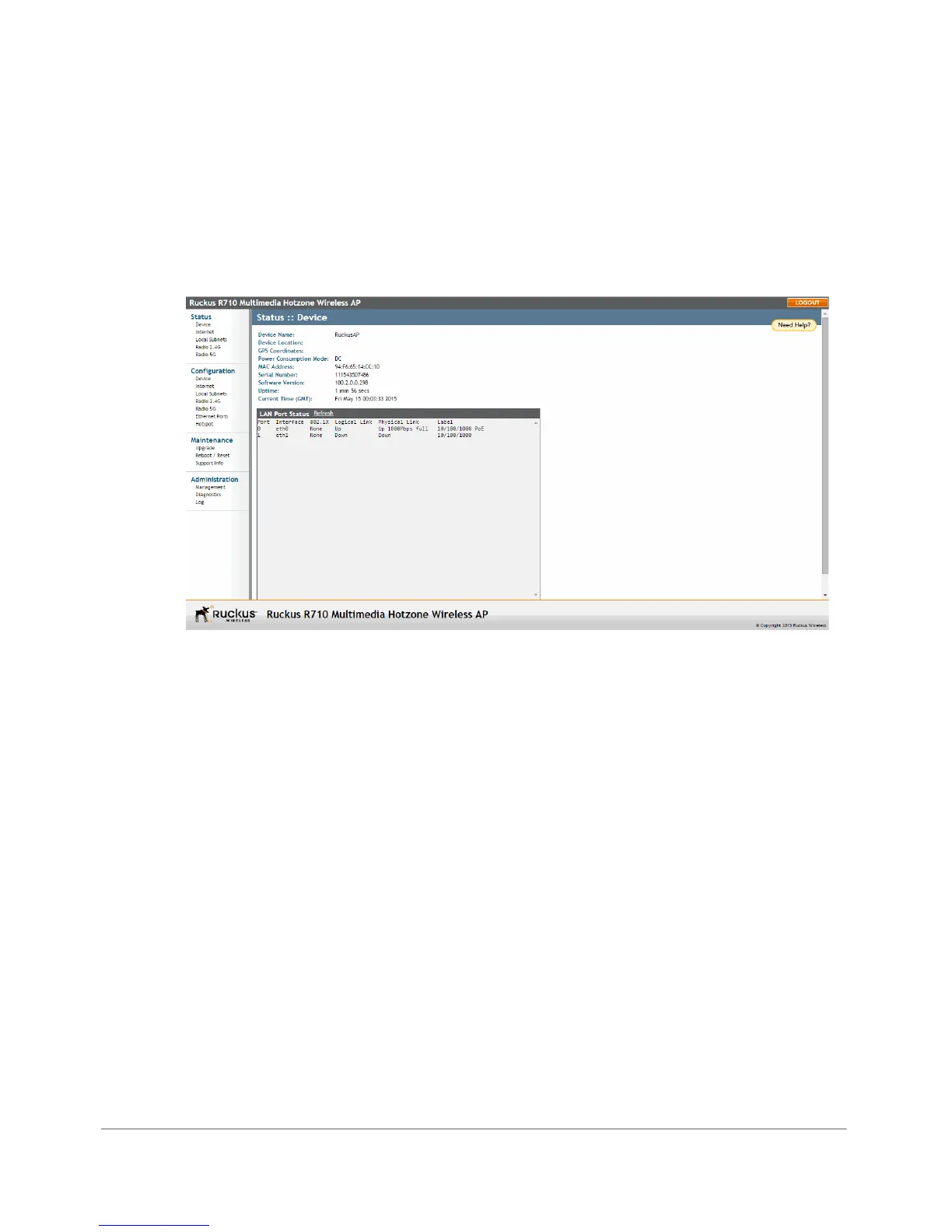
The Status > Device page displays a general overview of the AP’s current status,
including device name, serial number, MAC address, current software version, and
so on.
Figure 74. The Status > Device page












 To Next Page