Configuring the AP
Configuring Hotspot Service
Ruckus Wireless Indoor AP 100.2.0 User Guide, 800-70892-001 Rev A 157
Creating a Hotspot Walled Garden
You can use the Hotspot Walled Garden rules to designate network destinations
(host address or subnet) that users can access without going through authentica-
tion. A Walled Garden is a limited environment to which an unauthenticated user is
given access for the purpose of setting up an account. After the account is
established, the user is allowed out of the Walled Garden. URLs are resolved to an
IP address (up to four). Users will not be able to click through to other URLs that
may be presented on a page if that page is hosted on a server with a different IP
address. Avoid using common URLs that are translated into many IP addresses
(such as www.yahoo.com), as users may be redirected to reauthenticate when they
navigate through the page.
Continue with the following:
• Creating Walled Garden Rules
• Removing entries from the Walled Garden hosts table
Creating Walled Garden Rules
1 Go to Configuration > Hotspot.
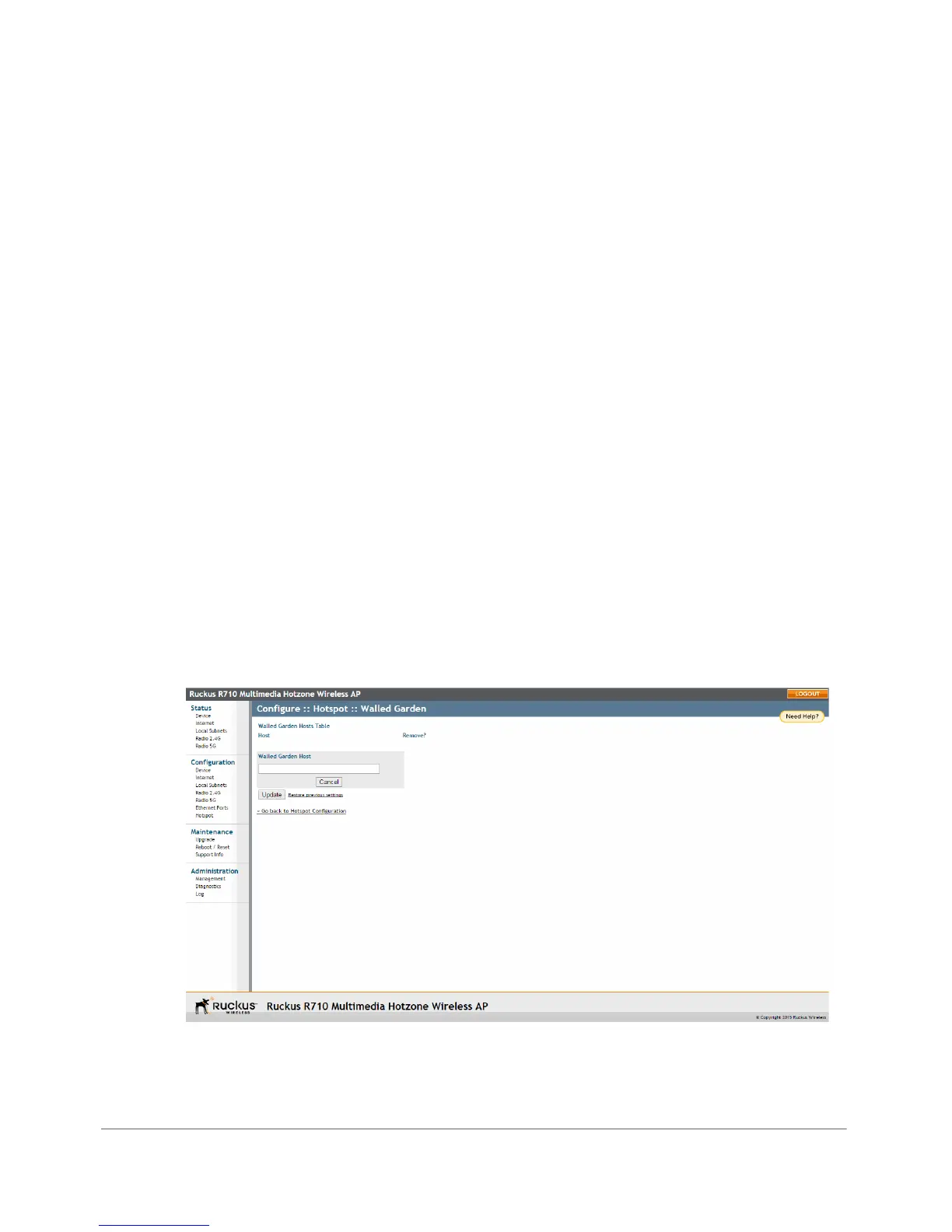
2 Click the Edit Settings button next to Walled Garden. The Walled Garden page
appears.
Figure 72. The Walled Garden hosts table












 To Next Page