Introducing the Ruckus Wireless AP
Getting to Know the AP Features
Ruckus Wireless Indoor AP 100.2.0 User Guide, 800-70892-001 Rev A 56
ZoneFlex R500 AP
The R500 is a high-performance 2x2:2 802.11ac dual-band AP.
NOTE The 100.x AP base images support standalone mode and FlexMaster (FM)
WLAN manager operation. The SmartZone software-compatible images only
support SCG, SZ and vSZ controllers. The ZD-compatible images only support ZD
controllers.
The R500 AP requires a minimum of AP base image 100.0.0 and later to operate,
or SCG 2.5.1 and later, vSZ 3.0 and later, SmartZone software 3.2 and later, or ZD
9.8.1 and later to operate.
The R500 includes five LEDs on its front panel and buttons and connectors on its
rear panel.
Front Panel
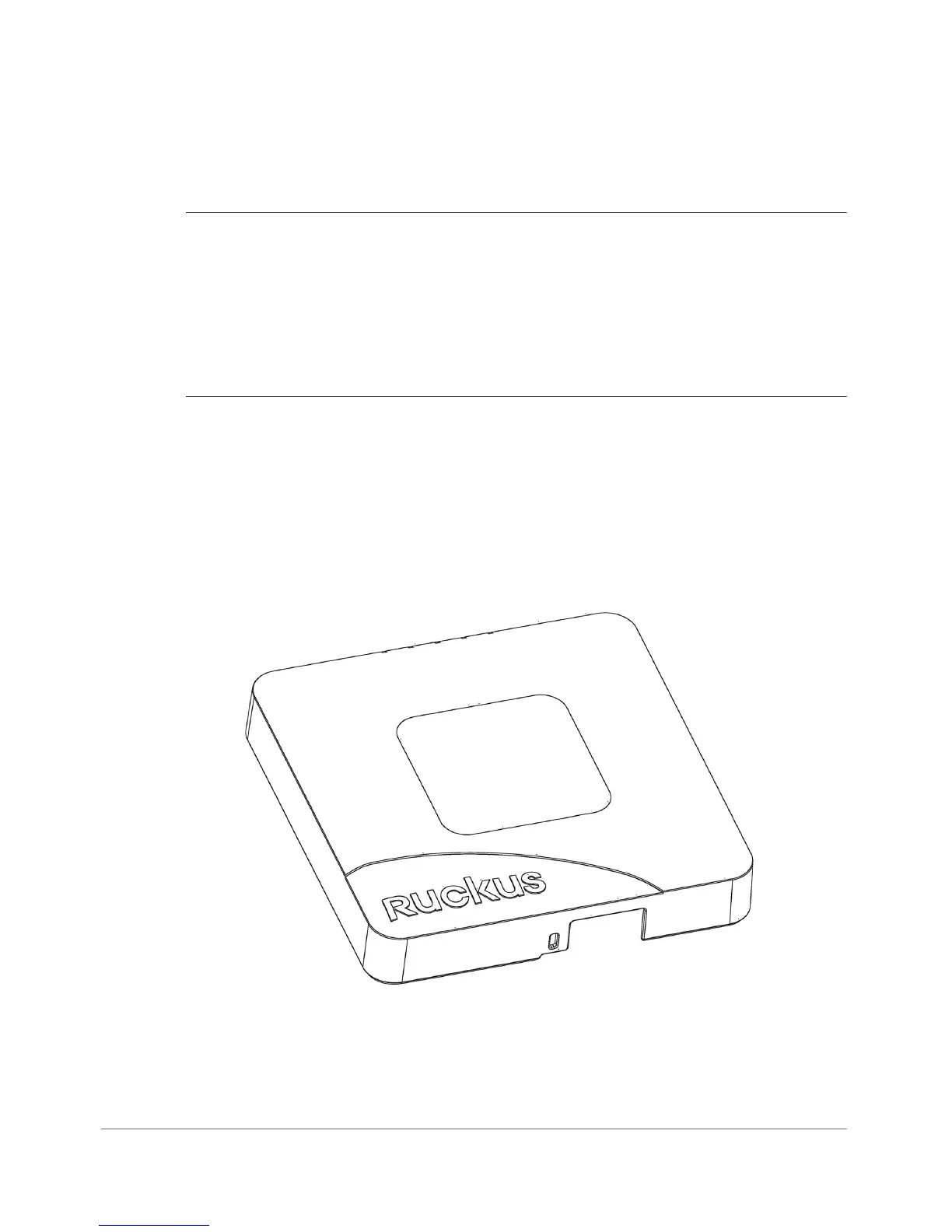
Figure 26 shows the top view of the R500. For a description of the front panel LEDs,
refer to Ta b l e 2 8 .
Figure 26. R500 top view












 To Next Page