Configuring the AP
Configuring Hotspot Service
Ruckus Wireless Indoor AP 100.2.0 User Guide, 800-70892-001 Rev A 154
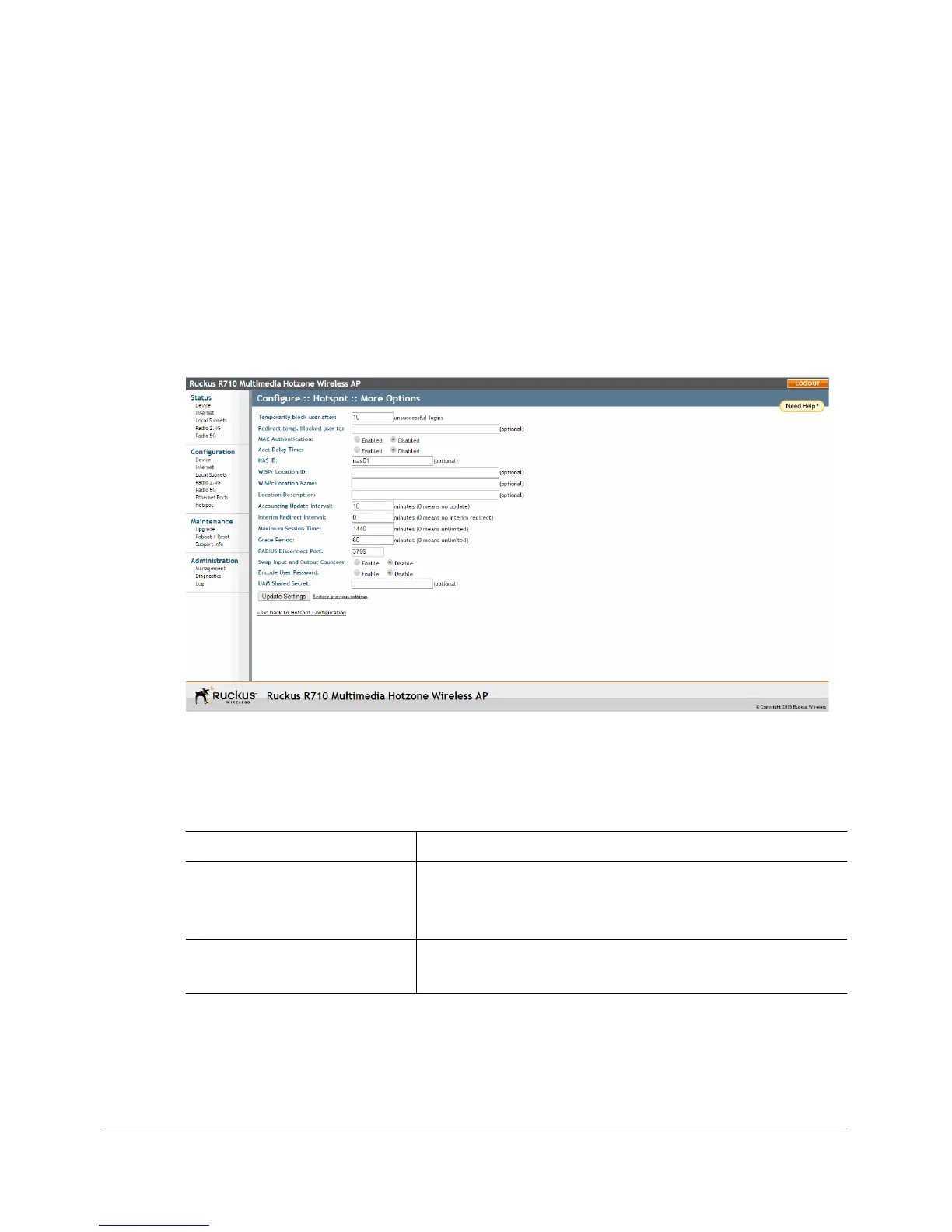
Customizing Hotspot Optional Settings
Optional Hotspot settings include a number of options for fine-tuning your Hotspot
service, such as maximum session time, grace period, accounting update interval,
etc.
1 Go to Configuration > Hotspot.
2 Click the Edit Settings button next to More Options. The More Options page
appears.
Figure 71. Configuring optional Hotspot options
The Ta b l e 54 Hotspot options can be configured from the Configuration > Hotspot
> More Options page:
Table 54. Optional Hotspot settings
Setting Description
Temporarily block user after
__ unsuccessful login
attempts
Specify the maximum number of repeated
authentication failures allowed.
Redirect temp. blocked user
to
Enter a redirect URL to which blocked users are
redirected.












 To Next Page