Managing the AP
Rebooting the AP
Ruckus Wireless Indoor AP 100.2.0 User Guide, 800-70892-001 Rev A 179
Rebooting the AP
You can use the Web interface to prompt the AP to reboot, which simply restarts
the AP without changing any of the current settings. Please note that rebooting the
AP disrupts network communications in any currently active WLANs.
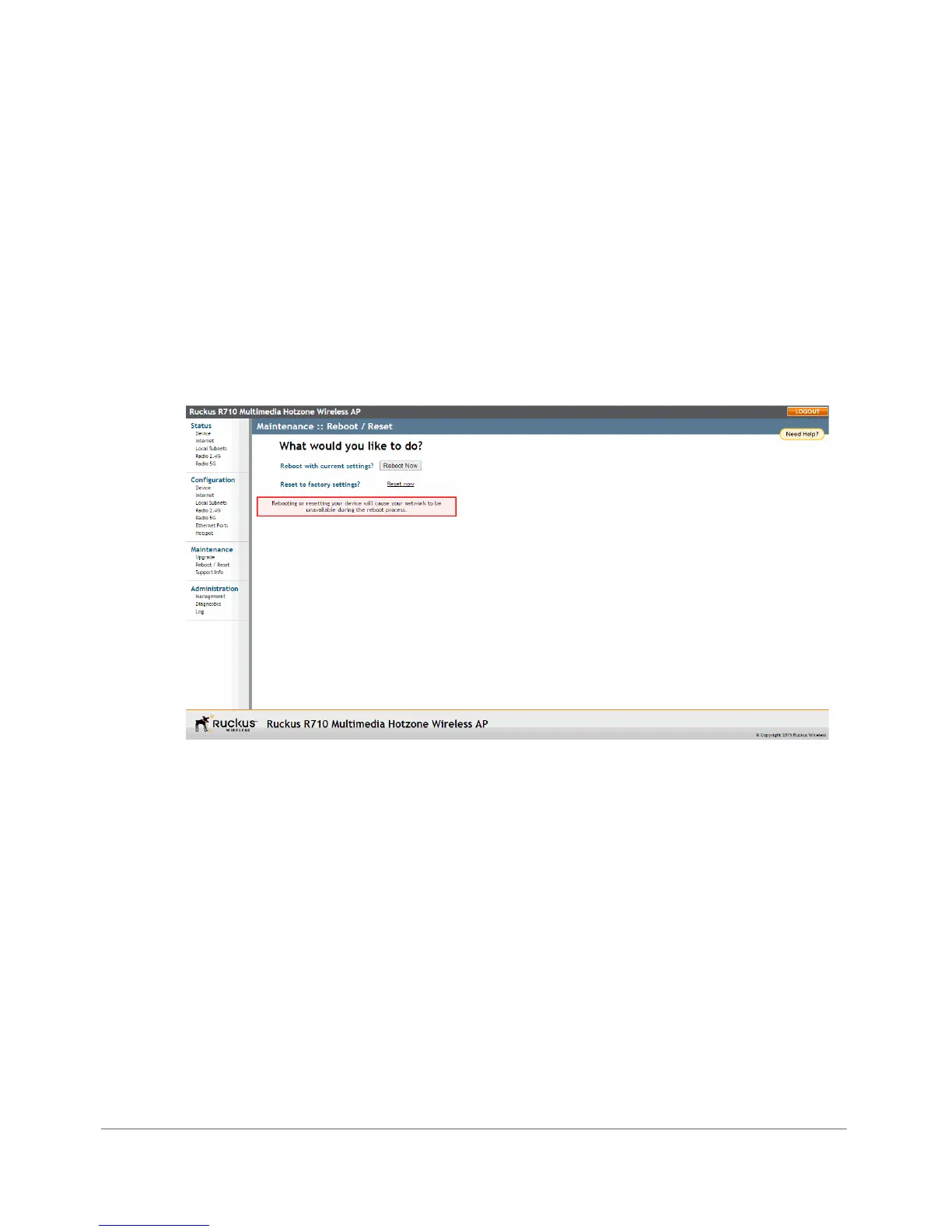
1 Go to Maintenance > Reboot/Reset. The Maintenance > Reboot/Reset page
appears.
2 Click Reboot Now. After a brief pause, you are automatically logged out of the
AP.
Figure 84. The Maintenance > Reboot/Reset page
After approximately one minute, you should be able to log back into the AP, which
verifies that the reboot was successful. You can also check the LEDs on the AP to
verify the status of the device.












 To Next Page