Managing the AP
Viewing Common Wireless Settings
Ruckus Wireless Indoor AP 100.2.0 User Guide, 800-70892-001 Rev A 163
Viewing Common Wireless Settings
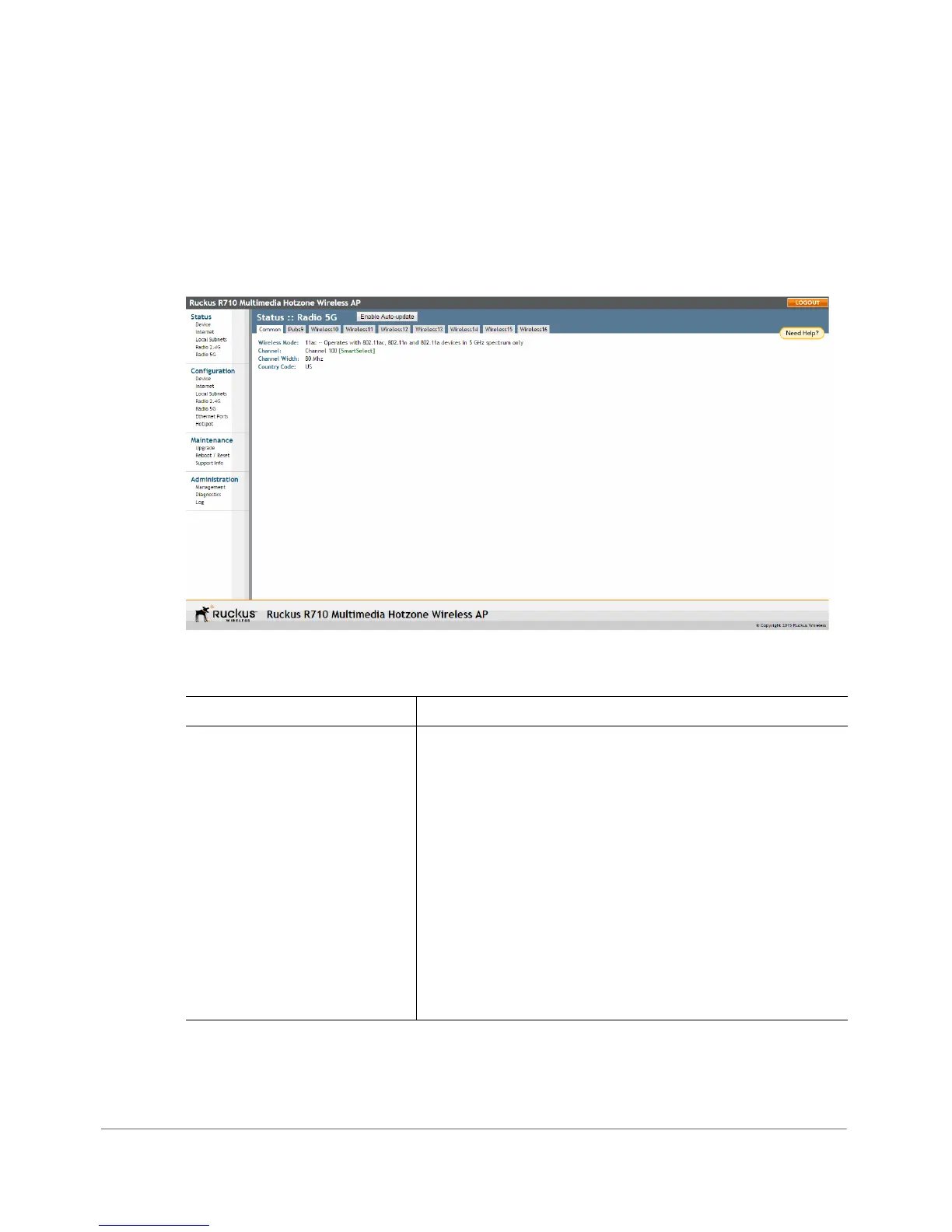
If you want to view the current common wireless settings that the AP is using, go
to the Status > Wireless page (on dual-band APs, go to Status > 2.4G or Status
> 5G). Tab l e 55 lists the descriptions of each common wireless setting.
Figure 77. The Status > Wireless (Radio 2.4G/5G) > Common page
Table 55. Common Wireless settings
Setting Description
Wireless Mode Shows the wireless mode that the AP is currently using.
Possible values include:
• Auto Select: (For 802.11b/g APs only) Allows both
802.11g- and 802.11b-compliant devices to connect
to the network. This is the default setting.
• 2.4GHz 54 Mbps: Allows 11g devices only.
• 2.4GHz 11 Mbps: Allows 11b devices only.
• 11ng: Operates with 802.11n, 802.11g and 802.11b
devices in the 2.4Ghz spectrum only.
• 11na: Operates with 802.11n and 802.11a devices in
the 5GHz spectrum only.












 To Next Page