Introducing the Ruckus Wireless AP
Getting to Know the AP Features
Ruckus Wireless Indoor AP 100.2.0 User Guide, 800-70892-001 Rev A 48
For a description of the input and output power options, refer to Tab l e 2 2 .
Front Panel
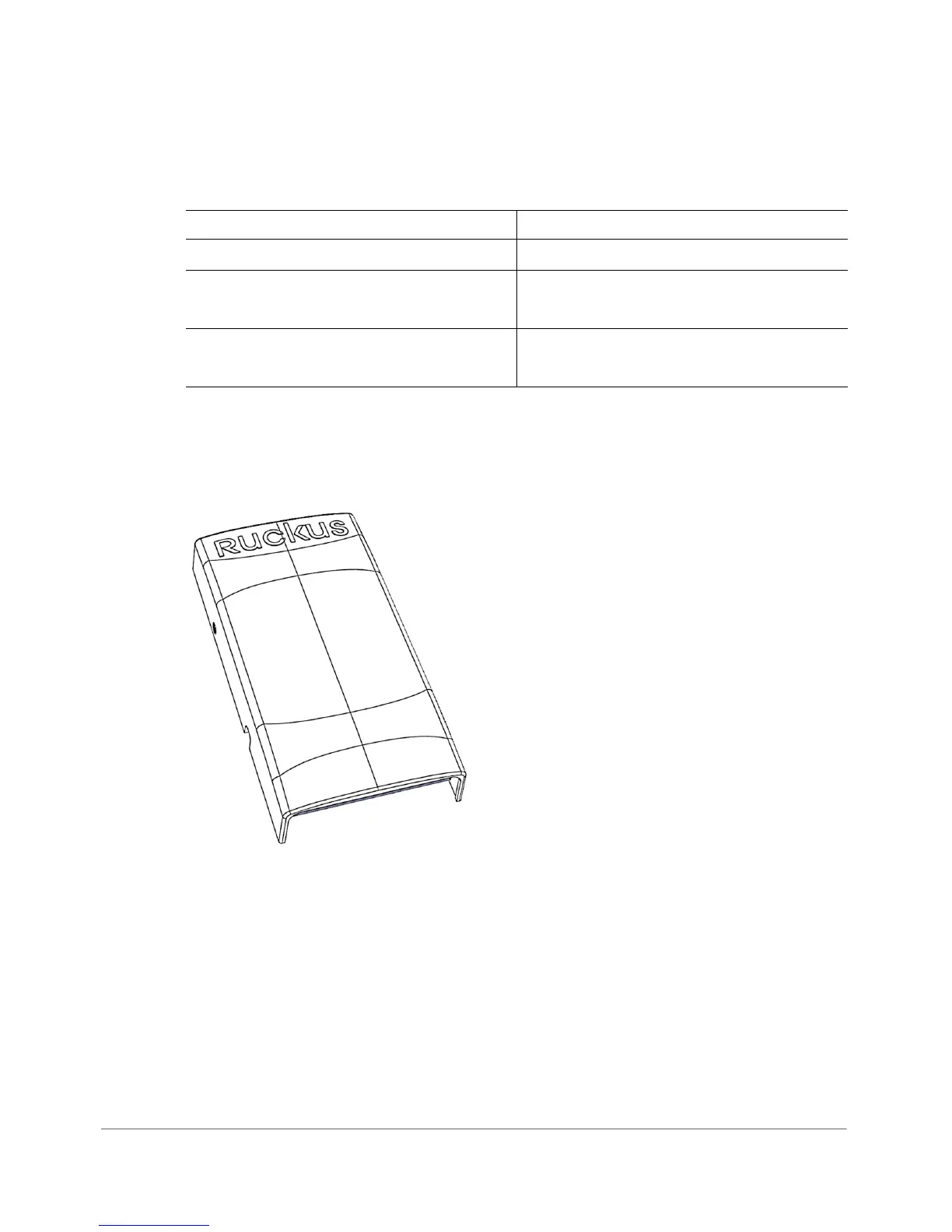
Figure 20 shows the front view of the H500.
Figure 20. H500 front view
Table 22. H500 power options and available power out for PoE out and USB
H500 Power Source Power Available for PoE Out and USB
802.3af PoE 5W total
802.3at PoE 12.95W PoE Out (802.3af Class 3) and
0.5W USB
DC power adapter (sold separately) 12.95W PoE Out (802.3af Class 3) and
0.5W USB












 To Next Page