Configuring the AP
Configuring Wireless Settings
Ruckus Wireless Indoor AP 100.2.0 User Guide, 800-70892-001 Rev A 130
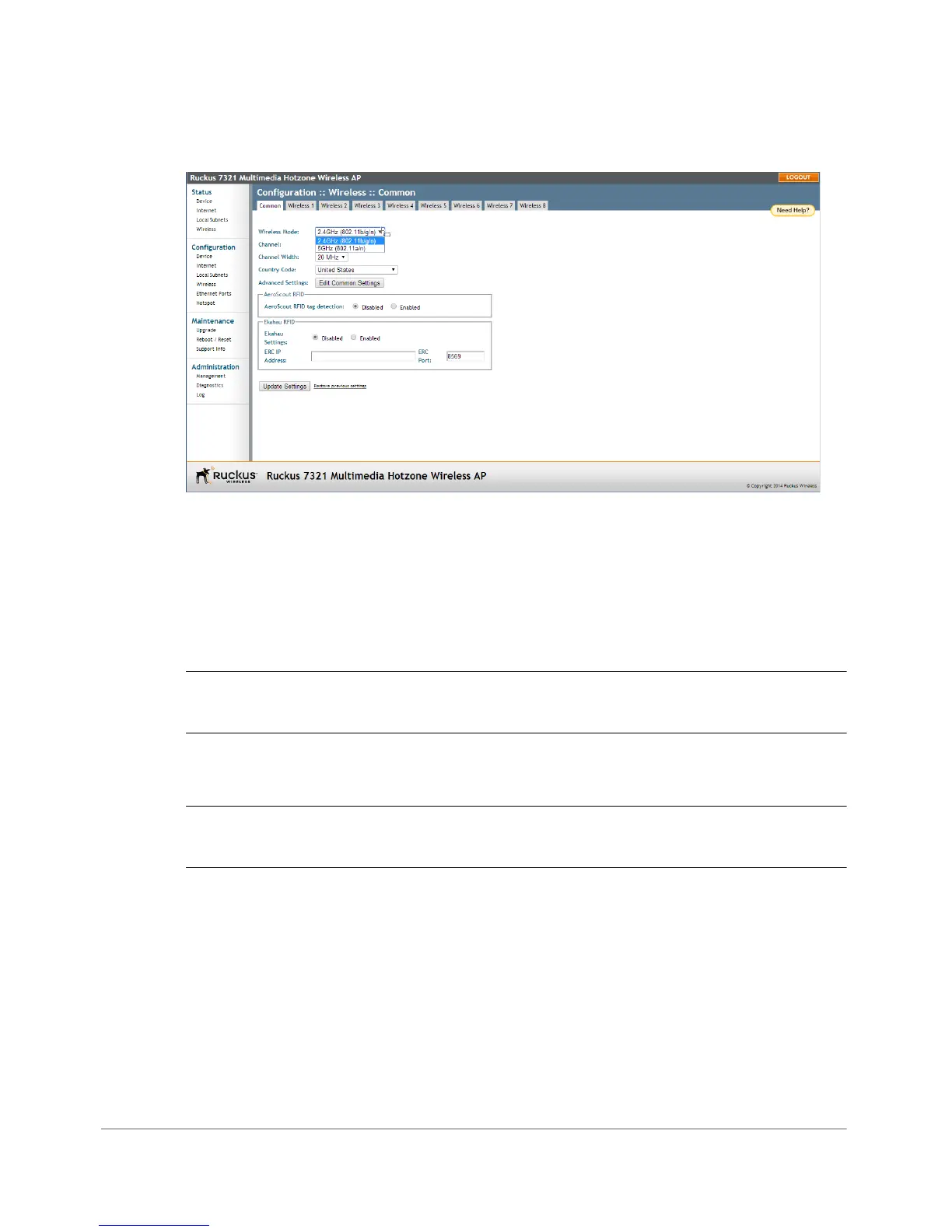
Figure 60. The 7321 can be configured to operate in either 2.4GHz or 5GHz mode
Configuring Common Advanced Settings
Advanced wireless settings should only be changed by an experienced adminis-
trator. Incorrect settings can severely impact wireless performance. It is recom-
mended that the default settings are retained for best performance.
NOTE To fully benefit from the AP’s capabilities, it is advisable not to change these
values unless absolutely necessary.
1 On the Configuration > Wireless page, click Advanced Settings: Edit Common
Settings. The Configuration > Wireless > Advanced > Common page appears.
NOTE If you are using a dual-band AP, go to Configuration > Radio 2.4G or
Configuration > Radio 5G > Edit Common Settings.












 To Next Page