Configuring the AP
Configuring Wireless Settings
Ruckus Wireless Indoor AP 100.2.0 User Guide, 800-70892-001 Rev A 138
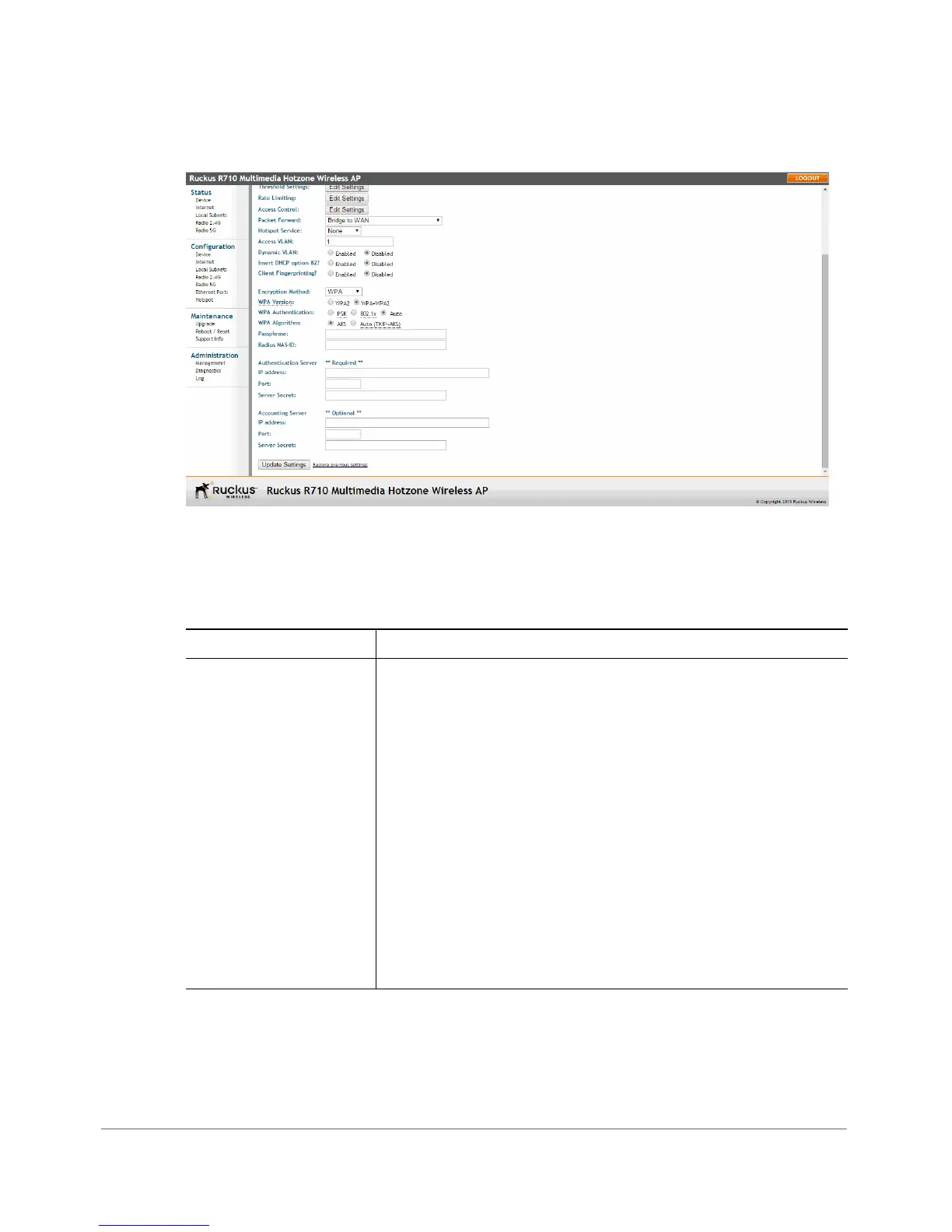
Figure 64. WPA settings
4 Review the encryption settings listed in Tab le 4 8 , and then make changes as
preferred.
Table 48. Encryption settings
Encryption Setting Description
WPA Version Your options are WPA, WPA2 or WPA Auto.
•
WPA (Wi-Fi Protected Access) is the replacement security
standard adopted by the Wi-Fi Alliance in response to the
security weaknesses of WEP. WPA was developed as an
interim measure before ratification of the 802.11i standard,
which introduced WPA2.
•
WPA2 provides stronger wireless security than WPA and is
the recommended option. However, older wireless clients
may not be compatible with WPA2. For example, WPA2
support on Windows XP requires a Microsoft patch and is
only available on Windows XP with Service pack 2 or later.
•
WPA-Auto allows both WPA and WPA2 devices to operate
on the same WLAN.












 To Next Page