Introducing the Ruckus Wireless AP
Getting to Know the AP Features
Ruckus Wireless Indoor AP 100.2.0 User Guide, 800-70892-001 Rev A 52
Reset Buttons
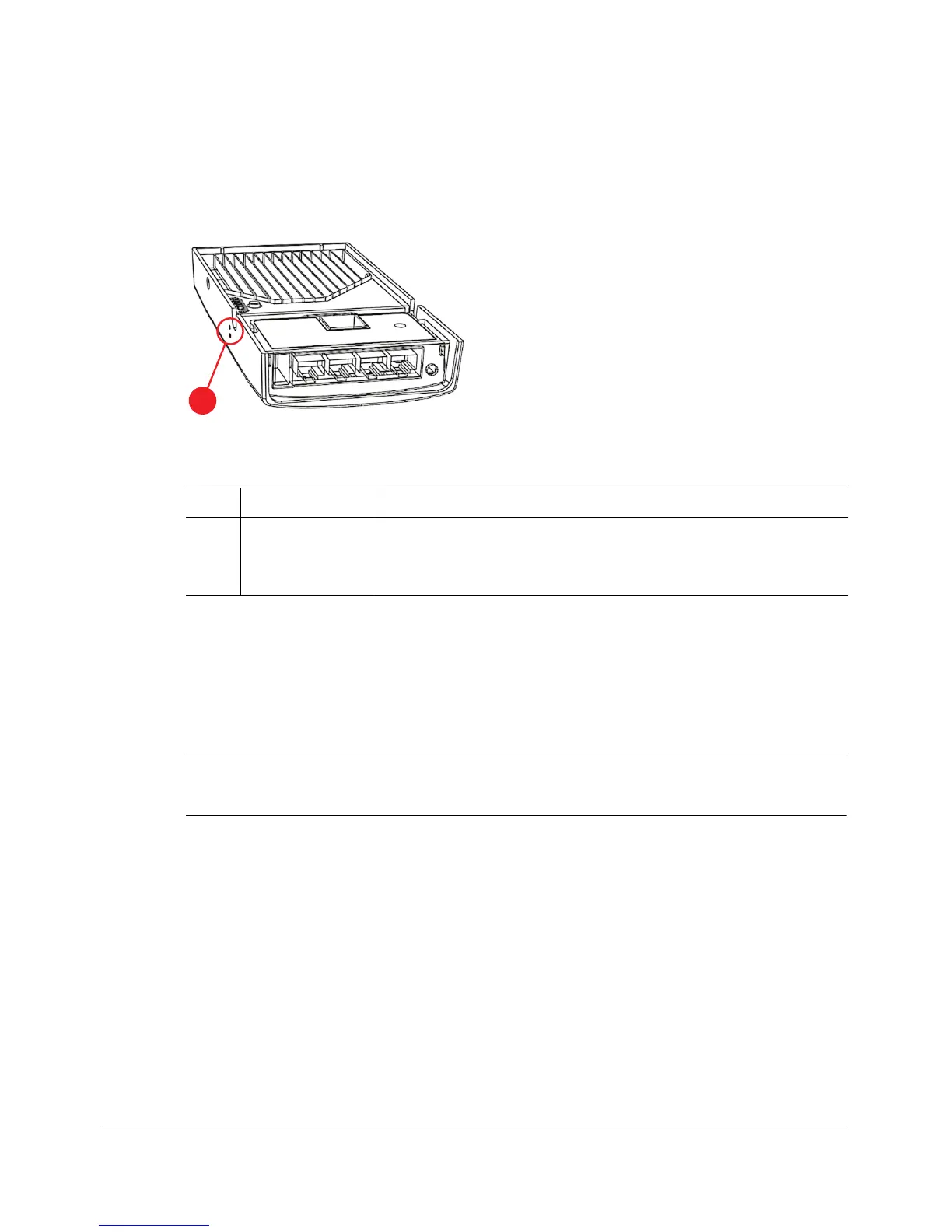
Figure 23 shows and Ta b le 2 5 describes the reset buttons on the side of the H500.
Figure 23. H500 side panel reset buttons
• Use a straightened paper clip to press and release the Soft Reset button for
eight seconds or more to reset the AP to factory defaults.
• Use a straightened paper clip to press and hold the Hard Reset button to reboot
the AP. This is the same as removing power and then and restoring power to the
H500.
CAUTION! Resetting the AP to factory default settings erases all previously
configured settings.
Table 25. H500 side panel elements
No. Item Name Description
1 Soft Reset and
Hard Reset
buttons
The two reset buttons on the side of the H500 are used to
reboot or factory reset the AP.












 To Next Page