107
Playing a Music File
IfamusicleisregisteredtotheMUSICLibrary,youcan
easilyplaythemusicle.
FortheprocedurestoregistertrackstotheLibrary,see
page 108.
1
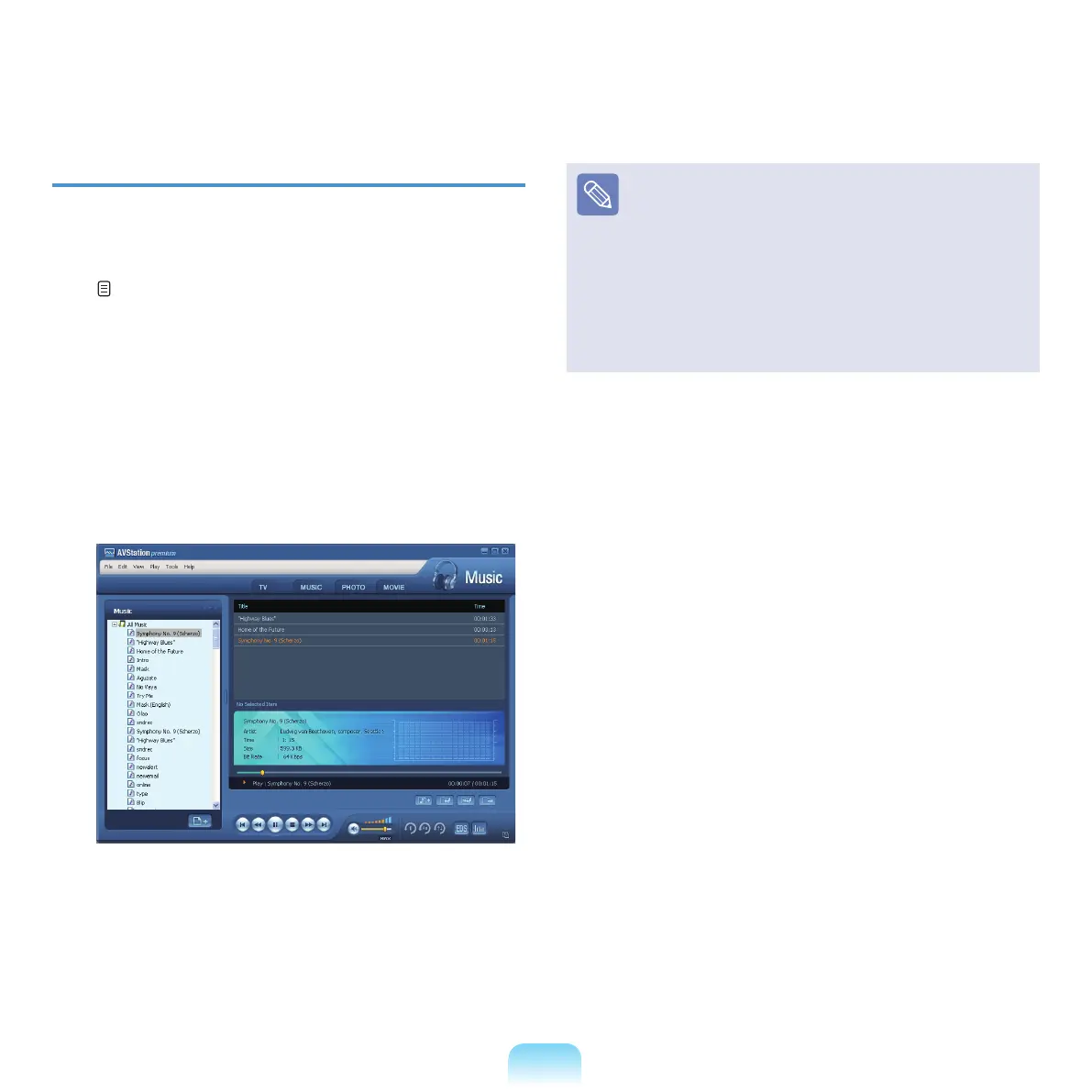
Move to MUSIC Stationanddouble-clickAll Music.
2
Double-clickamusicle.Theleisaddedtothe
playlist and played.
Play a Track not registered to the Library
Click File > Open,
selectamusicletobeplayedand
click .
TheselectedtrackisregisteredtotheLibraryand
played.
Creating My Playlist
My
Playlistisapersonalalbumwithwhichyoucan
collect,manageandplayyourfavoritemusicles.
FortheprocedurestocreateMyPlaylist,seethe
descriptions of MUSIC Station in Help.



 To Next Page