95
3
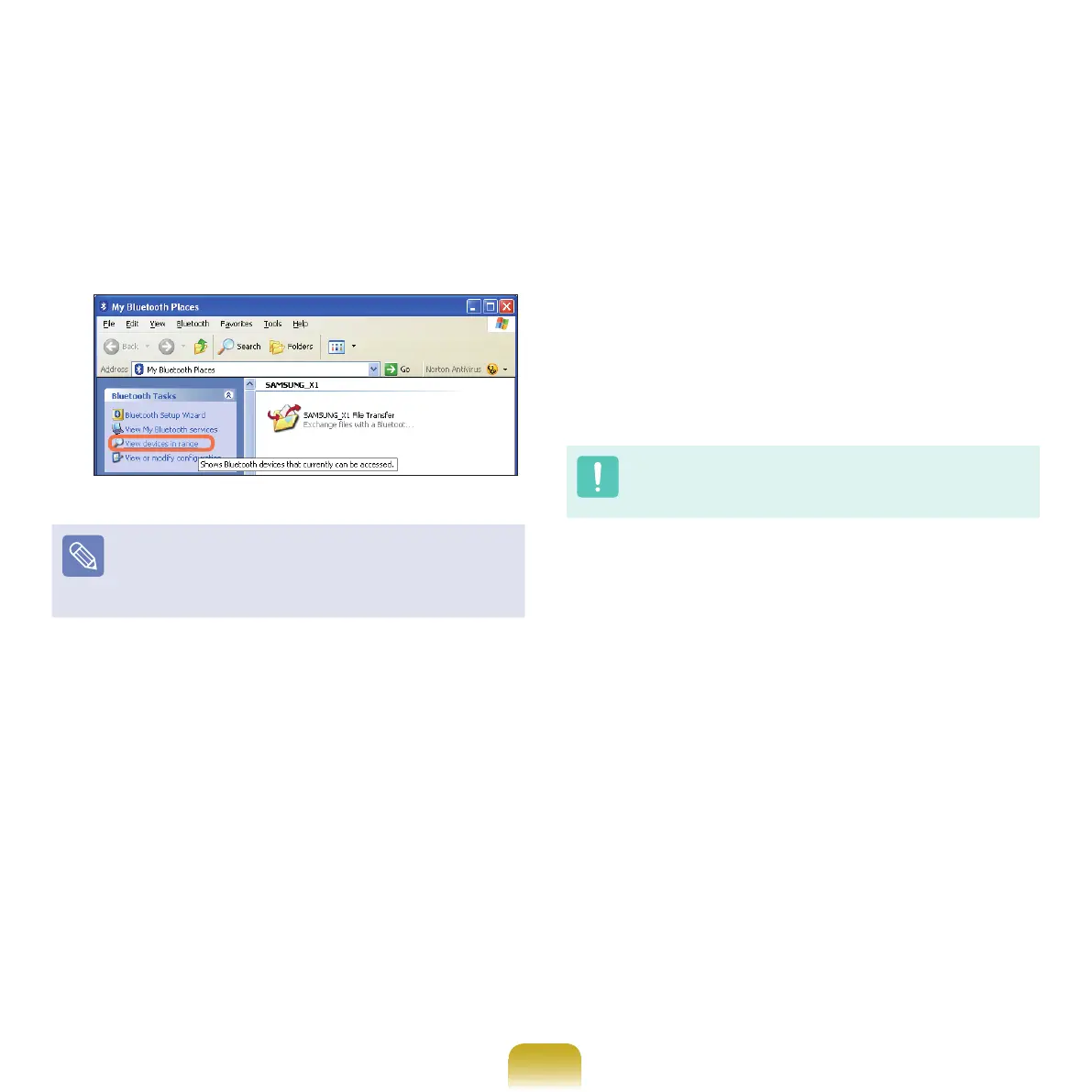
IftheMyBluetoothSettingswindowappears,click
View devices in range.
Ifthedevicetoconnecttoappears,clickthedevice.
(forexample,mouse)
Ifthedevicedoesnotappear,clickView devices in
range.
Ifthedevicehasnotappearedyet,sincethis
menu changes to Search devices in range,
click
Search devices in range to show the device.
4
IftheBluetoothPINCodeinputwindowappears,
enteraPINcodereferringtothemanualofthe
correspondingdevice.ThePINcodeforanHID
device is generally printed in the manual of the
corresponding device.
5
IfyouenterthePINcode,youcanimmediatelyuse
the device.
ABluetoothkeyboardandmouseworkonlyinWindows.
TheywillnotworkinMS-DOSmodeorinHibernation
mode.



 To Next Page