User manual
SANTEC IP cameras
_________________________________________________________________________________
- 42 -
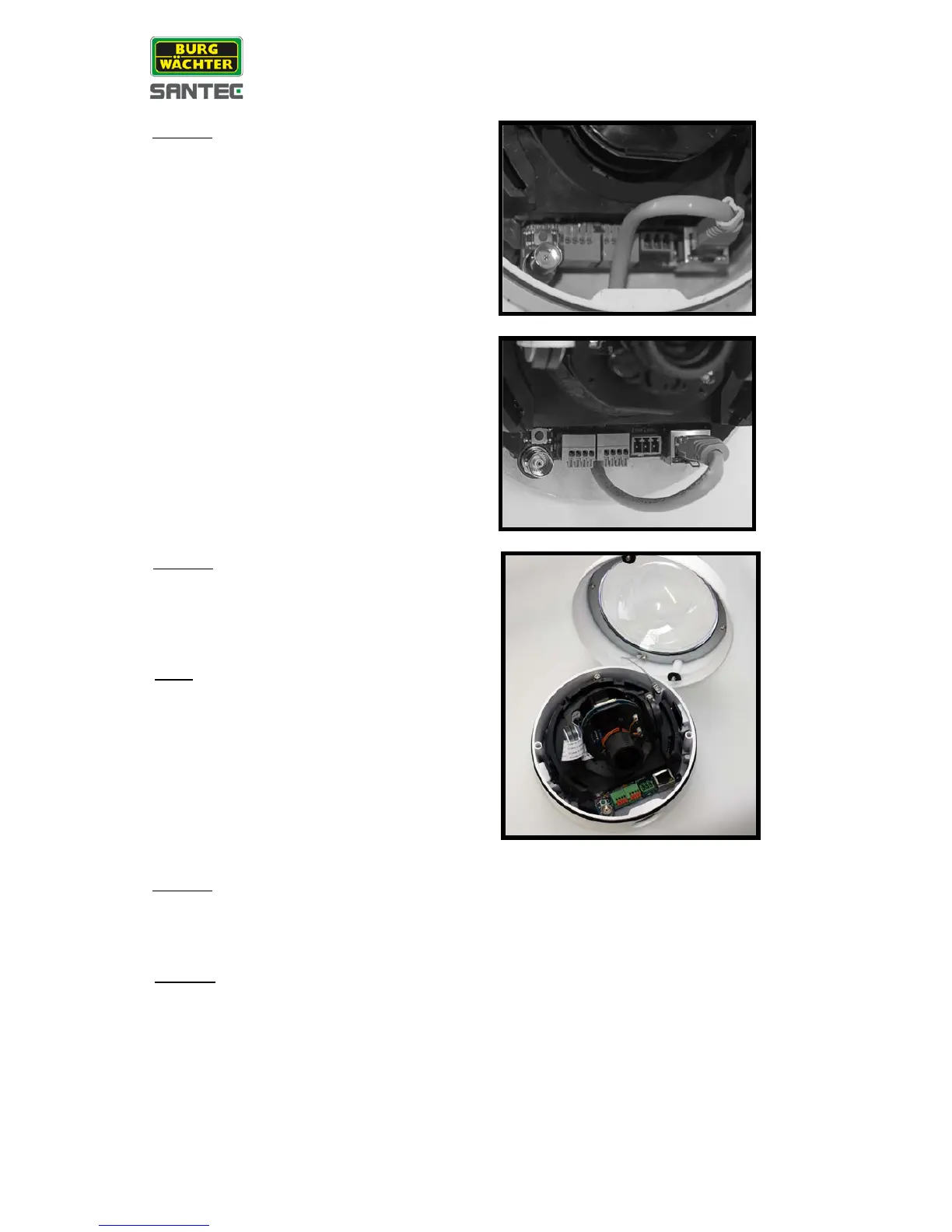
Connect the ports on the camera module with
their cables/wires respectively, as shown in the
figure
.
Attach the snap-on camera module on the
housing plate and screw the module-fastened
screw tightly with a screw driver to secure the
camera module.
Note:
The terminal blocks should face the side
conduit entry, as shown in the figure.
Connect the power and network outputs. (The power cable is omitted if using PoE.)
Access the camera by its web browser and display the live view (see “Part II, chapter 1
General”).


 To Next Page
 Loading...
