Software v3.0.9915
© Satmap Systems Ltd 2015
32
6. MAIN MENU: Settings Menu (... cont)
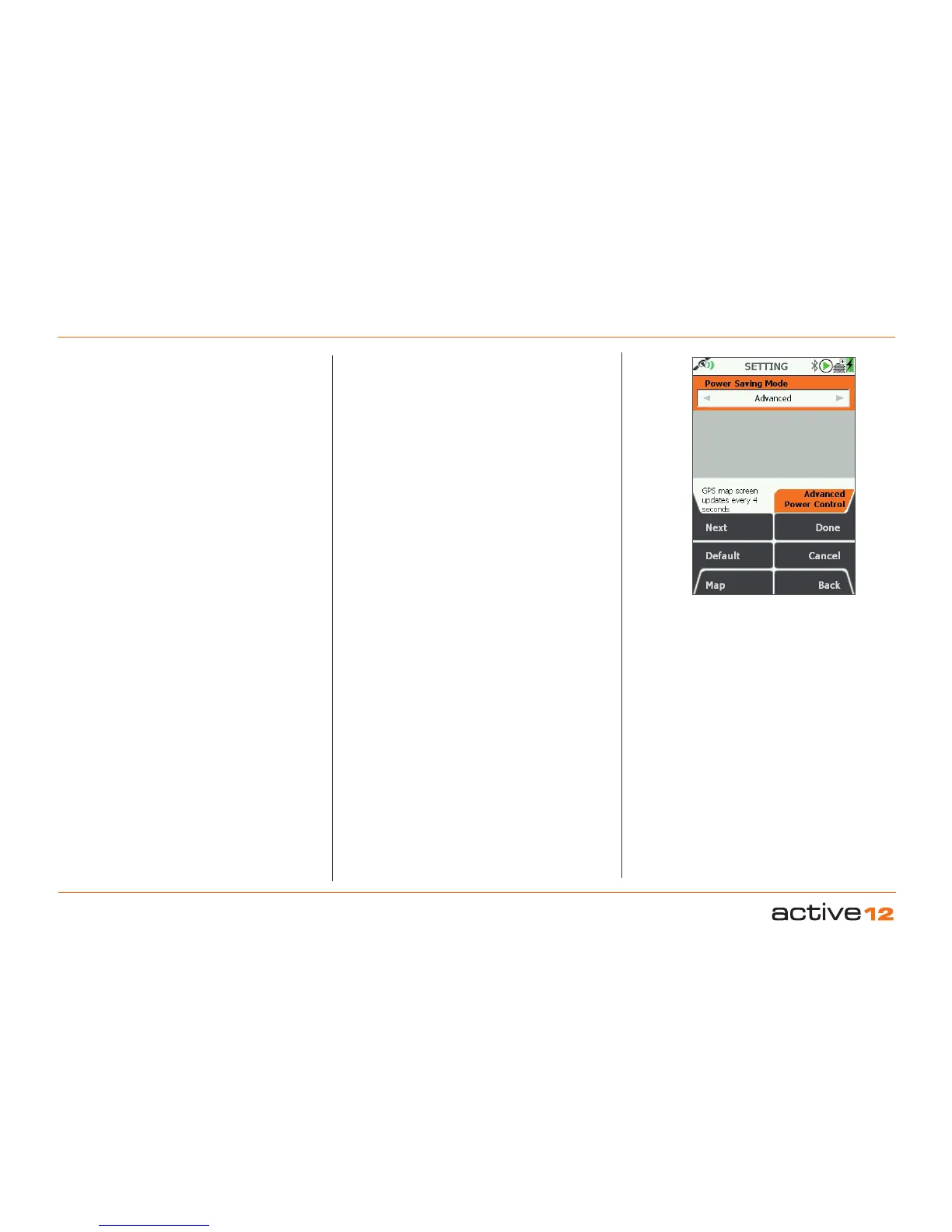
Advanced Power Control
- For Power Saving
6.4 Advanced Power Control
(MAIN MENU → Settings → Advanced Power
Control)
Power Saving Mode
To save power, select Advanced power saving
mode and the screen will update every four seconds
instead of every second.
In this mode Trail Up is disabled and the Backlight
setting has a maximum value of 80%, but can
be temporarily be set to 100% by pressing the
backlight button.
• Use the joystick, moving left/right to select Normal
or Advanced.
• Press Done or centre press the joystick to return to
SETTINGS MENU.



 To Next Page