Software v3.0.9915
© Satmap Systems Ltd 2015
39
6. MAIN MENU: Settings Menu (... cont)
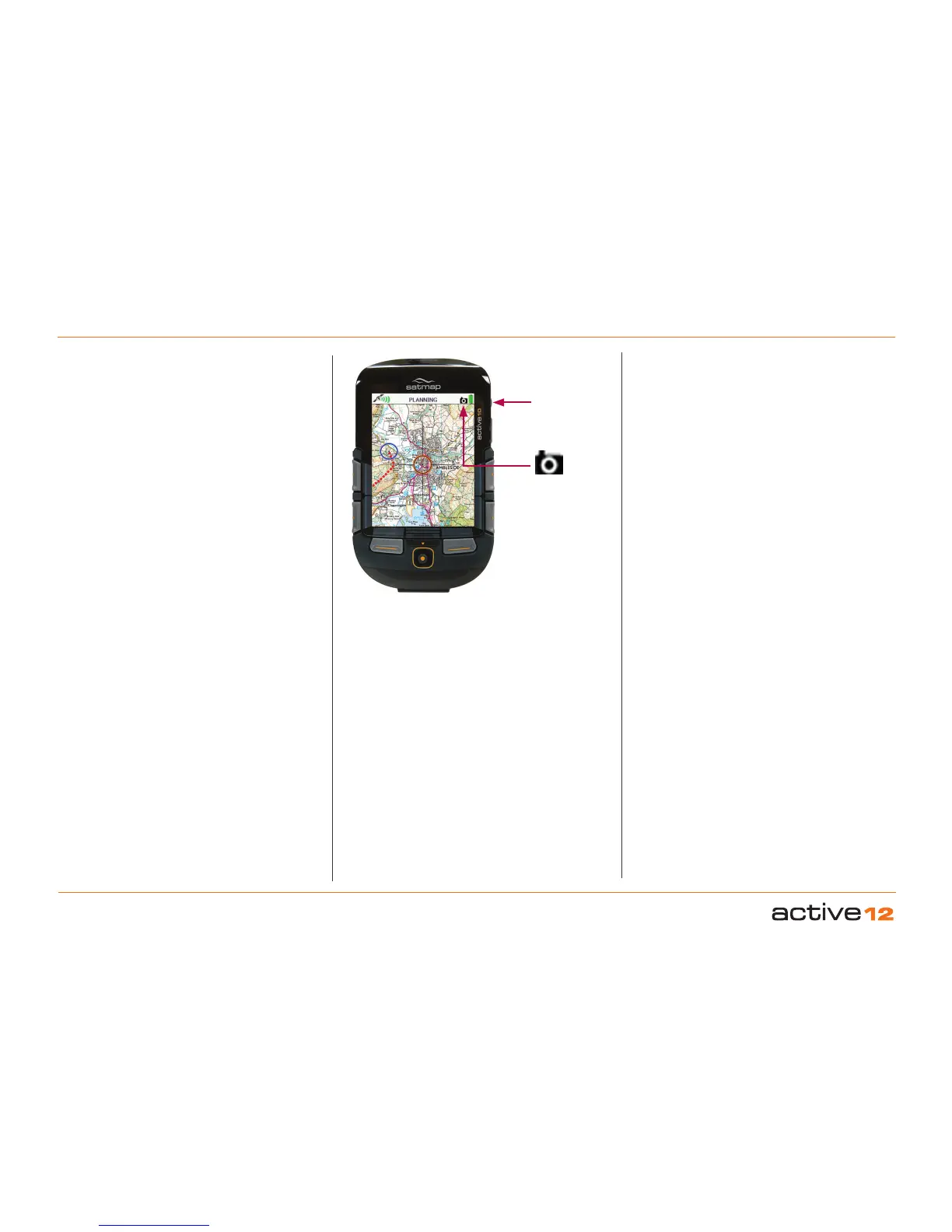
Backlight Boost and
Screen Data Capture
Camera icon
Briefly replaces
icons next to the
battery
6.8 Screen Data Capture
Screenshots may be captured as jpeg files and
accessed in SatSYNC, listed with time/date details.
This might be useful in a variety of circumstances. For
example, sending a screenshot of a particular location
to another person or using a series of screenshots
in conjunction with timed digital photos for use in a
presentation.
Press and hold the Backlight Boost button for
three seconds; a camera icon briefly replaces the
icons next to the battery (i.e. Stop/Record icon,
toggle icon). A beep sounds to indicate a successful
screenshot capture, depending on your Beep Alert
Count setting.
To access your screenshot:
• Connect your Active 12 to the computer via a USB
cable.
• Open SatSYNC.
• Screenshots are found in the root folder of the
Internal Storage or SD Card. (By default it is
saved to the SD Card folder, if the SD card is in
the unit and is not write-protected. Otherwise it is
saved to the Internal Storage of your unit).
• Select the screenshot and press Export to
download it to your computer.



 To Next Page