Software v3.0.9915
© Satmap Systems Ltd 2015
64
7. MAIN MENU: Routes Menu (... cont)
7.19 Routes Folders
(GPS MAP → MAIN MENU → ROUTES MENU)
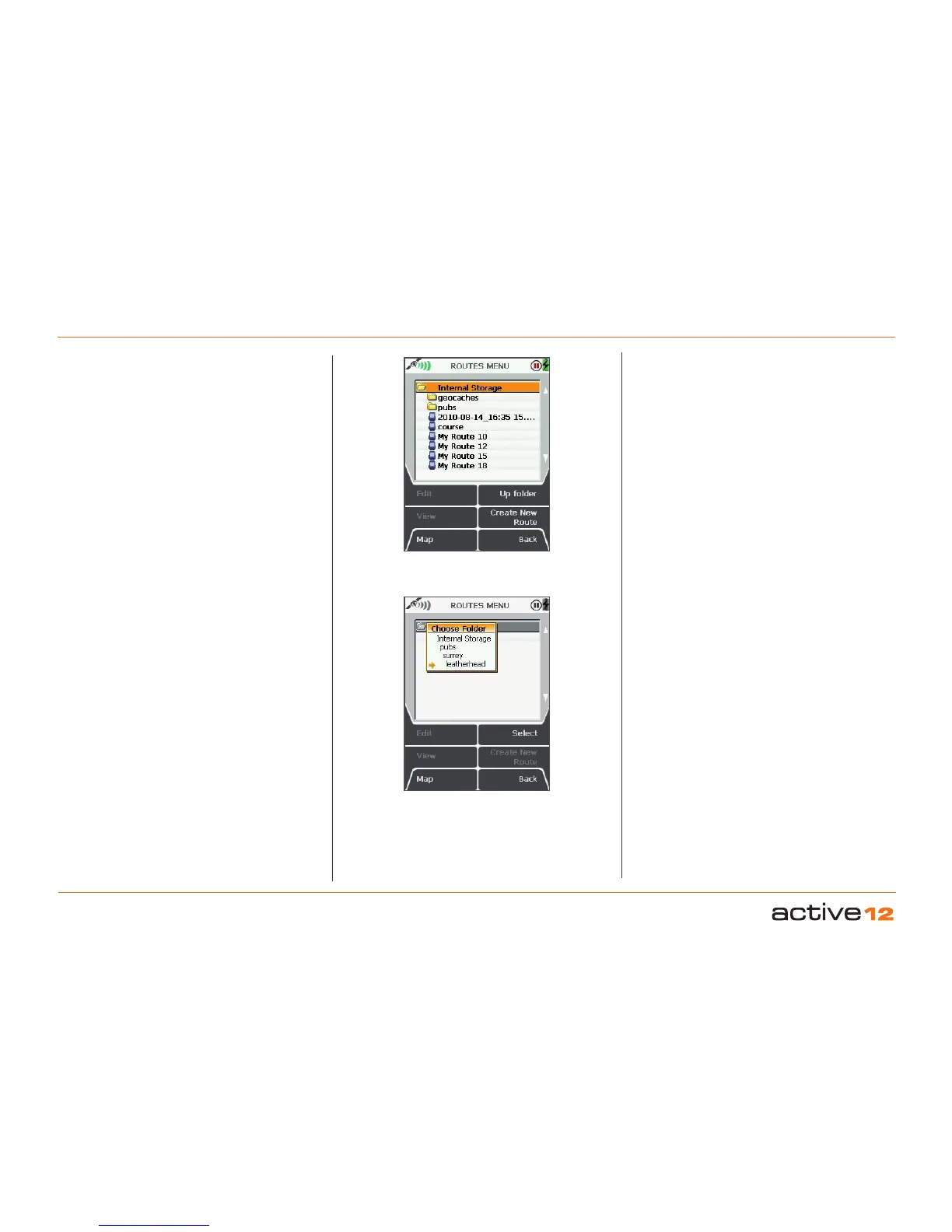
Routes folders or sub-folders can only be created
via SatSYNC (please refer to the SatSYNC User
Guide)
and only appear on the unit if they contain
at least one route or one OOI
. These folders consist
of groups of routes and help you manage your files,
by organizing for example, your routes into different
categories, e.g. 'geocaches', 'pubs', 'walks' etc.
If you are in a sub-folder and want to go back to
another folder, you can use the Up Folder button to
move up to the next folder.
Another way to access other folders is to centre
press the joystick on the folder name. This will
reveal a Choose Folder drop-down box with options
to select a specific folder. (This applies to any folder
menu).
ROUTE CARD
screen



 To Next Page