Software v3.0.9915
© Satmap Systems Ltd 2015
51
6. MAIN MENU: Settings Menu (... cont)
6.18 Pan and Zoom Speed
(GPS MAP → MAIN MENU → Settings → Panning
Speed)
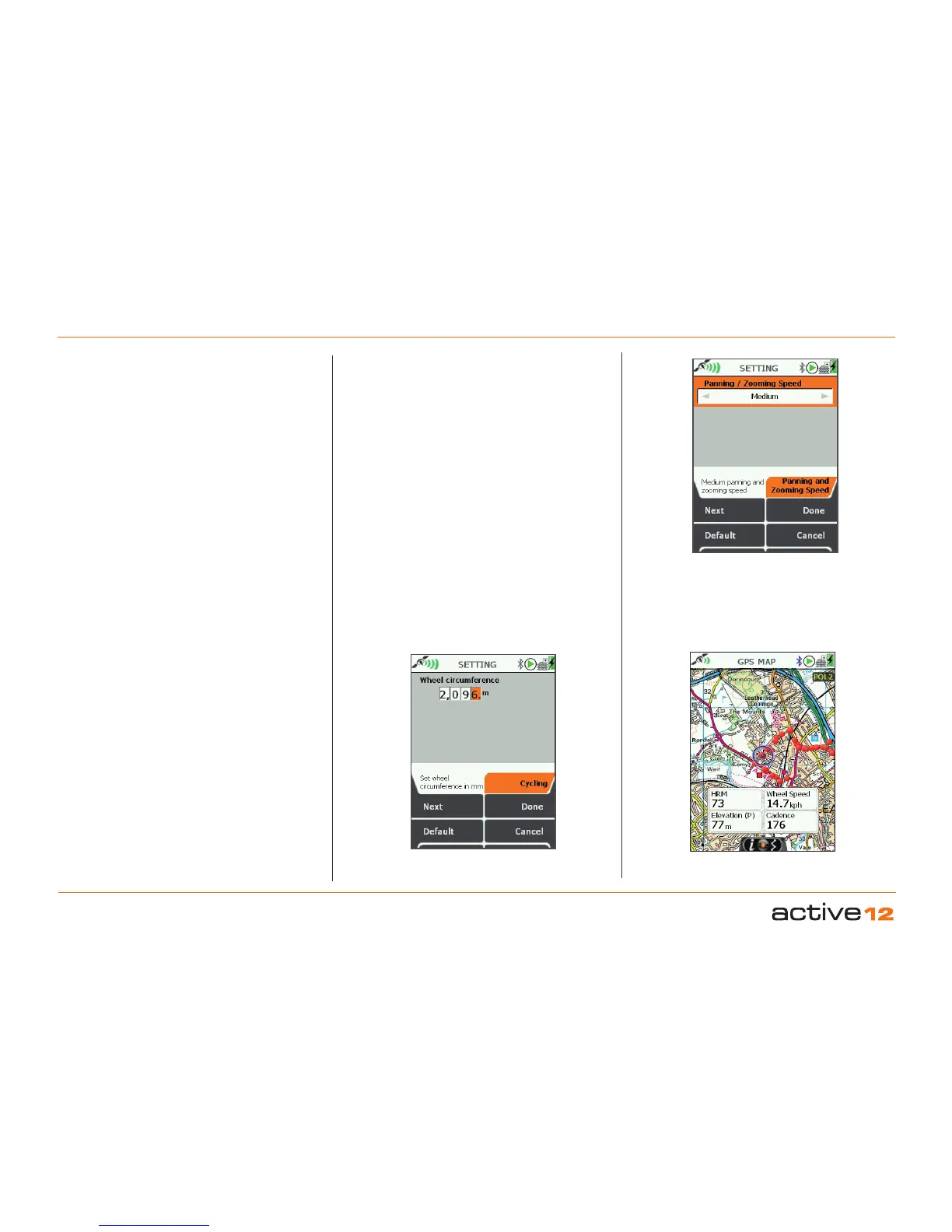
Set Pan and Zoom Speed This control allows
the Pan and Zoom rates to be adusted between:
Very Slow
Slow
Medium
Fast
Very fast
Use the joystick to cursor leaft and right to your
desired setting. The default settings is Medium.
6.19 Cycling
(GPS MAP → MAIN MENU → Settings → Cycling)
Introduction - The Bluetooth wireless connectivity
allows for the connection of Bluetooth Smart bike
speed and cadence sensor units (sold separately).
Bike speed is calculated directly from the wheels,
while "cadence" is calculated from the pedal
revolutions. Generally, the speed data given by the
GPS will adequate for most purposes, however, in
certain conditions (thickly wooded areas and near
tall buildings) the wheel speed data (for bike riders)
will give a nore stable and accurate reading.
Sensor Unit - Sends back "wheel revolutions per
second" data. To turn this into speed data it needs to
be multiplied by the circumference of the bike wheel
being used.
Set Wheel Circumference in mm - The default
setting is 2096mm, which is generally good for
most road bike (700C) wheels, but will need to be
adjusted for other types of bikes with different size
wheels and tyres.
Wheel size? - If you are unsure of your wheel size,
you can either measure this directly, or refer to the
bike manufacturer's documentation.
Set in mm - In this edition of the software the
wheel size needs to be entered in mm, although
speed can be displayed in metric or imperial.
Panning Speed
Options
Set Wheel Circumference
for Wheel speed data
Display wheel speed on
GPS MAP screen data
Boxes



 To Next Page