Software v3.0.9915
© Satmap Systems Ltd 2015
86
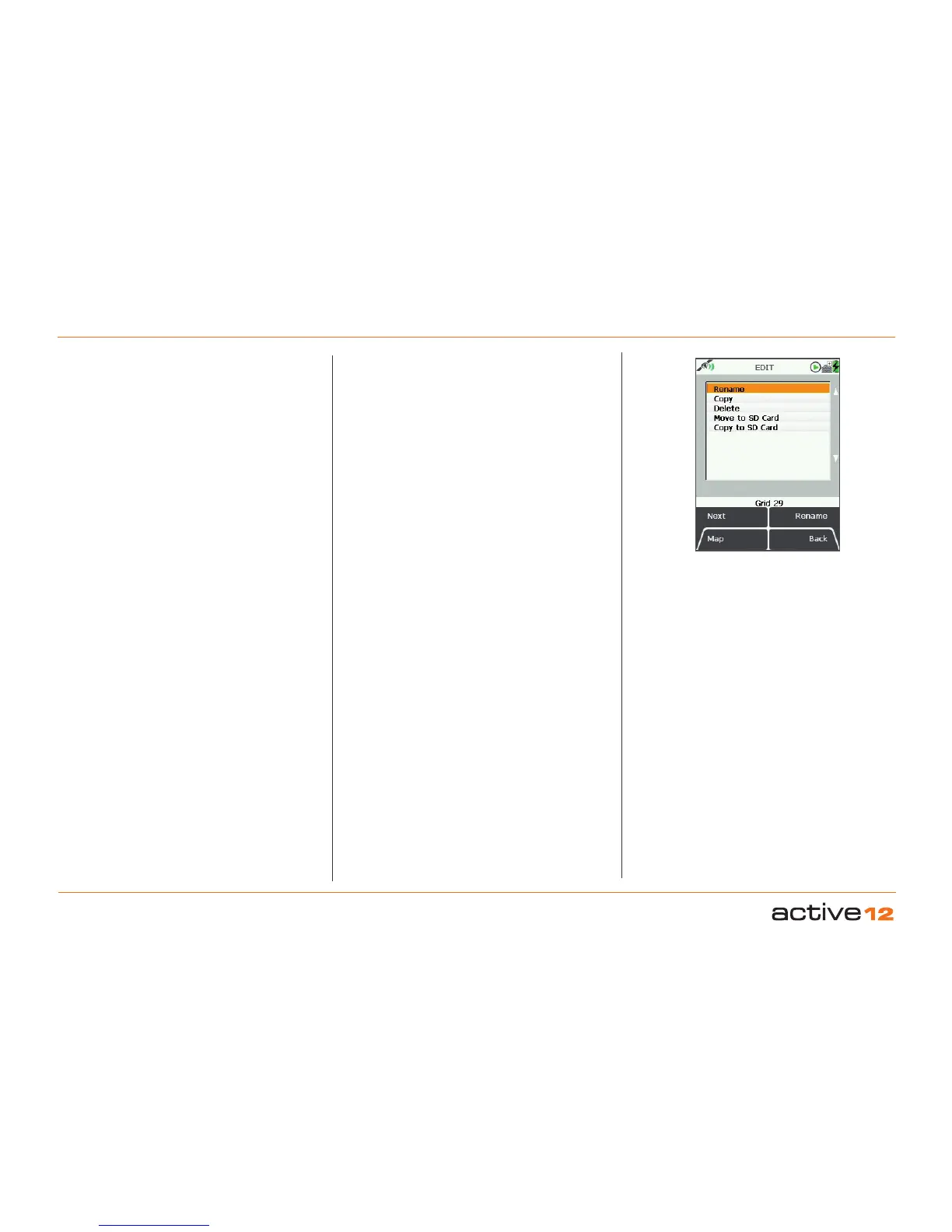
14.5 Edit Grid Menu
(GPS MAP → MAIN MENU → OOI Menu → OOI
Folders → Select Grid → Edit)
To access the EDIT menu for a grid, highlight the
grid to be edited in the OOI Folders, and press
Edit or centre press the joystick. Scroll up/down
using the Next button or the joystick. The current
setting for the highlighted option is shown under the
window.
In selecting either Rename you will bring up an on-
screen keypad. When using the keypad for labelling,
either press Select or centre press the joystick to
select entries.
The menu options for a grid on the EDIT
screen are
as follows;
• Rename
• Copy
• Delete
• Move to SD Card*
• Copy to SD Card*
The last two options on the list become available only
when an SD card has been inserted and is not write-
protected.
Buttons:
Next
Move down to next option
Map
Return to GPS Map screen
Rename
Either press Edit button or centre press joystick to
access alpha-numeric keypad for labelling.
Note: This button changes depending on the option
selected. Other options include Copy, Delete, Move.
Back
Return to OOI Folders
EDIT GRIDs
14. Grids (... cont)



 To Next Page