Software v3.0.9915
© Satmap Systems Ltd 2015
46
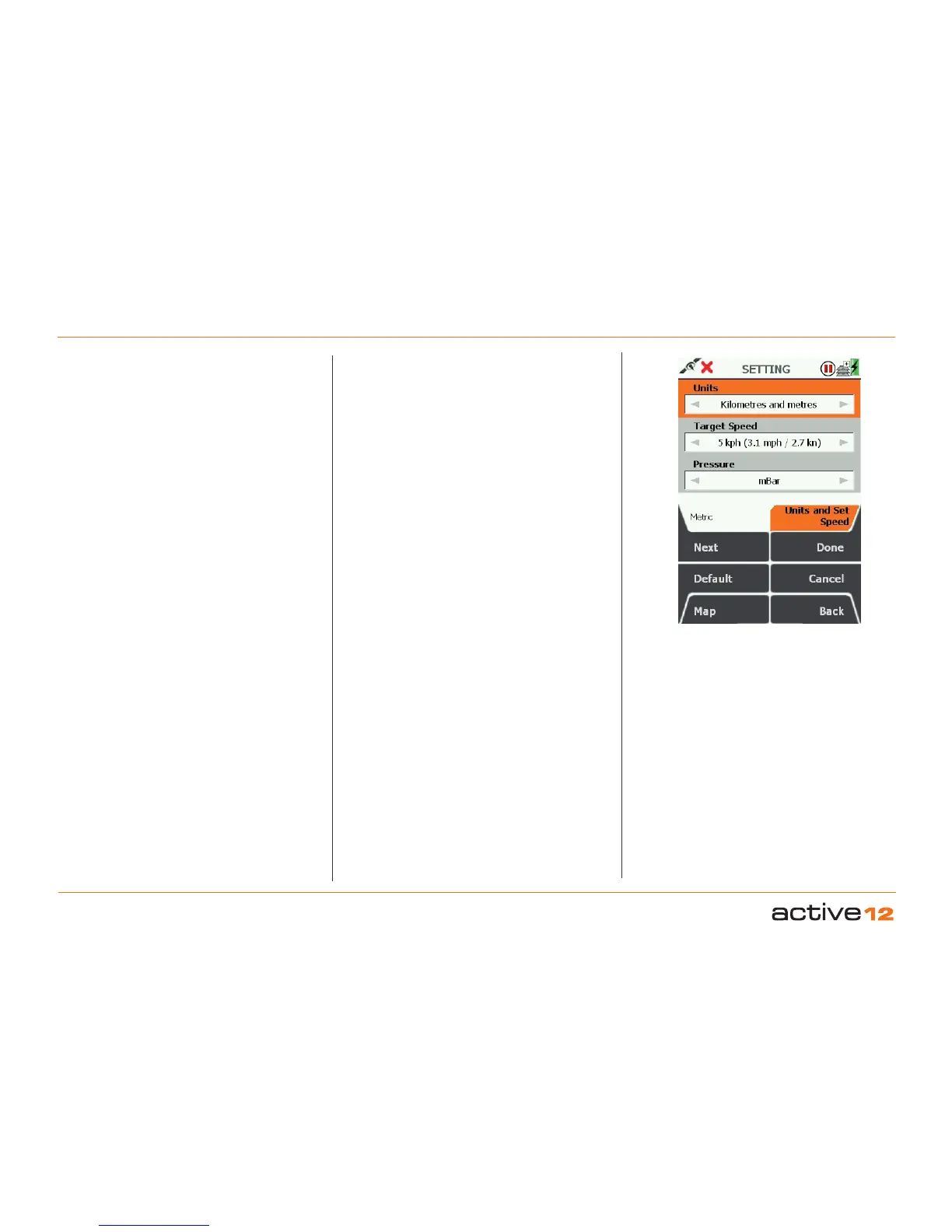
6.12 Units and Set Speed
(GPS MAP → MAIN MENU → Settings → Units and
Set Speed)
This is where you can set your preference for units
of measurement (i.e. for elevation, speeds and
distances), and set your target speed.
Units: Distance & Speed. Use the joystick,
moving left/right to switch between Miles and feet,
Kilometres and meters, Nautical Miles and Knots.
Press Done or centre press the joystick to return to
SETTINGS MENU.
Target Speed. This is the speed on which
Estimated Time of Arrival (ETA)
calculations are
based if the average moving speed in the trip
log (Av. Moving) is zero, i.e. you are stationary.
Once you are moving, your ETA is taken from your
average moving speed if you have a lock or recently
had a lock.
Use the joystick, moving left/right to select the Target
Speed from 1 kph (0.6 mph) to 100 kph (62.5 mph).
Press Done or centre press the joystick to return
to SETTINGS MENU. Pressing the Default button
restores the following settings:
Units: Kilometres and meters
Target Speed: 10 kph (6.2 mph / 5.4 kn)
6. MAIN MENU: Settings Menu (... cont)
Set desired Units
Pressure Units. Use the joystick (L/R) function to
select your desired units for the Pressure display:
Options are :
a. mBar (millibars)
b. inHg (inches mercury)
c. mmHg (mm of mercury)
d. hPa (Hectopascal)



 To Next Page