Software v3.0.9915
© Satmap Systems Ltd 2015
53
6. MAIN MENU: Settings Menu (... cont)
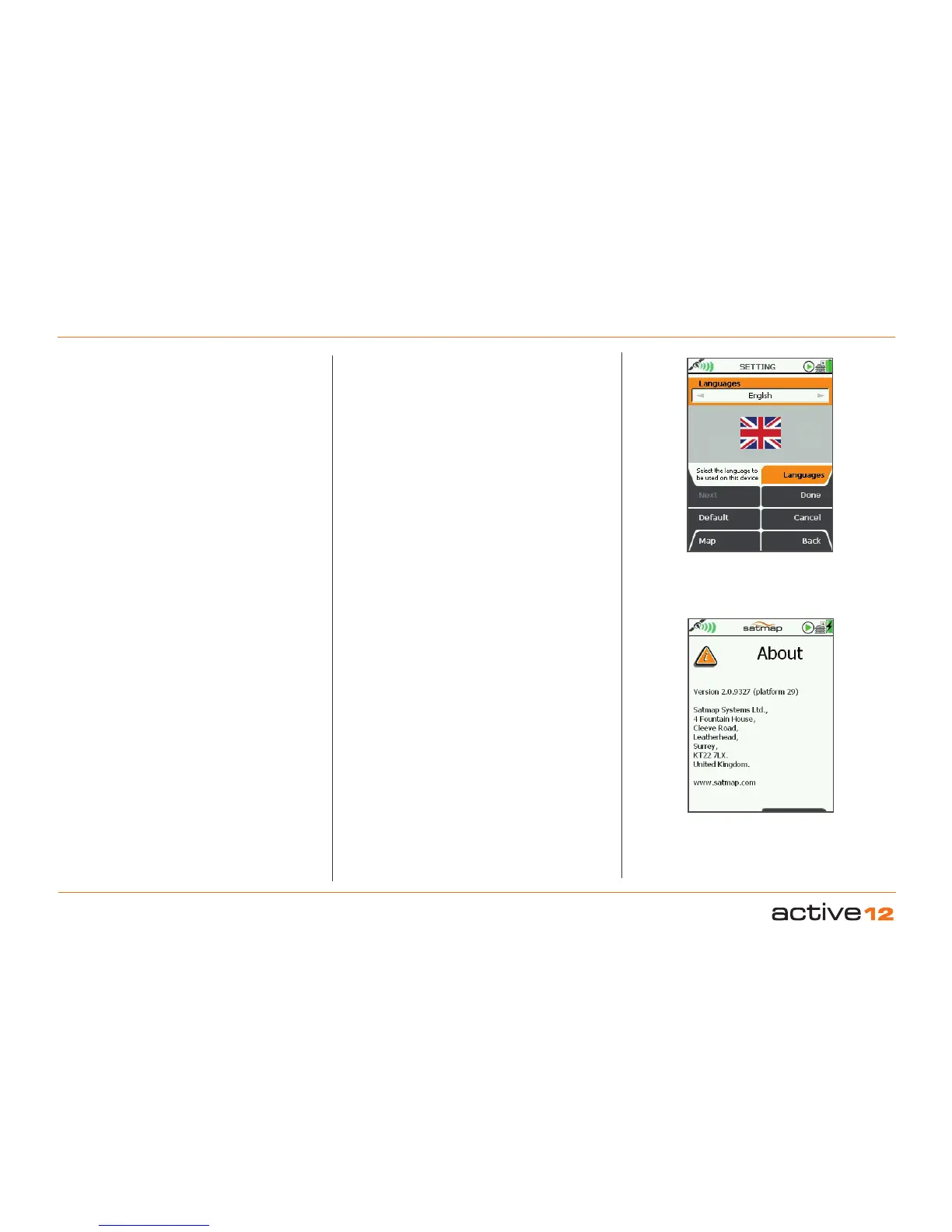
6.23 Languages
(GPS MAP → MAIN MENU → Settings → Languages)
Languages
Select your preferred language:
• Use the joystick, moving left/right to select the
operating language from English to English (US),
Nederlands (Dutch), Norsk (Norwegian), Svenska
(Swedish), Français (French), Deutsch (German),
Italiano (Italian), Español (Spanish), Català
(Catalan).
• Press Done or centre press the joystick to return to
SETTINGS MENU.
6.24 About
(GPS MAP → MAIN MENU → Settings → About)
This screen gives details of the software version
installed on your unit and Satmap contact details.
Press Done to return to the SETTINGS MENU
.
To check for the latest software updates, please:
1. Download the
SatSYNC application from the
Satmap website.
2. Connect your Active 12 to your PC, and SatSYNC
will automatically check if software updates are
available. You will be asked if you wish to update
your device.
Alternatively, if you do not use a PC, please contact
Satmap support and an Upgrader SD card will be
mailed to you.
Please Note: The 1st relase sofware for the Active 12
is Version 2.0.xxxx
All Active 12 GPS have "Platform 29
", or higher.
Select desired
Language
System info on
About screen



 To Next Page