Software v3.0.9915
© Satmap Systems Ltd 2015
44
6. MAIN MENU: Settings Menu (... cont)
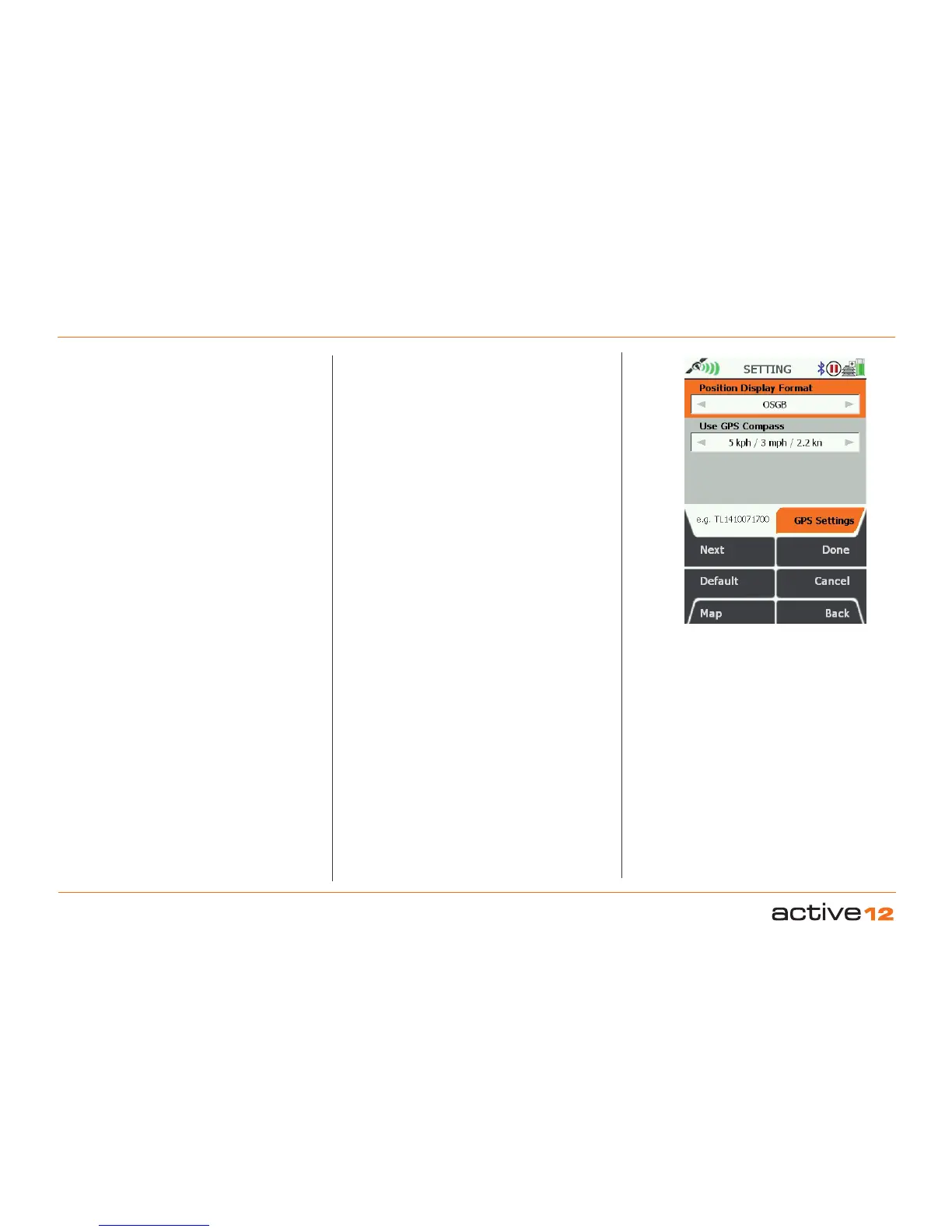
6.10 GPS Settings
(GPS MAP → MAIN MENU → Settings → GPS
settings) `
Position Display Format (ie. grid reference
format)
• Use the joystick, moving left/right to select from
OSGB (Ordnance Survey GB); German Grid;
UTM; MGRS; GARS; CH1903/LV03 Swiss Grid;
Swedish Grid RT90; French Grid Lambert 2E;
French Grid Lambert93; Irish Grid ITM; Irish Grid
IG; Pakistan MG; New Zealand TM; Degrees
decimal; Degrees, minutes decimal; Degrees
minutes, seconds decimal; British Grid.
• Press Done or centre press the joystick to return to
SETTINGS MENU.
OSGB grid references are given to 10 figures. If you
are working to 6-figure grid references, set the last 2
digits of each number set to 0.
GPS Used as Heading at
The Active 12 has an electronic compass (good
when stationary) and a GPS compass (good when
in motion), and switches between the two at a
preset speed. In this setting you are able to select
the speed at which the GPS compass overrides
the electronic compass. The GPS compass is more
accurate the faster you go.
• Use the joystick, moving left/right to select from
Never, then from 1 kph/0.5 mph to 16 kph/10 mph.
• Press Done or centre press the joystick to return to
SETTINGS MENU.
Figure 7.09
Select Correct Position
Format for Country



 To Next Page