Software v3.0.9915
© Satmap Systems Ltd 2015
76
12. AOIs (Areas of Interest) (... cont)
12.5 Edit AOI Menu
(GPS MAP → MAIN MENU → OOI Menu → OOI
Folders → Select AOI → Edit)
Alternative access:
(GPS MAP/PLANNING → click on AOI → Choose
Information Type → select AOI via centre press → AOI
details → Edit)
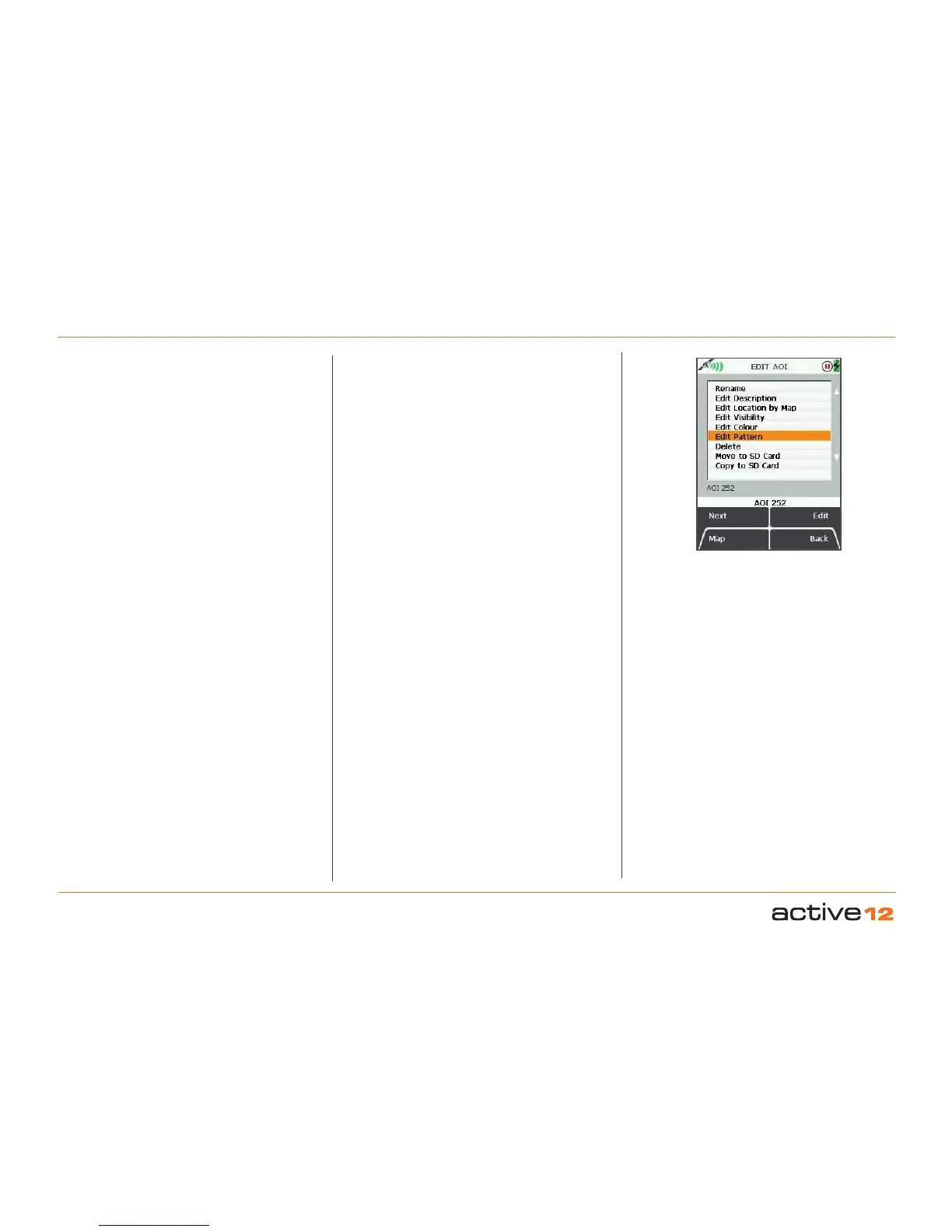
To access the EDIT AOI menu, highlight the AOI
to be edited in the OOI Folders, and press Edit or
centre press the joystick. Scroll up/down using the
Next button or the joystick. The current setting for
the highlighted option is shown under the window.
In selecting either Rename or Edit Description you
will bring up an on-screen keypad. When using the
keypad for labelling, either press Select or centre
press the joystick to select entries.
The menu options on the Edit AOI screen are as
follows;
• Rename
• Edit Description*
• Edit Location by Map
• Edit Visibility
• Edit Colour
• Edit Pattern
• Delete
• Move to SD Card**
• Copy to SD Card**
Buttons:
Next
Move down to next option
Map
Return to GPS MAP screen
Edit
Either press Edit button or centre press joystick to
access alpha-numeric keypad for labelling.
Note: This button changes depending on the option
selected. Other options include Rename, Delete,
Move, Copy.
Back
Return to OOI Folders
The 'Edit Description' option is only available if the
existing description has 128 characters or less (e.g.
Externally imported descriptions from geocaches etc.
with more than 128 characters cannot be edited).
The last two options on the list become available only
when an SD card has been inserted and is not write-
protected.
*
**
EDIT AOI
options



 To Next Page