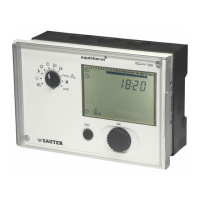
EQJW145:
Heating controller
Commissioning
7010015003 A
15
© Fr. Sauter AG
3 Commissioning
3.1 Operating the device for the first time
When you operate the equitherm
EQJW 145 for the first time, you must set
the date and time. Essentially, once this is done, the controller is ready for
use. However, depending on the application, it may be necessary to change
further settings after this.
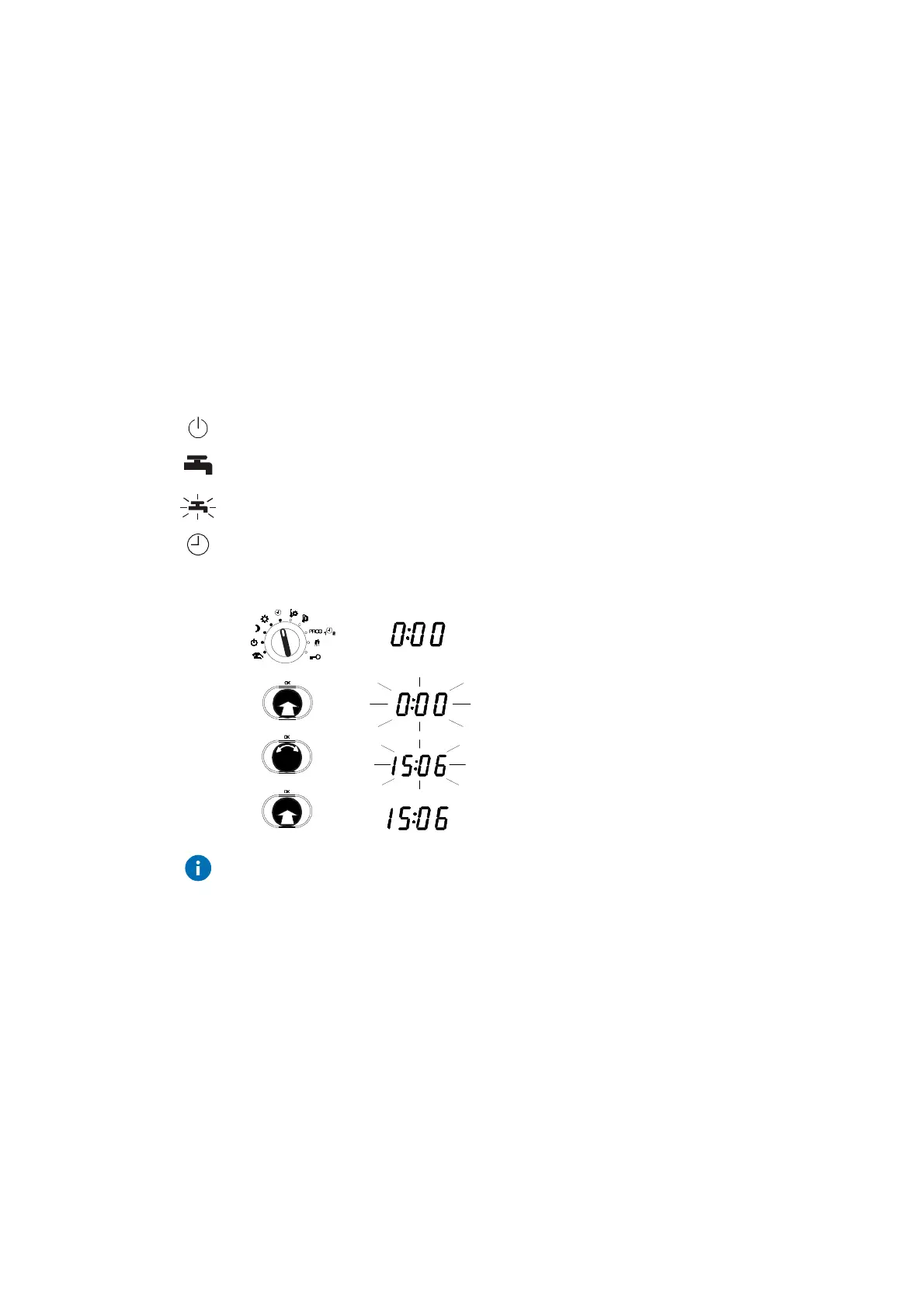
3.1.1 Setting the time
To enable you to set the time, you must first move the bottom rotary switch
into one of the following positions (see 4.1):
Off mode
Continuous heating to normal DHW temperature
Continuous heating to increased DHW temperature
Automatic mode
1. Set the top rotary switch to automatic mode.
•
The time is shown.
2. Press the input knob.
•
the time flashes ...
3. Turn the input knob.
•
The time is set.
4. Press the input knob again.
•
The new time is confirmed.
If several devices are connected to each other via a device bus (see 3.4.4)
and you set the clock on one device, the time and date are also set on all the
other devices.
Procedure



 To Next Page