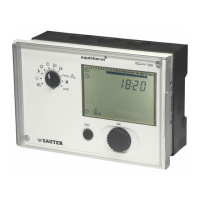
EQJW145:
Heating controller
Operation
7010015003 A
51
© Fr. Sauter AG
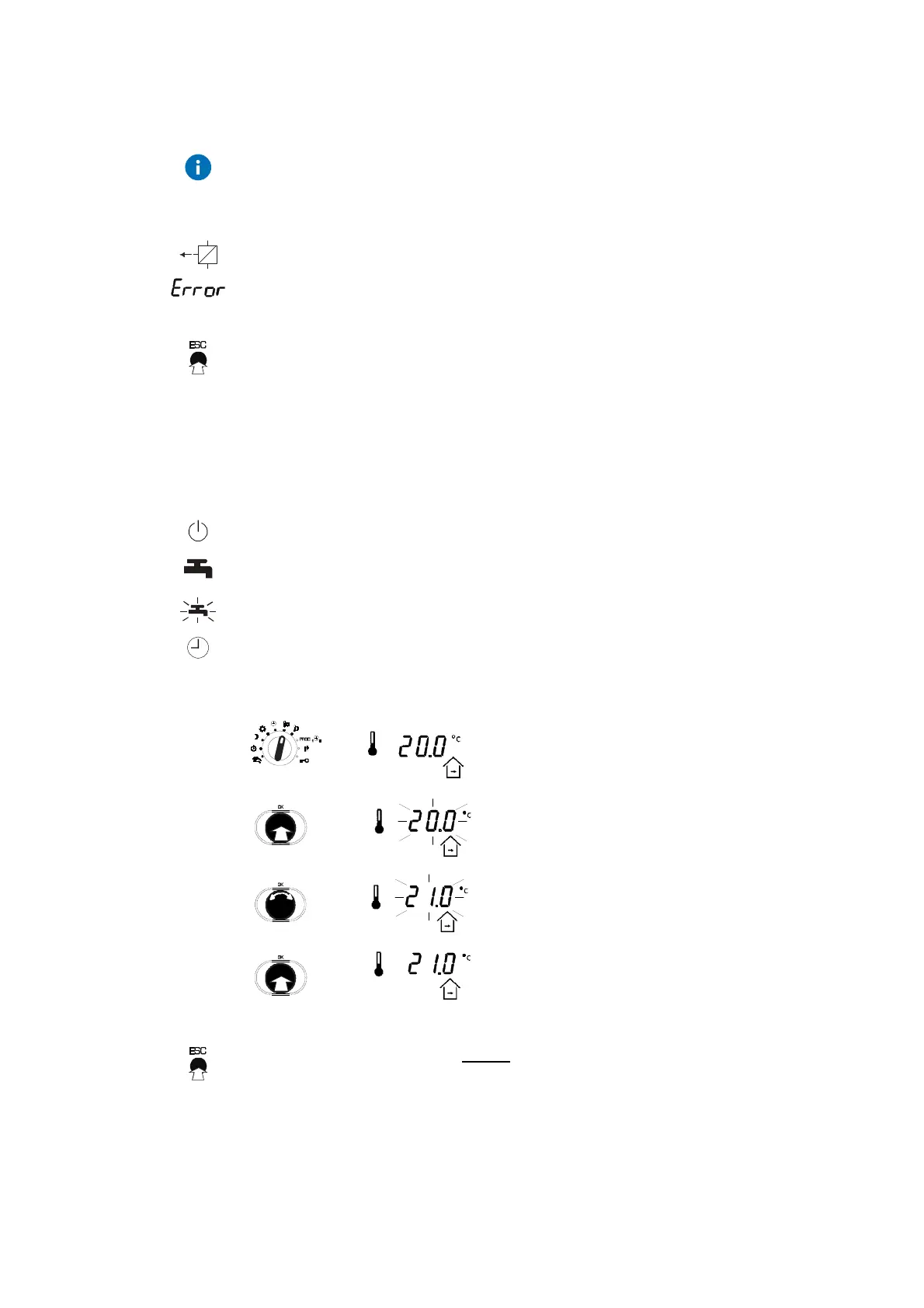
You can also turn the knob in the opposite direction to scroll backwards
through the displays. In some cases, more displays can be added to the
display loop, e.g.
Show setpoint and actual value for return temperature
The display (see 7), can be added in case of a fault A display of the
connection status can be added for modem operation (see 6.4)
Press the ESC button once to go directly to the time display.
4.2 Entering the setpoint temperature in normal mode
To enter setpoints, the bottom rotary switch must be moved to one of the
following positions (see 4.1).
Off mode
Continuous heating to normal DHW temperature
Continuous heating to increased DHW temperature
Automatic mode
1. After you select the position for the upper
rotary switch, the current room setpoint
temperature for nominal mode is shown.
•
Push the input knob and the numerical
value will flash...
•
... and you can now change it by turning it
upwards or downwards (step value:
0.1°C).
2. Push the input knob again to confirm the
changed numerical value.
Press the ESC button once before confirming to cancel the input. The old
value is retained.



 To Next Page