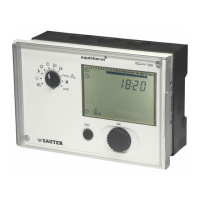
EQJW145:
Heating controller
Operation
7010015003 A
57
© Fr. Sauter AG
4.6 Temporary temperature change for the heating circuit
Before a temporary temperature change for the heating circuit can be
implemented, ensure that the bottom rotary switch is in one of these positions
(see 4.1).
Off mode
Continuous heating to normal DHW temperature
Continuous heating to increased DHW temperature
Automatic mode
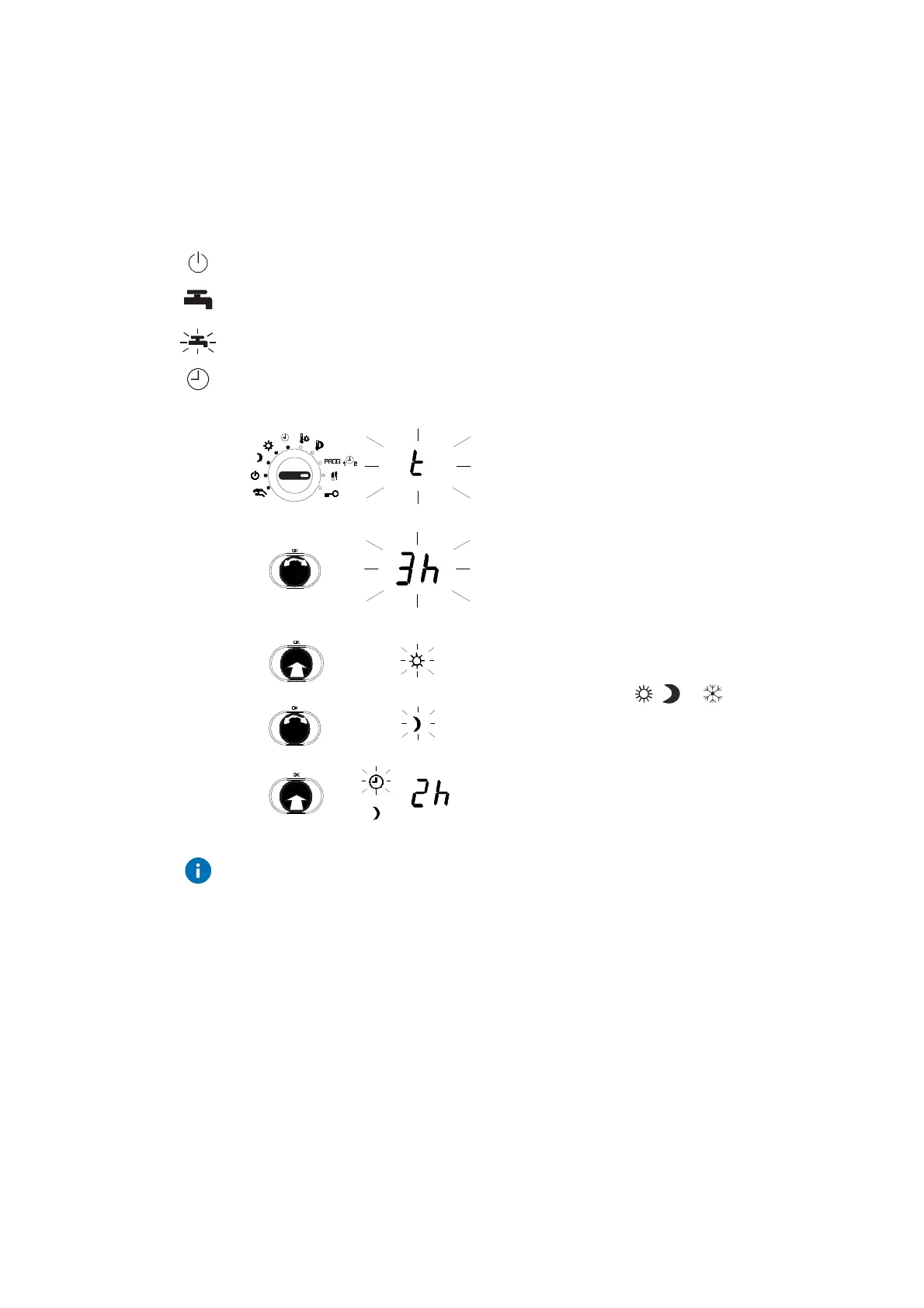
1. Set the top rotary switch to the party symbol.
2. Turn the input knob. set the duration for the
temperature change (h= hours, d=days, t= until
the next switching command, minimum 2 h)
3. Push the input knob.
•
The duration is confirmed.
4. Turn the input knob.
5. Select the mode (
, or ).
6. Push the input knob.
7. Confirm the mode.
Use the ESC button or set the top rotary switch to another position to cancel
the temporary temperature change function.
As the time elapses, the remaining time is shown in days, hours or minutes.
After the limited temperature change, the heating circuit is controlled as per
automatic mode again.
Procedure



 To Next Page