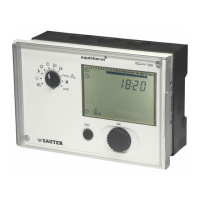
EQJW145:
Heating controller
Commissioning
16 7010015003 A
© Fr. Sauter AG
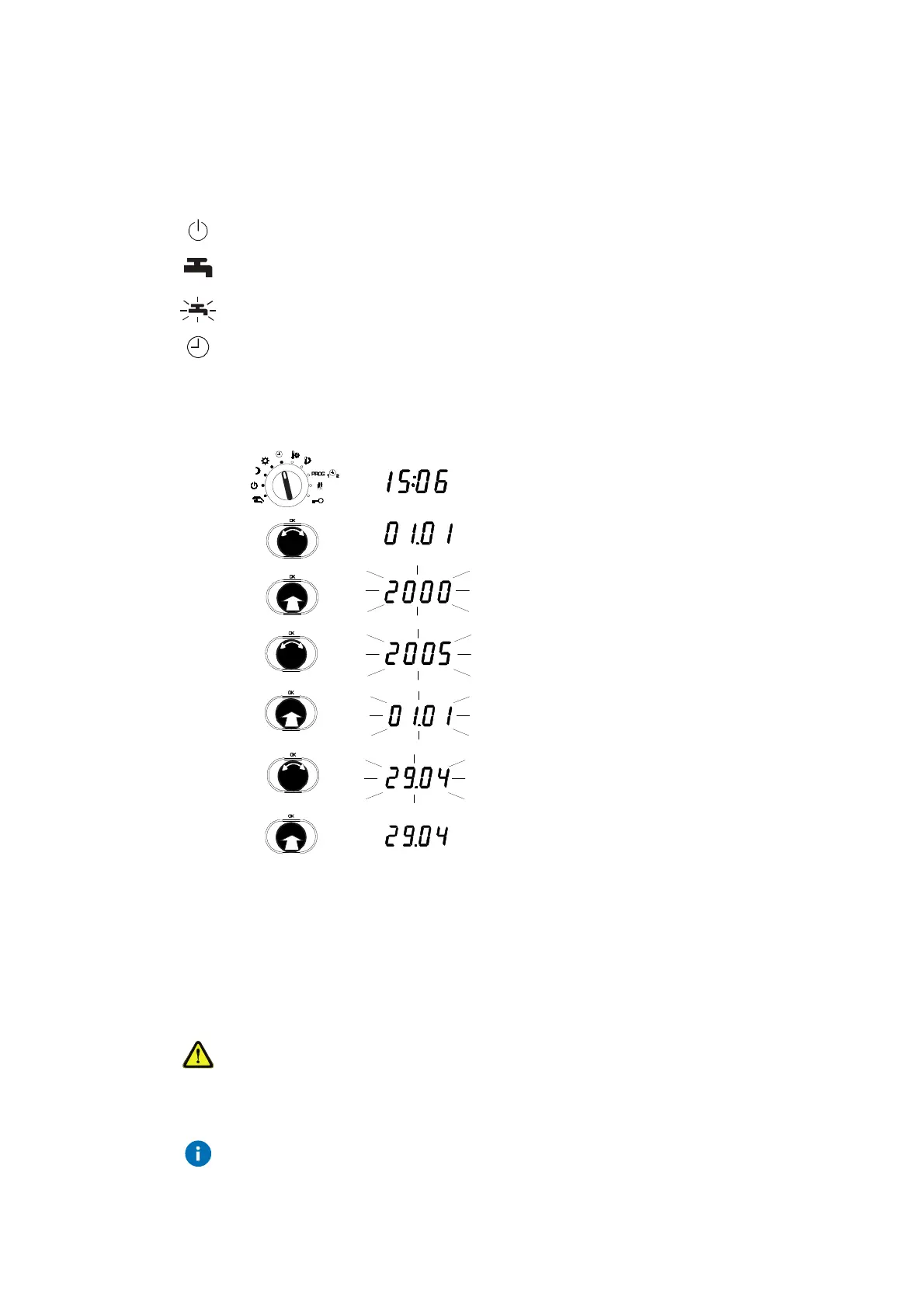
3.1.2 Setting the date
To enable you to set the date, you must first move the bottom rotary switch
into one of the following positions (see 4.1):
Off mode
Continuous heating to normal DHW temperature
Continuous heating to increased DHW temperature
Automatic mode
1. Set the top rotary switch to automatic mode.
•
The time is shown.
2. Turn the input knob until the date is displayed
(day/month and year are shown alternately).
3. Press the input knob.
•
The number of the year flashes...
4. Turn the input knob.
•
The year is changed.
5. Press the input knob.
•
The year is confirmed and the day/month
is shown.
6. Turn the input knob.
•
The date is changed.
7. Press the input knob,
•
The new date is confirmed.
3.2 Commissioning level
In commissioning level, a specialist can perform the basic settings on the
GZP which are important for commissioning. Direct access to specified
service parameters is enabled.
Incorrect parameterisation (setting) of the heating controller
It can cause major faults or damage to the installation.
The commissioning level must only be enabled by a specialist.
Some of the parameters cannot be changed. They can only be viewed
(version number, status information).
Procedure



 To Next Page