EQJW145:
Heating controller
Operation
62 7010015003 A
© Fr. Sauter AG
4.9 Weekly switching programme for pilot timer/circulating pump
The weekly switching programme is repeated every week. It comprises up to
48 switching commands (six for each day and a further six for the whole
week) with the associated operating modes, which can be entered in a 10-
minute raster. The switching commands can be amended individually and are
captive. One switching command can be valid either daily (1-7) or on a
certain day of the week (Mon=1, Tue=2 etc.). If there is a switching command
on a certain day of the week (Mon, Tue etc.), then the daily switching
command (1-7) does not apply on that particular day. An 'empty' switching
programme is interpreted as a switching programme with the normal
operating mode.
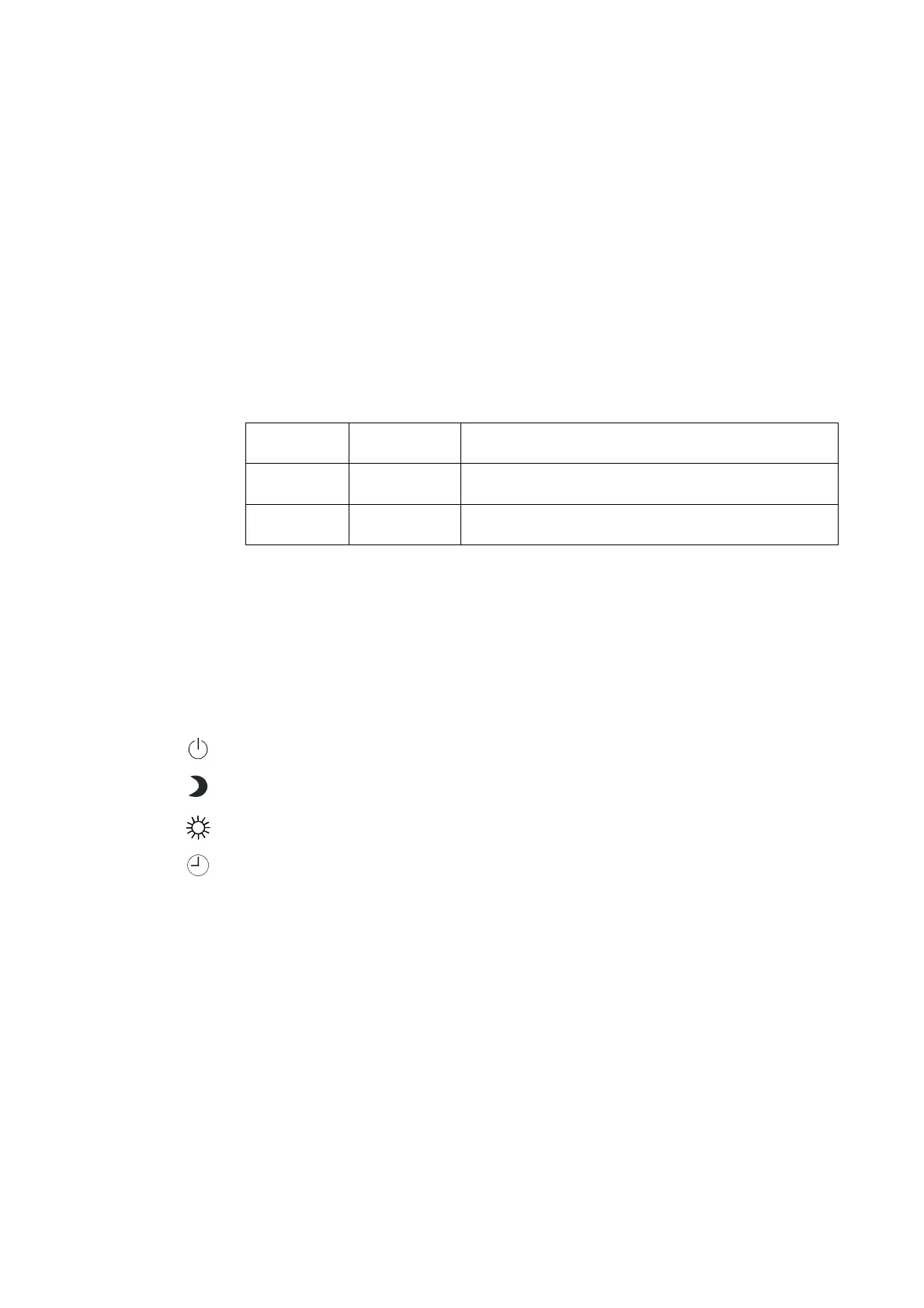
The factory setting for the weekly switching programme is as follows:-
Day Time Mode
Daily 06:00 Normal mode
Daily 22:00 Reduced mode
It is advisable to record any changes made to the weekly switching
programmes in the relevant table in the section entitled 'Overview of
controller settings'.
Before the weekly switching programme can be called up, viewed or edited,
the user should carefully check that the upper rotary switch is in one of the
following positions (see 'Operating modes'):
Back-up mode
Reduced mode
Normal mode
Automatic mode
The weekly switching programme works only if the relevant output has been
configured as a pilot timer or for activating a circulating pump (see SP 49).
The weekly switching programme can be viewed and edited regardless of
how the output is configured.



 To Next Page