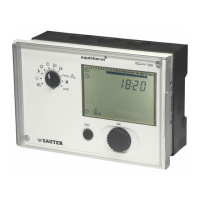
EQJW145:
Heating controller
Operation
48 7010015003 A
© Fr. Sauter AG
Continuous heating to increased DHW temperature – tank is kept at
increased DHW temperature
Automatic mode – hot water preparation automatically changes the mode
according to the weekly programme that has been set. Automatic mode
should be selected in normal cases.
The right-hand positions of the bottom rotary switch allow you to change the
device settings. In these positions, the controller operates in automatic mode.
Setpoint adjustment for increased DHW temperature
Setpoint adjustment for normal DHW temperature
Enter weekly switching programme for domestic hot water
Enter switching programme for configurable output (output terminal 8)
One-off domestic hot water heating.
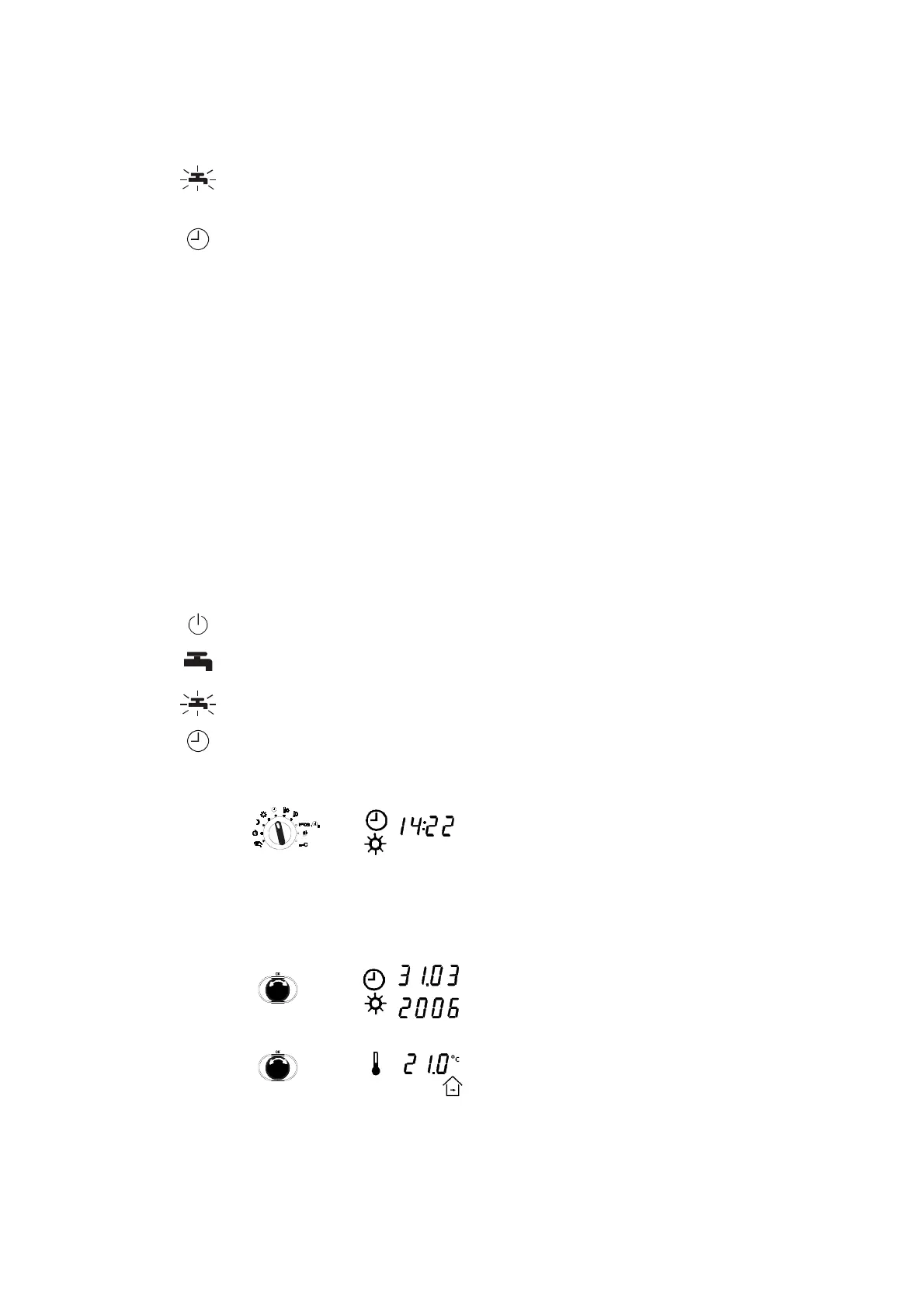
4.1.1 Displays when automatic mode is set
To show the various displays described below, the bottom rotary switch must
be moved to one of the following positions (see section 4.1).
Off mode
Continuous heating to normal DHW temperature
Continuous heating to increased DHW temperature
Automatic mode
1. After you select the position for the top rotary
switch, the current time appears. The current
operating status (here: sun for normal mode =
daytime operation) and the current status of
the outputs are shown on the lower margin of
the display (not illustrated here, see section
2.5)
2. Turn the input knob clockwise to show the
date. The numbers of the month/day and year
alternate continuously in the display.
3. Turn the knob clockwise again to see the room
setpoint temperature (only if a room sensor is
present),



 To Next Page