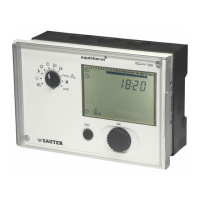
EQJW145:
Heating controller
Operation
7010015003 A
63
© Fr. Sauter AG
4.10 Calling up the weekly switching programme
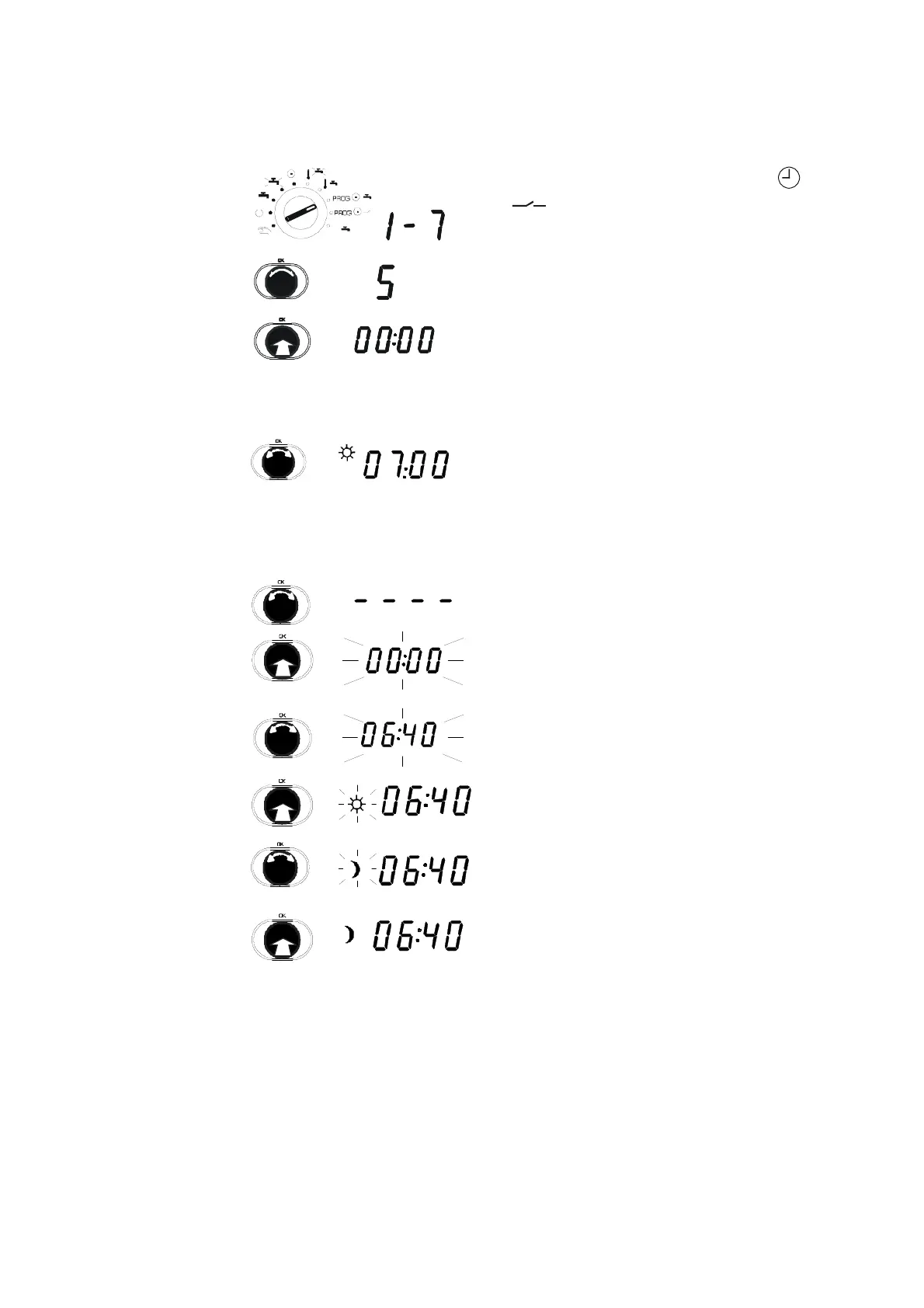
1. Set the bottom rotary switch to PROG
.
2. Turn knob.
3. Select day of the week (1=Monday, 2=
Tuesday, 1 - 7 daily).
In this example, 5 = Friday was chosen.
4. Press knob.
•
The first switching command for that day
(or the whole week) is shown.
4.10.1 View switching command
Turn knob.
•
Each switching command is shown.
•
An empty switching command is indicated
by '_ _ _ _'.
4.10.2 Enter switching command
1. Turn knob to the next empty switching
command
2. Press knob.
•
New switching command is shown.
3. Turn knob.
•
Time for the switching command changes.
4. Press knob.
•
Time for the switching command is
confirmed.
5. Turn knob.
6. Select operating mode for the switching
command.
7. Press knob.
•
Operating mode is confirmed.
1
x



 To Next Page