01:03-02
©
Scania CV AB 2011, Sweden
31
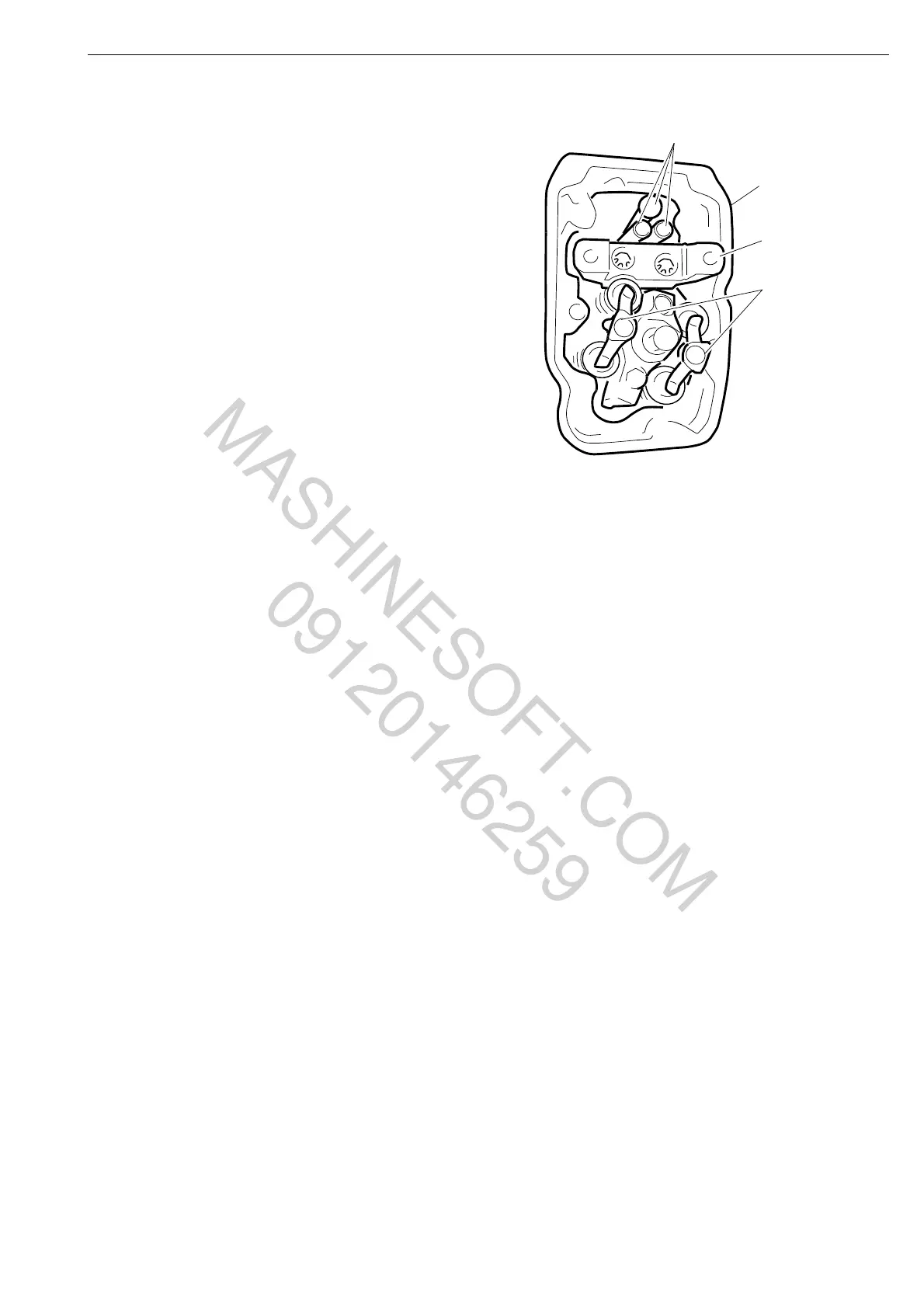
5 Remove the bearing bracket.
6 Remove the pushrods.
7 Remove the valve bridges.
8 Remove the lower rocker cover.
9 Remove the unit injector according to the
section Removing the unit injector in
booklet 03:04-04.
10 Detach the intake manifold, fuel manifold,
cooling system bleed pipe and the exhaust
manifold.
11 Remove the cylinder head. Mark the
cylinder heads if more than one is being
removed at the same time.
Cylinder head
MASHINESOFT.COM
09120146259



 To Next Page