94
©
Scania CV AB 2011, Sweden
01:03-02
Checking the connecting rod
Specifications
Connecting rod and bearing cap marked 1 to 6.
Tools
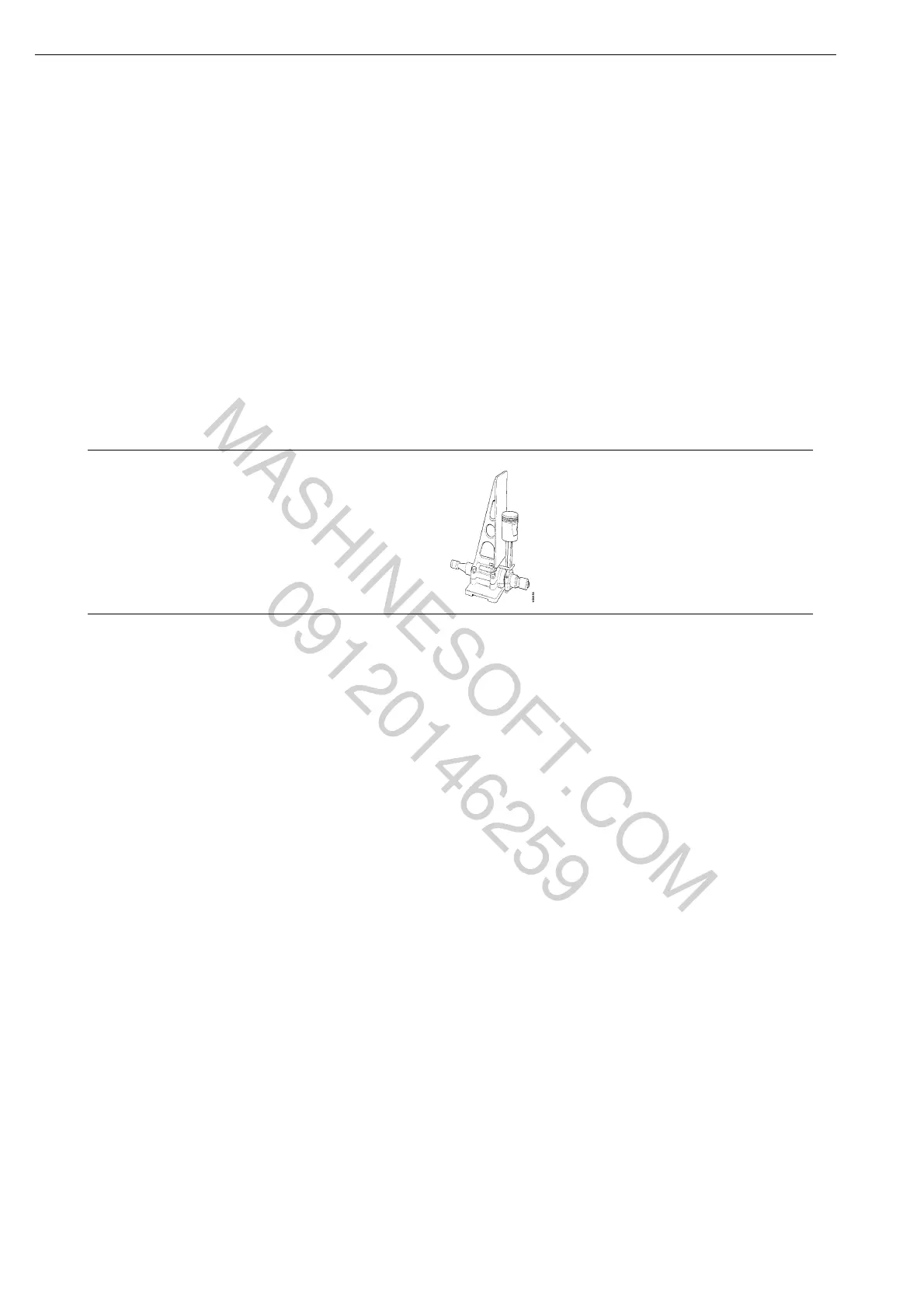
Check the connecting rods using tool 587 110.
Check that the gudgeon pin bush is undamaged
and then proceed as follows:
1 Fit the connecting rod cap as marked and
tighten the bolts.
2 Mount the connecting rod in the tool using
the expander and fit the corresponding
gudgeon pin in the gudgeon pin bush.
3 Then apply the indicator to the gudgeon pin.
Connecting rod cap with 4 bolts 20 Nm+90°
Connecting rod cap with 2 bolts 50 Nm+90°
Number Denomination Illustration Tool board
587 110 Test apparatus -
Crank mechanism
MASHINESOFT.COM
09120146259



 To Next Page