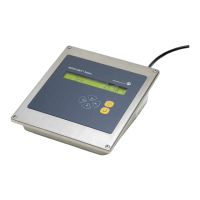
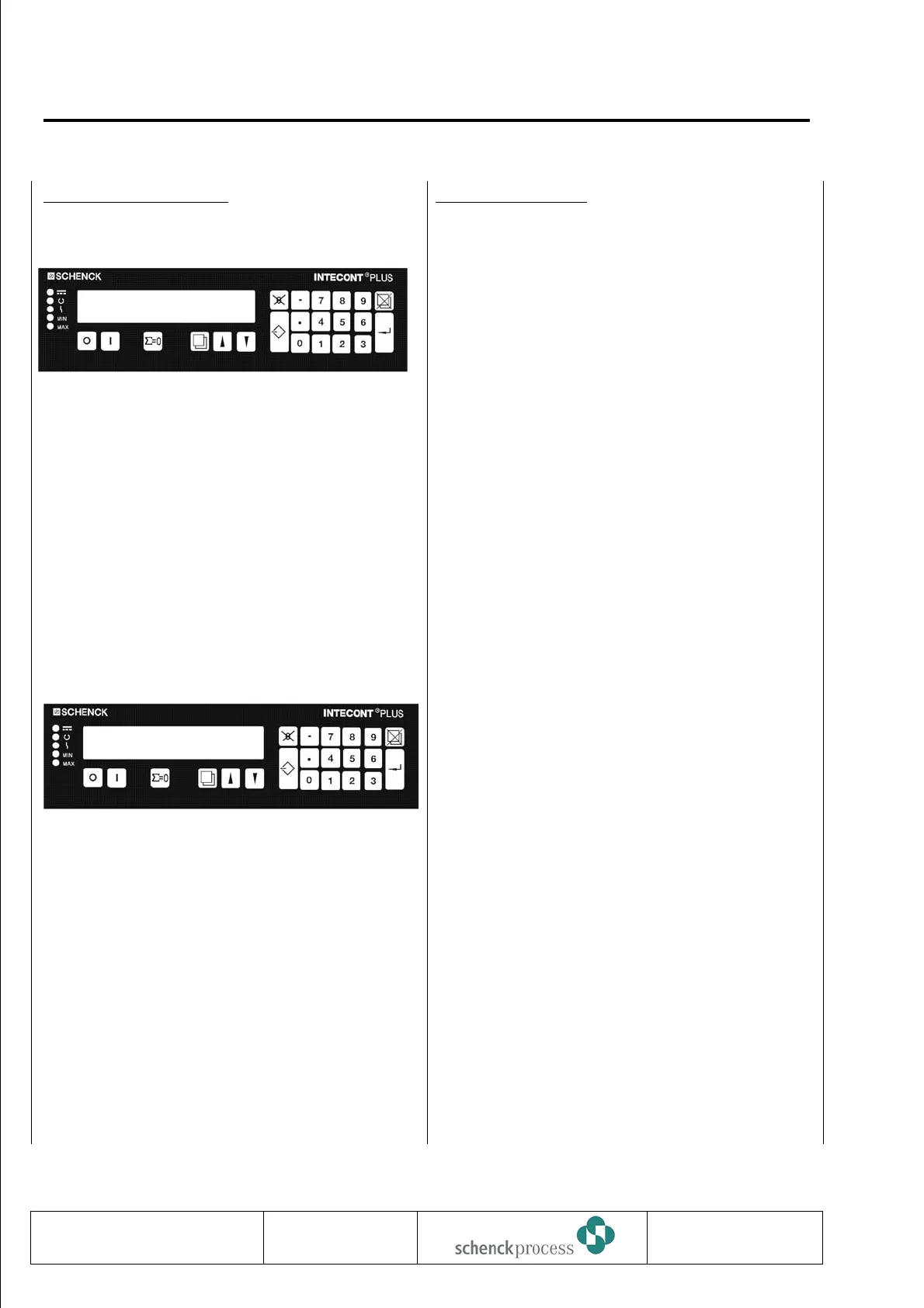
Preselect Parameters
1. Block letter
TU Move through blocks A, B ..., up and
down.
Block letter flashes.
f Select block.
Parameter selected last is
displayed.
2. Parameter number
TU Move through parameter numbers
within a block.
Parameter number flashes.
f Move through parameter numbers
independent of block (UP only).
NN Return to block titles.
Return to normal mode.
Enter Parameters
P Prepare input.
TU Selection parameters:
Value flashes.
Scroll desired value into lower
display field.
46 Go to the left (4) or to the right (6),
see “Hardware Configuration”.
B9 Numeric parameters:
Feature----------------
Enter value using keypad.
f Acknowledge input.
Next parameter is displayed.
O Delete digits.
N Abort input.
OFF key 0 is active always; ON key I, only after
completed parameter input.
0837
VBW INTECONT PLUS
Parameterization
BV-H2214 GB 44
Technische
Redaktion PDE-RD
Transmission to third parties and reproduction of
this documentation are not permitted. Schenck
Process GmbH reserves all rights of ownership
and copyrights.
Rated Data
Block: B
Nominal Feed Rate
B02 10000.0 kg/h


 To Next Page
 Loading...