8.11
Date Code 20170601 Instruction Manual SEL-387-0, -5, -6 Relay
Front-Panel Interface
Pushbuttons
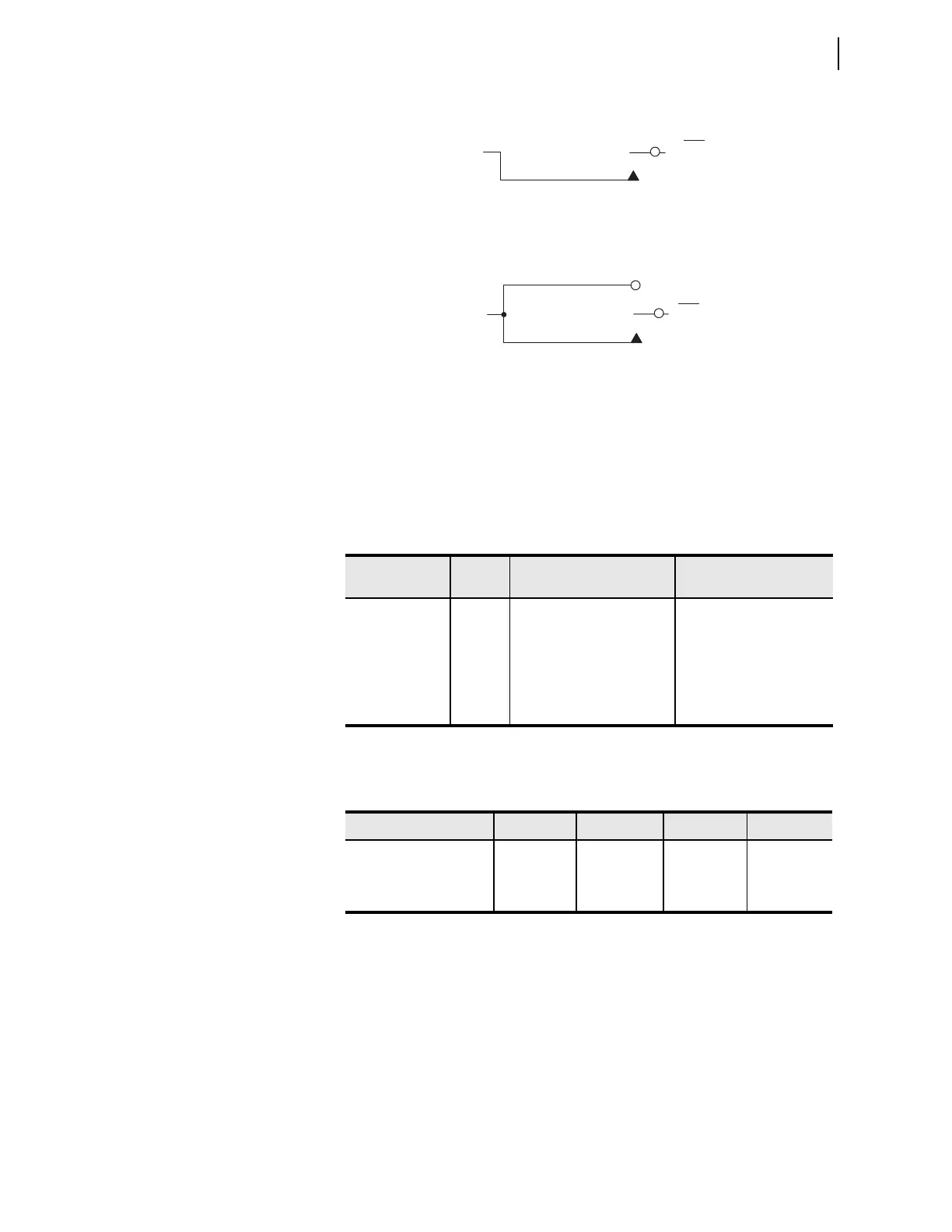
Figure 8.3 Local Control Switch Configured as an OFF/MOMENTARY Switch
Figure 8.4 Local Control Switch Configured as an ON/OFF/MOMENTARY
Switch
Local control switches are created by making corresponding switch position
label settings. These text label settings are set with the SET command or
viewed with the SHO command via the serial port. Refer to SHO (Show
Group 1—6 Settings) on page 7.29.
Note the first setting in Table 8.1 (NLBn) is the overall switch name setting.
Disable local control switches by “nulling out” all the label settings for that
switch. The local bit associated with this disabled local control switch is then
fixed at logical 0.
Table 8.1 Correspondence Between Local Control Switch Positions and Label
Settings
Switch Position
Label
Setting
Setting Definition Logic State
not applicable NLBn Name of
Local Control Switch
not applicable
ON SLBn “Set” Local bit LBn logical 1
OFF CLBn “Clear” Local bit LBn logical 0
MOMENTARY PLBn “Pulse” Local bit LBn logical 1 for
one processing interval
Table 8.2 Correspondence Between Local Control Switch Types and Required
Label Settings
Local Switch Type Label NLBn Label CLBn Label SLBn Label PLBn
ON/OFF X X X
OFF/MOMENTARY X X X
ON/OFF/MOMENTARY X X X X
Logical 1
LBn
(n = 1
through 16)
Relay
Word
Bit
OFF position
(logical 0)
MOMENTARY
position
Logical 1
LBn
(n = 1
through 16)
Relay
Word
Bit
ON
position
OFF
position (logical 0)
MOMENTARY
position



 To Next Page