2 Installation
2--7
F--9999--8 Build 8 Issue 1
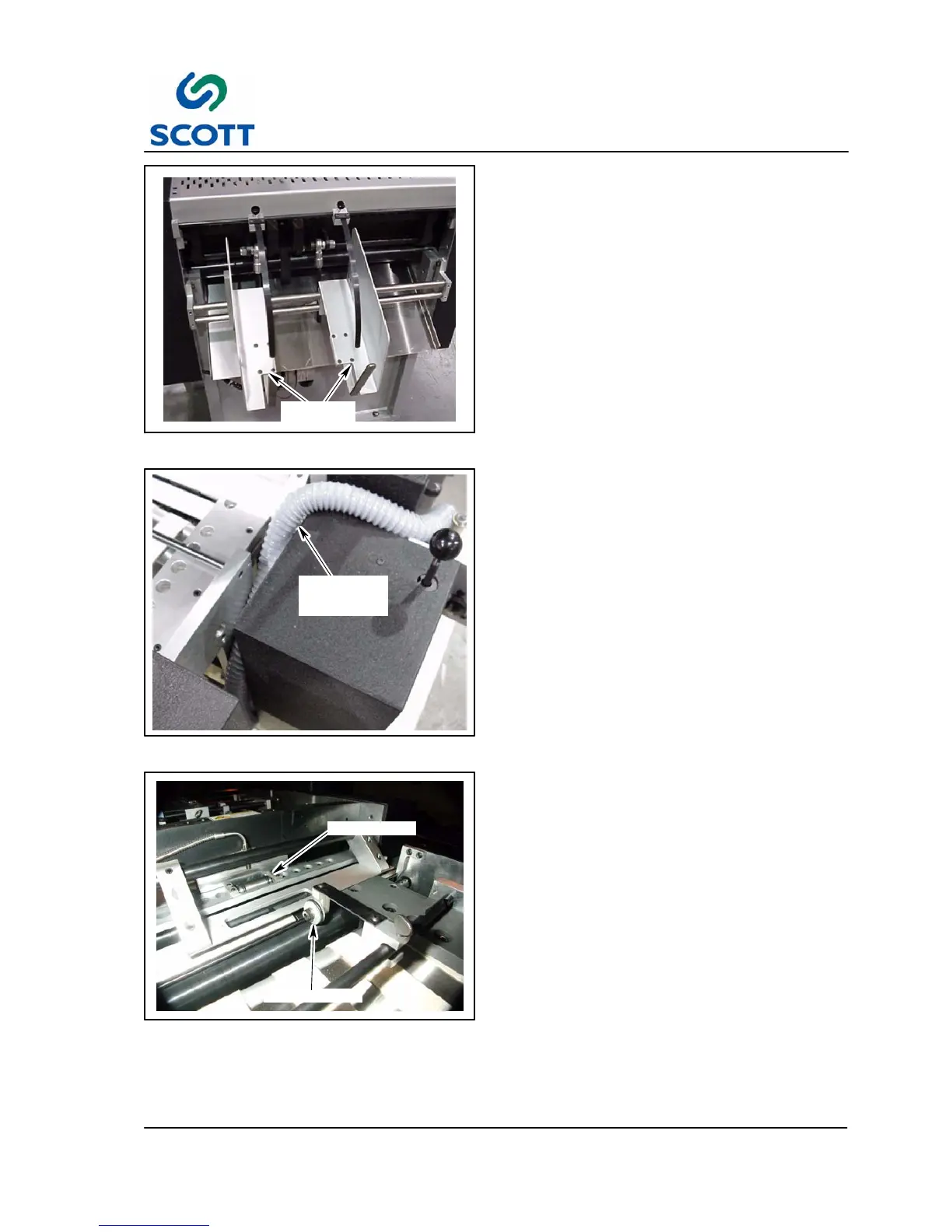
PAPER
CATCHER
Fig. 2-7. Install Paper Catcher
Step: 10.Install paper catcher parts.
VACUUM
CANISTER
HOSE
Fig. 2-8. Release Hose
Step: 11. Crank the Plastic Position handwheel to
release the vacuum canister hose. (See
Fig. 2-3. for Plastic Position Handwheel
location)
DRIVE ROLLER
HUB ROLLER
Fig. 2-9. Install Drive Roller
Step: 12.Install Drive Roller. Align drive roller to
the center of the hub roller on platen unit.
This is used to assist short sheets into
the platen unit.



 To Next Page