Operating Instructions – Electronic Motor DRC.-..-SNI
37
4
Drive units with optional ASEPTIC / ASEPTICplus design
Mechanical Installation
DRC electronics
cover
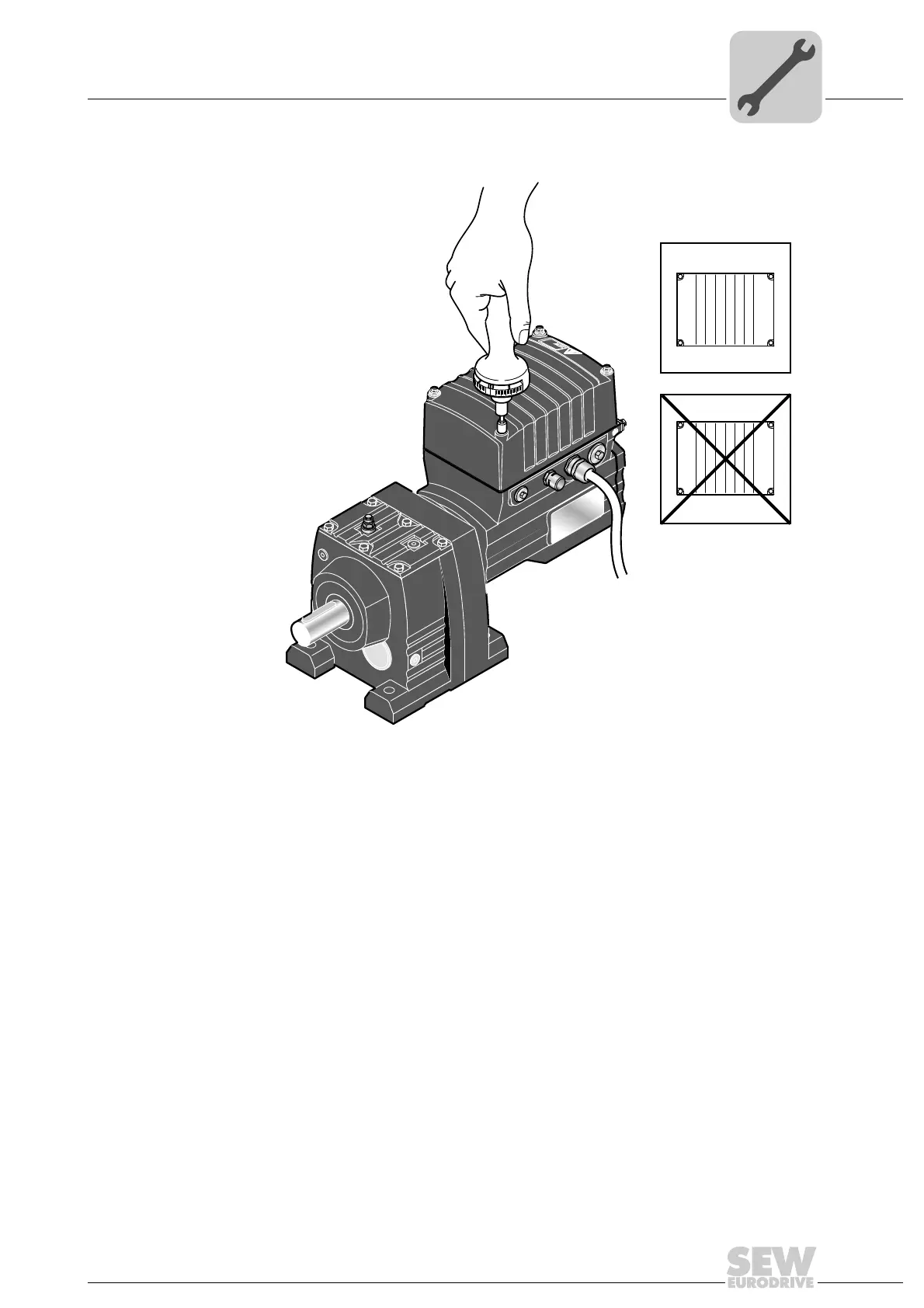
Proceed as follows when installing the DRC electronics cover:
Steps 1. Fix the DRC cover in position on the connection box with a tightening torque of 2 Nm
2. Tighten screws diagonally with 4 Nm.
3. Tighten screws with 6 Nm.
4768799755
MOVIGEAR
®
B
SNI
1
2
4
3
4
2
3
1



 To Next Page