Operating Instructions – Electronic Motor DRC.-..-SNI
81
6
Starting up the GIO13B application option
Startup
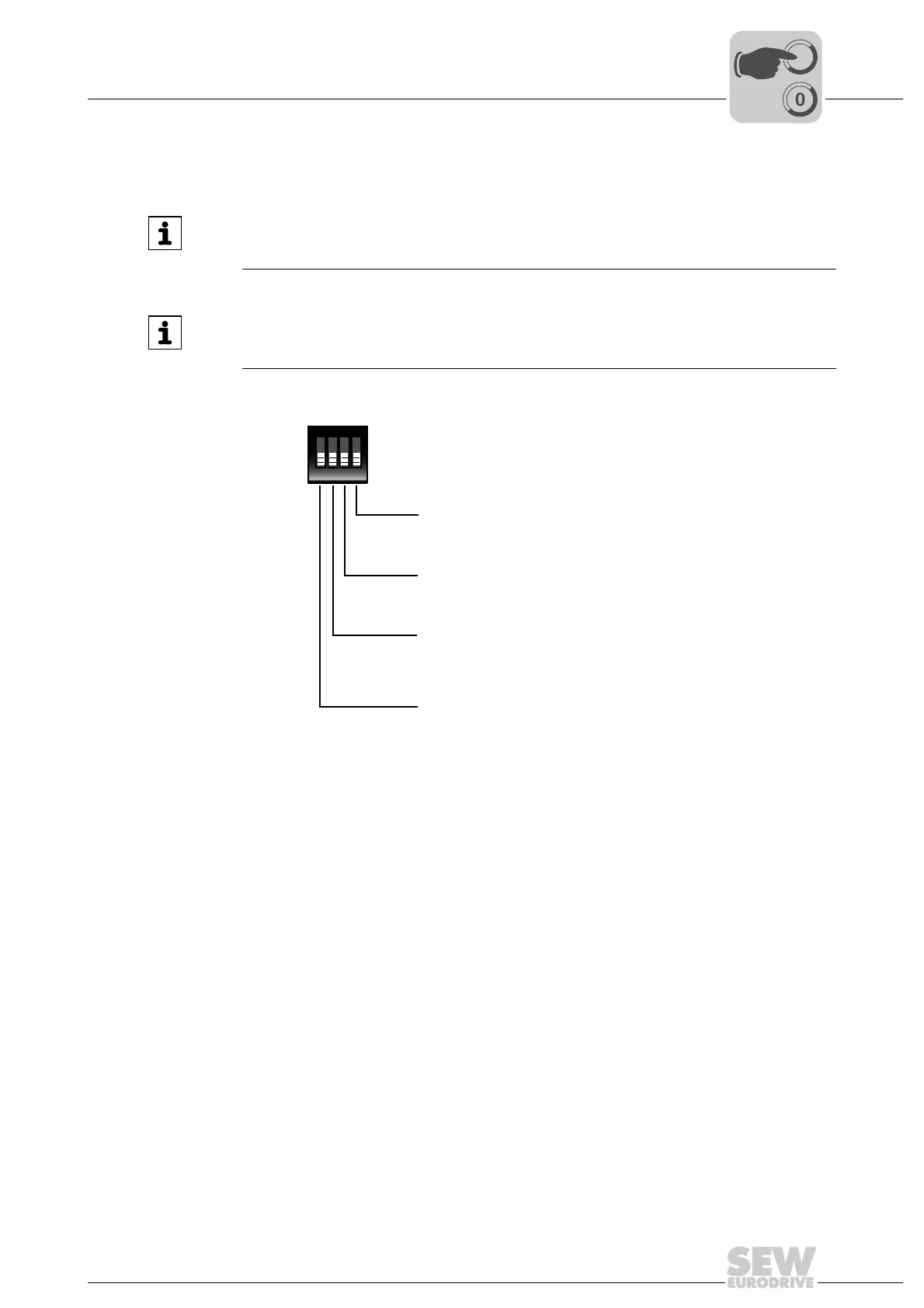
DIP switch S3 The following figure shows the possible settings for DIP switch S3:
INFORMATION
If the current input mode is set with DIP switch "S3/3 = ON", the current resistor must
be activated with DIP switch "S3/4 = ON".
INFORMATION
Important: Setting DIP switch S3/2 to "ON" will overwrite any IPOS program on the
command pcb.
9007201137839115
ON DIP
1234
S3
S3/4: Analog input current resistor
ON = Enabled
OFF = Disabled
S3/3: Analog input mode
ON = Current input
OFF = Voltage input
S3/2: IPOS download
ON = Download of IPOS program to the command pcb
and start of IPOS program
OFF = No action
S3/1: Primary frequency input mode
ON = Track A/B
OFF = Track A



 To Next Page