EasyManua.ls Logo

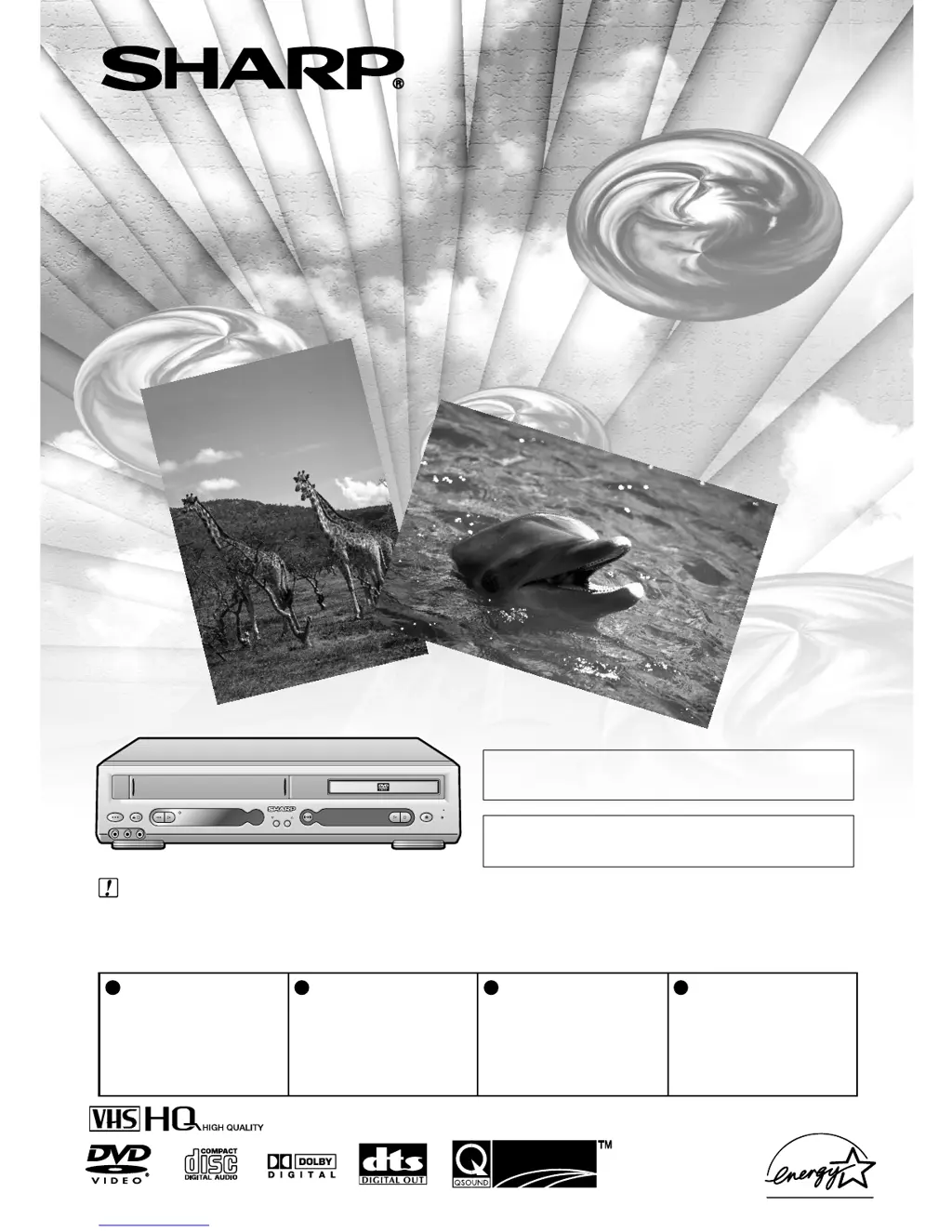
Sharp DV-NC55U - User Manual

Sharp DV-NC55U
120 pages
Print Icon
To Next Page IconTo Next Page
Loading...
Please read this Operation Manual carefully
before using your Unit.
Instrucciones importantes de seguridad y guía
rápida de operación en español Página 105
QSURROUNDQSURROUND
REW
PLAY
STANDBY
CH(
TRACKING
)
/
POWER
EJECT/ STOP
PLAY STOP
OPEN/
CLOSE
VCR DVD
(AV 1 )
L(MONO)-AUDIO-RAV 2 IN VDEO
VCR/DVD COMBINATION
MODEL
DV-NC55U
OPERATION MANUAL
IMPORTANT /
IMPORTANTE
For VCR Function
EZ SET UP
(AUTO CHANNEL /CLOCK SET UP)
EZ SET UP
(PROGRAMACIÓN AUTOMÁTICA DE CANAL/PUESTA EN HORA DEL RELOJ)
1
Connect Antenna/Cable
to Unit first.
En primer lugar conecte
la antena/el cable a la
unidad.
2
Then, plug into AC Power
Outlet.
A continuación,
enchúfelos al
tomacorriente de CA.
3
Do not press the POWER
button until completion of
EZ Set Up.
No pulse el botón de
ALIMENTACIÓN
(POWER) hasta haber
terminado la EZ SET UP.
4
EZ SET UP complete.
EZ SET UP completo.
Detail: Please see page 26
Detalle: véase la página 26

Table of Contents

Other manuals for Sharp DV-NC55U

Questions and Answers

  • R
    Rachel McmillanAug 21, 2025
    What to do if the Sharp VCR remote control does not work?
    • R
      Rebecca KellerAug 21, 2025
      If the Sharp VCR remote control isn't working, check these things: Ensure the batteries are correctly loaded and not flat. Make sure the remote's signal emitter is pointed at the unit and is not too far away, and that there are no obstacles blocking the signal. Also, verify that the VCR/DVD CHANGE Switch is correctly set.
  • J
    James GordonSep 3, 2025
    What to do if a cassette cannot be loaded into my Sharp VCR?
    • M
      Ms. Kimberly CollierSep 3, 2025
      If a cassette cannot be loaded into your Sharp VCR, ensure that there is no other cassette inside. Also, make sure the cassette is properly positioned, and then reinsert it.
  • F
    Frederick ChavezSep 1, 2025
    What to do if there is no tape movement in my Sharp DV-NC55U VCR?
    • M
      Megan LarsenSep 1, 2025
      If there is no tape movement in your Sharp VCR, first ensure that the VCR is not in PAUSE/STILL mode. Also, make sure the tape has not reached the end or beginning.
  • A
    Alvin JonesAug 31, 2025
    Why does timer recording not work on my Sharp DV-NC55U?
    • C
      Christine ContrerasAug 31, 2025
      If timer recording isn't working on your Sharp VCR, a power failure may have occurred. If the clock display is blinking, set the clock and try again.
  • A
    Allison NortonAug 29, 2025
    Why my Sharp DV-NC55U does not record?
    • J
      jamesstanleyAug 29, 2025
      If your Sharp VCR isn't recording, check if the cassette erasure protection tab is removed. If it is, either use a different cassette or place adhesive tape over the tab opening. Also, make sure there is a cassette loaded in the unit.
  • C
    cheryl26Aug 27, 2025
    What causes no picture during playback on a Sharp DV-NC55U?
    • C
      Christine HuertaAug 28, 2025
      If no picture appears during playback on your Sharp VCR, ensure that the TV is set to the same channel as the Unit’s 3 ? 4 OUTPUT CHANNEL selector. Also, check all connecting cables.
  • W
    Walter RowlandAug 27, 2025
    Why is there no picture on my Sharp DV-NC55U VCR?
    • Y
      yodermichaelAug 27, 2025
      If there is no picture on your Sharp VCR, check whether the VCR/DVD SELECTOR is correctly set.
  • A
    Alicia MooreAug 25, 2025
    What to do if my Sharp DV-NC55U does not operate?
    • C
      Carrie SmallAug 25, 2025
      If your Sharp VCR isn't operating, first, ensure that the power is turned on. Then, try pressing the EJECT button several times. If it still doesn't work, unplug the unit and plug it back in after a few minutes; a safety device might be functioning.
  • K
    Kristy HodgesAug 23, 2025
    How to troubleshoot a Sharp VCR with no power?
    • S
      Shelby LarsonAug 23, 2025
      If your Sharp VCR has no power, check if the power cord is properly connected to both the VCR and the power outlet. As a safety measure, unplug the VCR from the power outlet briefly, and then plug it back in.

Sharp DV-NC55U Specifications

General IconGeneral
BrandSharp
ModelDV-NC55U
CategoryVCR
LanguageEnglish

Related product manuals