34
8014084/ZWT7/V3-1/2020-06 | SICKOPERATING INSTRUCTIONS | TRANSIC111LP
Subject to change without notice
4 OPERATION
4.3 Settings using the keypad
4.3.1 Short description: Input of settings using the keypad
▸ Buttons Up or Dn serve to open and scroll through the menu.
▸ Button Enter activates the functions.
▸ Button Back cancels a process.
▸ Use the Up/Dn buttons to enter numeric values when no other method is specified:
– Press Up to increment a digit by one.
– Press Dn to toggle through the digits in the display.
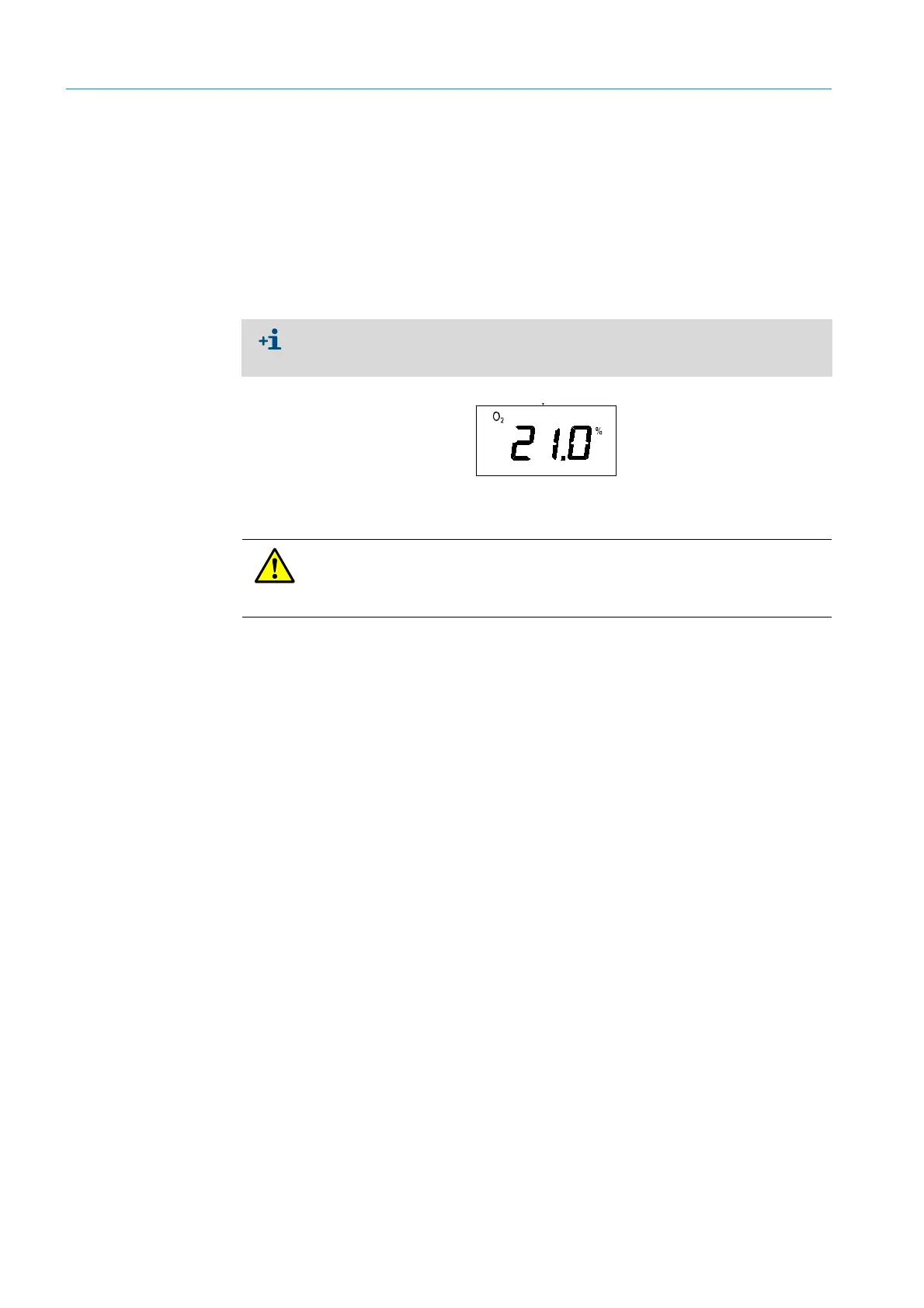
Fig. 16: Blinking display
4.3.2 Safety information on using the password:
The menu items are shown in the following Sections “Menu navigation without
password authorization” and “Menu navigation with password authorization” as they
appear in the menu navigation.
DANGER: Severe consequences when parameters are changed without
authorization
Unauthorized changing of parameters can have severe consequences. This is why the
password is only available for authorized technicians.



 To Next Page